
Hardware
Beautiful on the counter.
Unbreakable on a Friday.
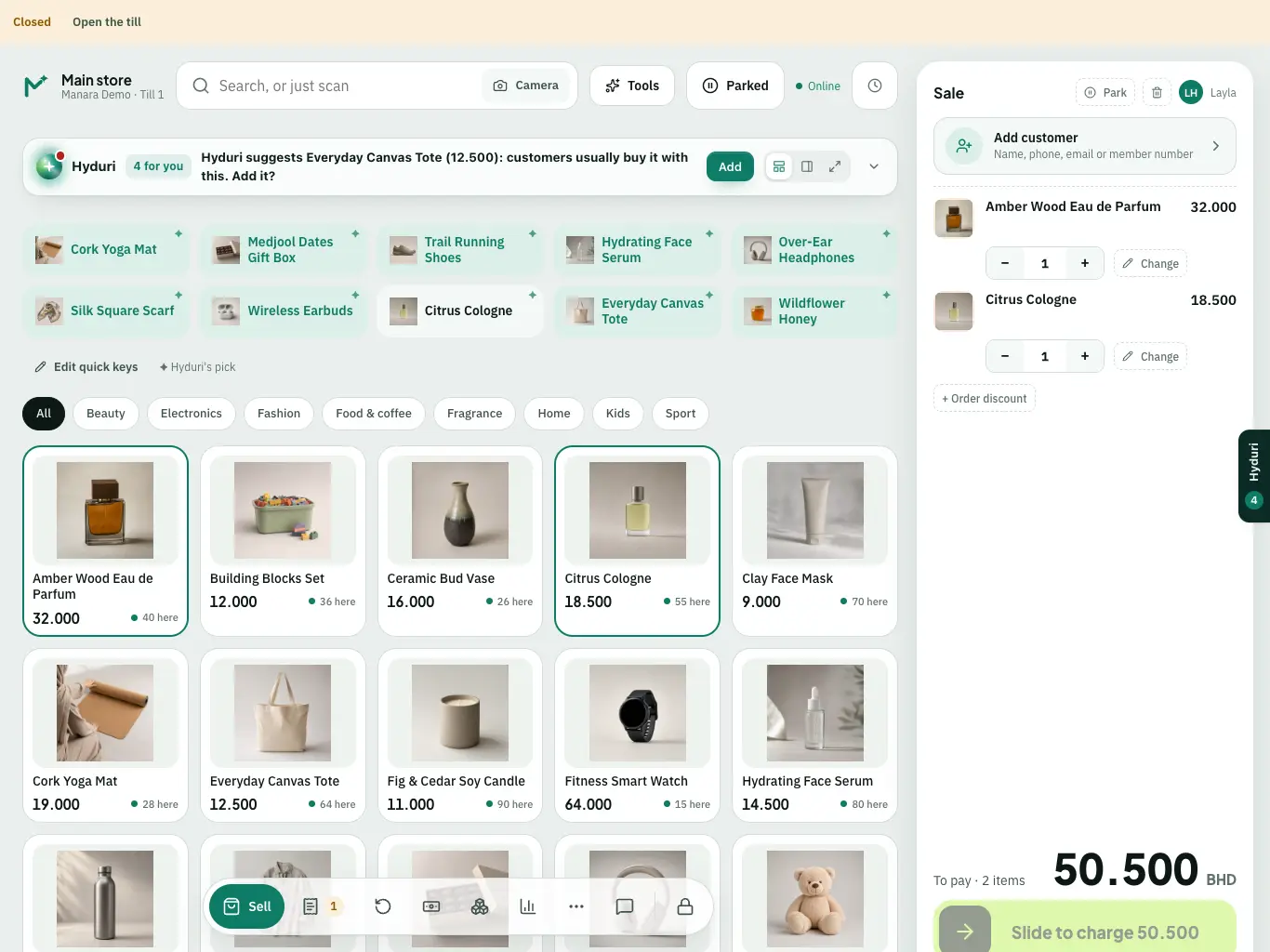
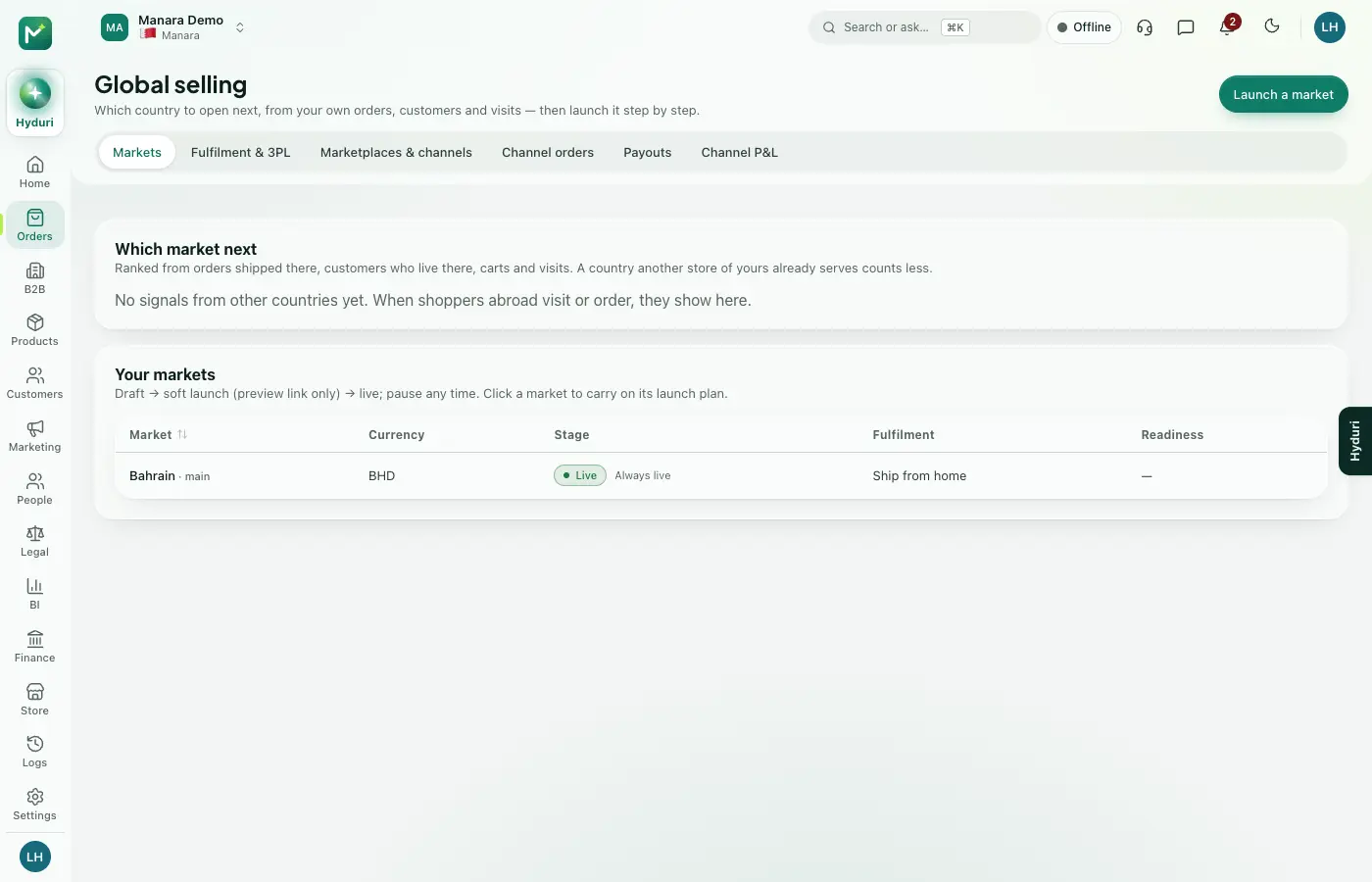
The Manara Till runs on the devices your team already knows: iPad and iPhone, and any web browser. Add the printers and scanners we've tested in a real store, and you're ready to sell.
Tablets, phones, printers and scanners, set up for the Manara Till.
- iPad
- Android tablets
- Windows and Mac
- iPhone and Android phones
- Any web browser

The kit
iPad or Android tablet
The till, the counter and the stock count.
iPhone or Android phone
Sell on the shop floor, scan the stock, take the payment.
Receipt and label printers
Routed by location.
Your phone
It's also the barcode scanner for counts and deliveries.
Bring your own
Already have tablets, phones or a computer? Good.
You don't have to buy anything from us. If your devices and printers are supported, the Manara Till runs on them. Ask Hyduri which ones.

Help centre
Hardware questions, answered.
Can I use my own iPad?
Yes. The Manara Till runs on an iPad you already own: the current iPadOS and the version before; the App Store shows the minimum for your device.
Install the app, sign in with your store code, and you are selling. The same till also runs in any browser.
Can I use the printers I already have?
Often yes. Receipt, label and network printers work, and the team checks your model before you go live.
the team checks your printer and scanner models with you before you go live.
Which devices does Manara support?
iPad and any browser for the till, receipt printers, label printers, barcode scanners and cash drawers.
The admin runs in any modern browser. the team checks your printer and scanner models with you before you go live.
Do I have to buy hardware from Manara?
No. Use what you have, or ask the team for a recommended set.
You do not have to buy devices from us. The till runs on an iPad or in any browser, with printers you already own or ones we recommend; ask the team for a suggested set.
What if a device breaks on a busy day?
The till keeps selling offline, and any other iPad or browser can take over.
Sign in on another device with your store code; your sales and stock are in the cloud. Replacement: the team confirms this with you; the till keeps selling offline while you wait.
Does it work without internet?
Yes. The till keeps selling and taking cash, and syncs when the connection returns.
Cash sales recorded offline are kept on the device and replay once, in order, when you are back online. Card, gift card, store credit and points payments need a connection.
Does it run on Android?
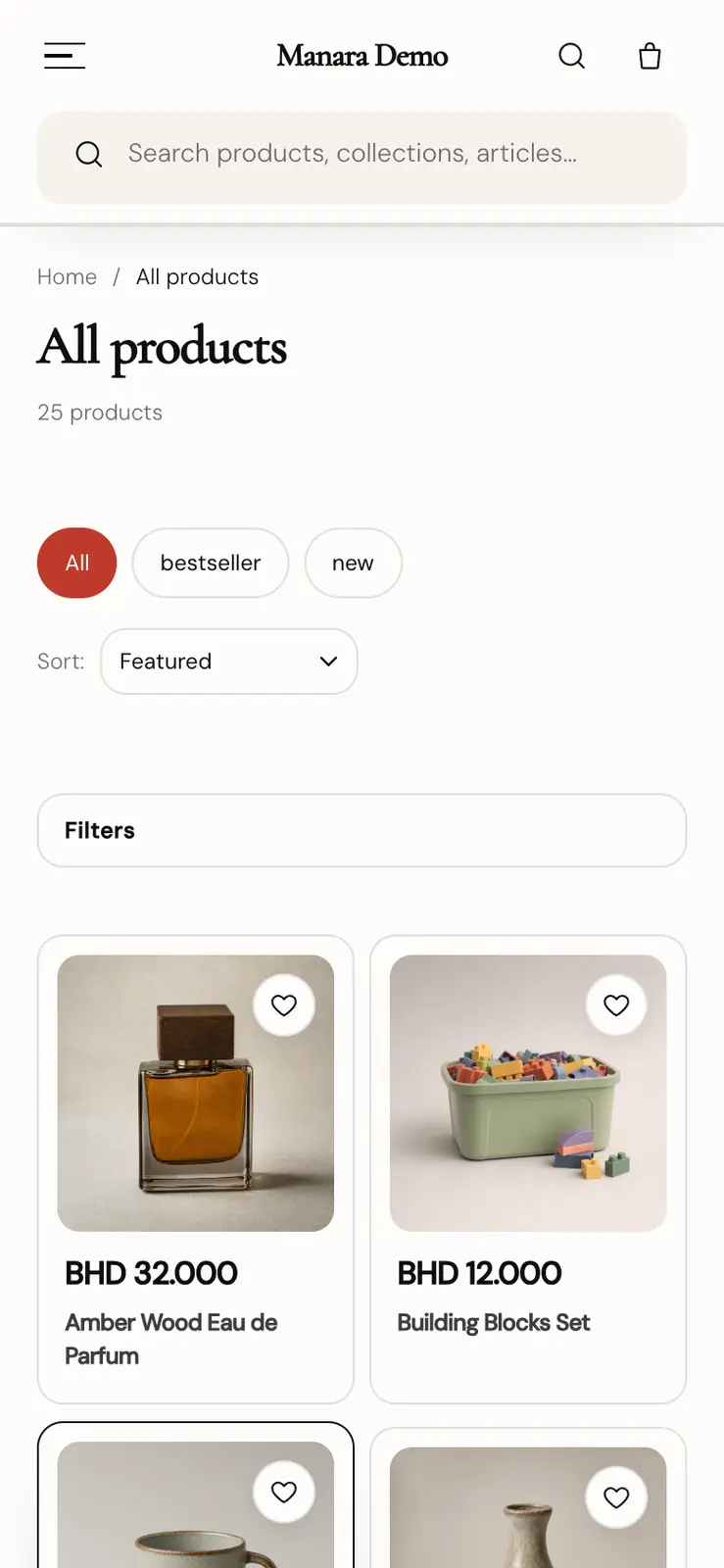
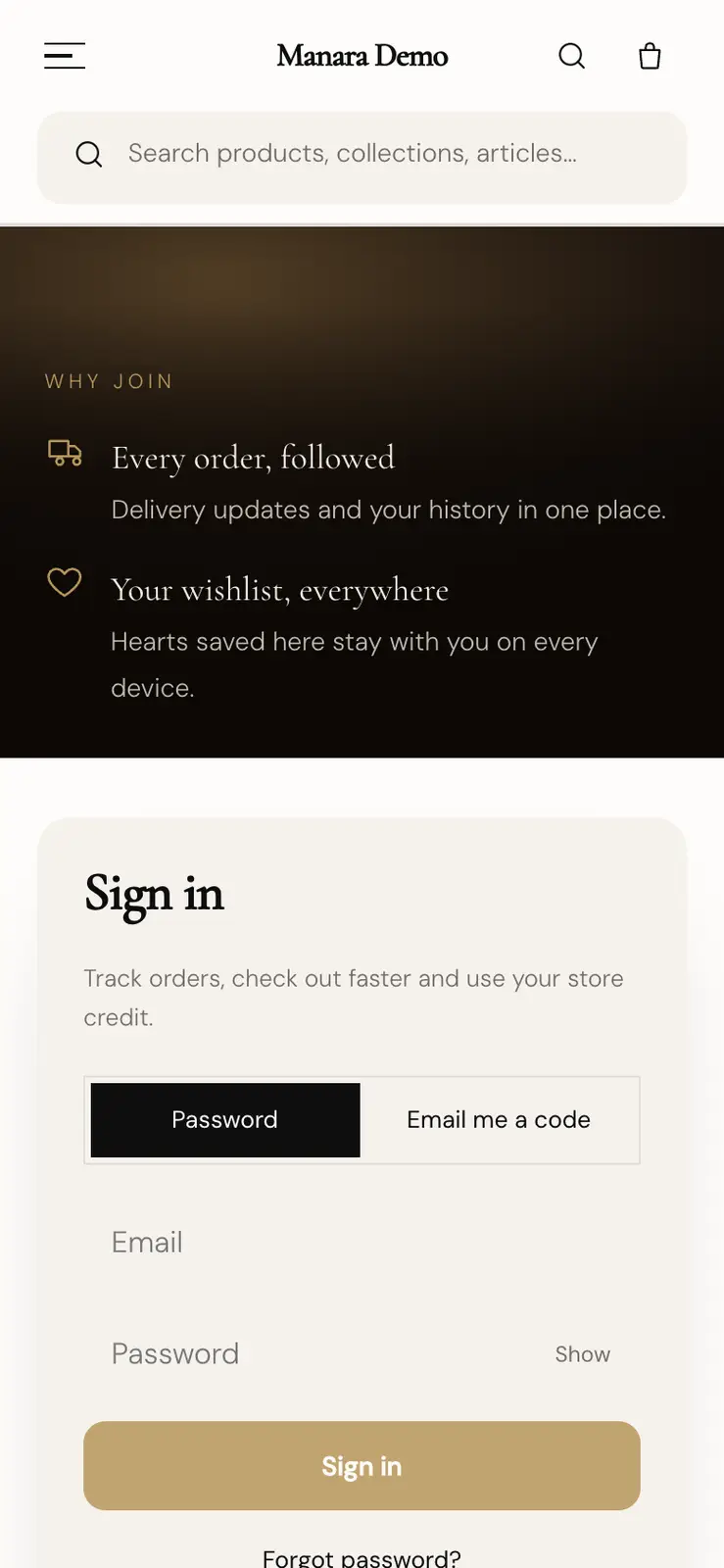
The till runs in any browser, including on Android tablets. Your branded shop app for customers is on iOS and Android.
Use the iPad till for the best fit on the counter.
Can I take card payments?
Yes, on your own card machine: enter the amount there, then mark it paid on the till.
Staff take the payment on your store's existing card machine, then mark it paid on the till, which keeps the machine's proof or reference. Cash, card and gift cards can be taken on one sale.
Questions? Ask Hyduri or write to us.