The Manara Till is the till, and everything behind it: the stock, the shop floor, the customer, the team and the money, on one app. Sell on the phone in your pocket; it records once, and the stockroom and the online store know at once.
30 minutes, on your own catalogue. A real person, in your time zone.
Card and cash
In use in real stores
Arabic and English
Offline sales
Runs on
iPad
Android tablets
Windows and Mac
iPhone and Android phones
Any web browser
Order 1042 · new19:42
1× Vitamin C serum
1× Hydrating cream
1× Lip balm
1× Argan hair oil
Recorded once
Order 1042 · 4 items…
The whole business
Till+stock+store+customers+team+money+Hyduri.
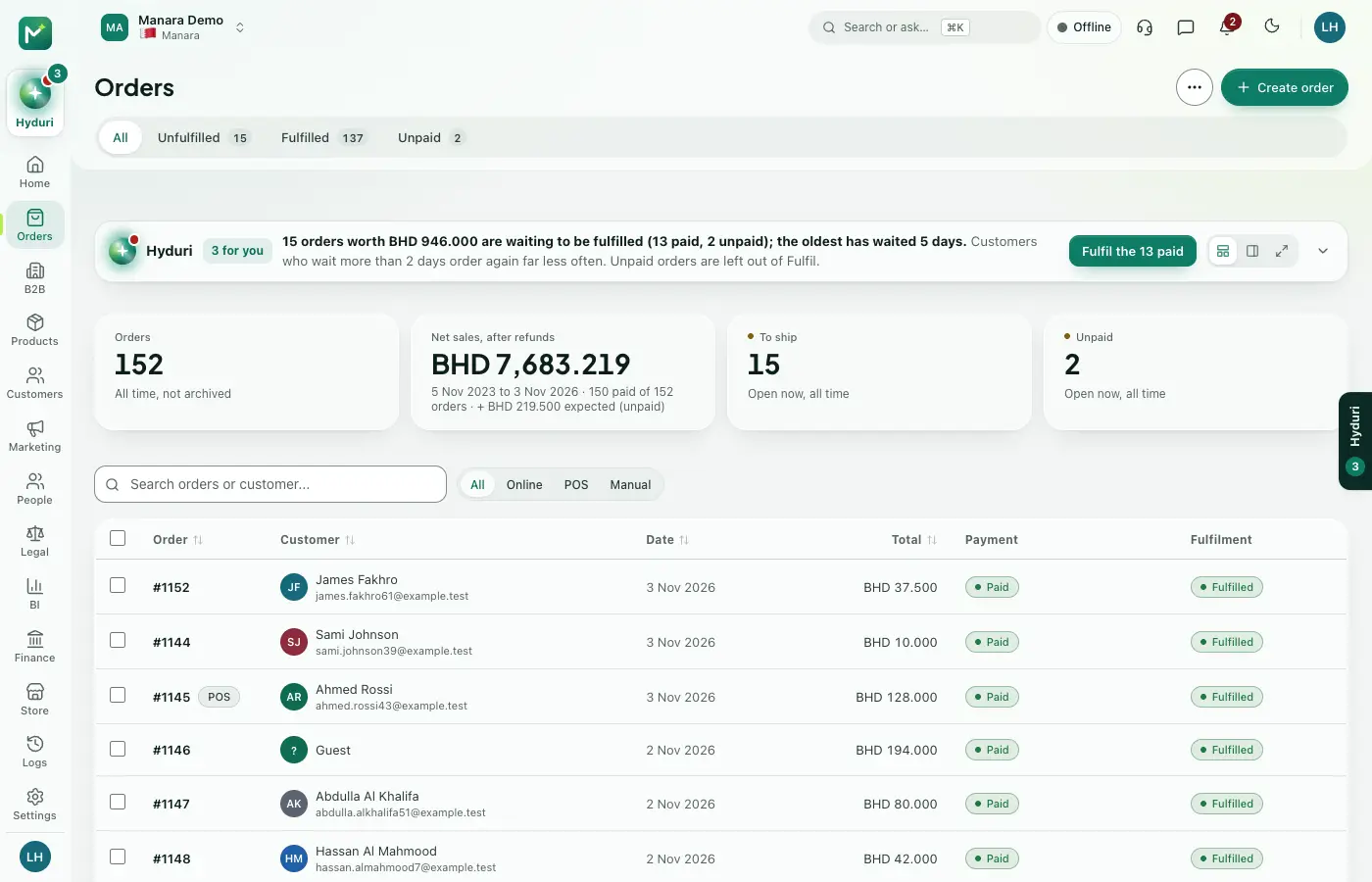
Other tills stop at the payment. Ours starts at the door. The whole business is the product: one sale that the counter, the stockroom, the online store, the customer's points and tonight's ledger all see, the moment it's placed.
POS
&stock
&store
&customers
&team
&money
&Hyduri
The Manara Till
Thetillyourwhole shoprunson.
Sell on the iPad or in any web browser, with the same products, prices, stock and customers as your online store. Staff sign in with their own PIN, and every sale lands in your books once.
01
Sell in seconds
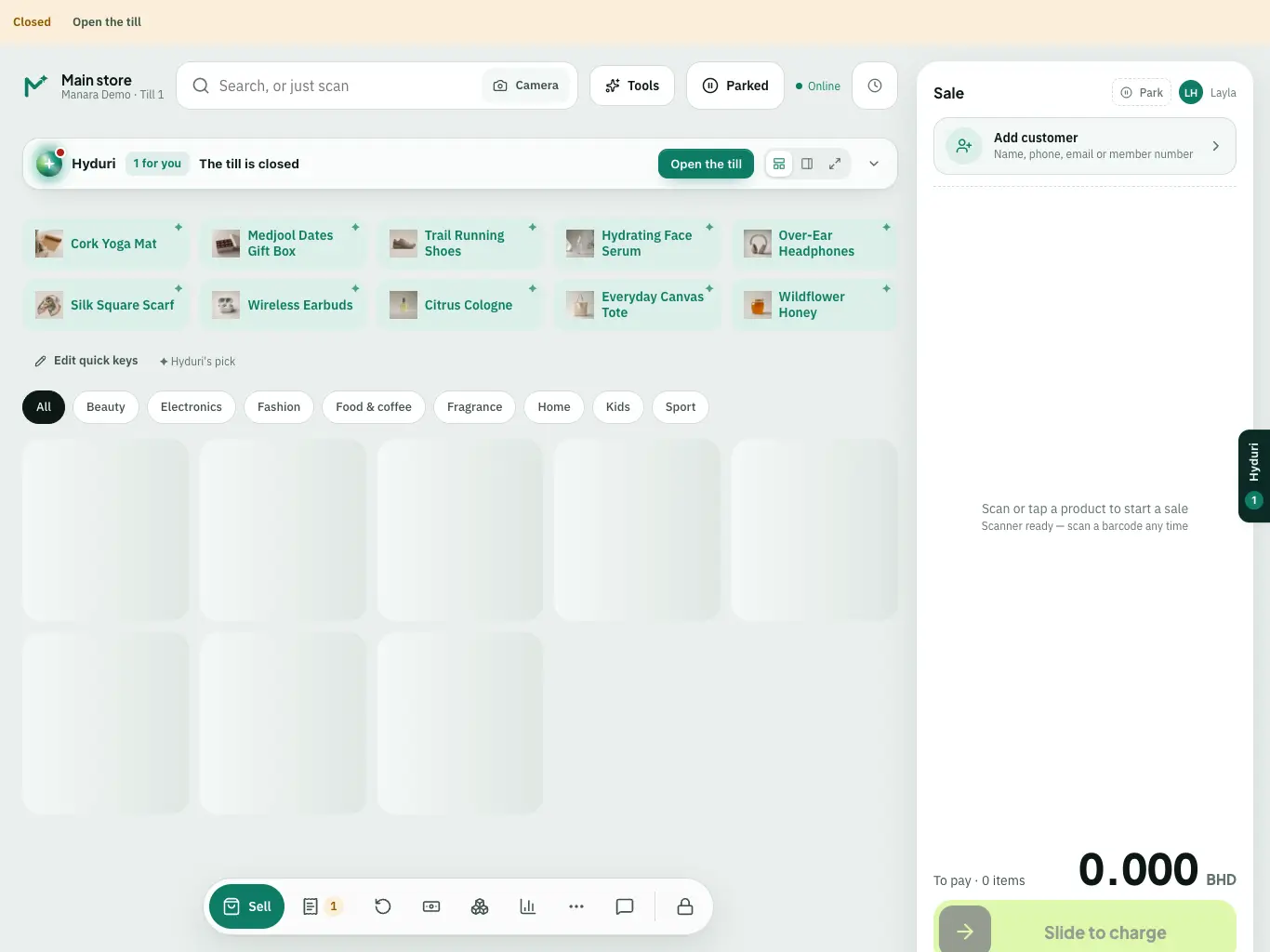
Search, scan with a scanner or the camera, tap your quick keys, then slide to charge.
02
Everyone has their own PIN
Each person signs in as themselves and sees only what their role allows.
03
Keeps selling offline
Cash sales carry on when the internet drops and are sent in order when it is back.
04
Split and take payment
Cash, card, gift card or voucher, and a bill split by item between customers.
05
Receipts you design
Print the receipt, or send it to the customer by email or WhatsApp.
06
Close the day properly
A blind cash count, the card total, a check against your limit, then the Z report.
07
Customers, offers and returns
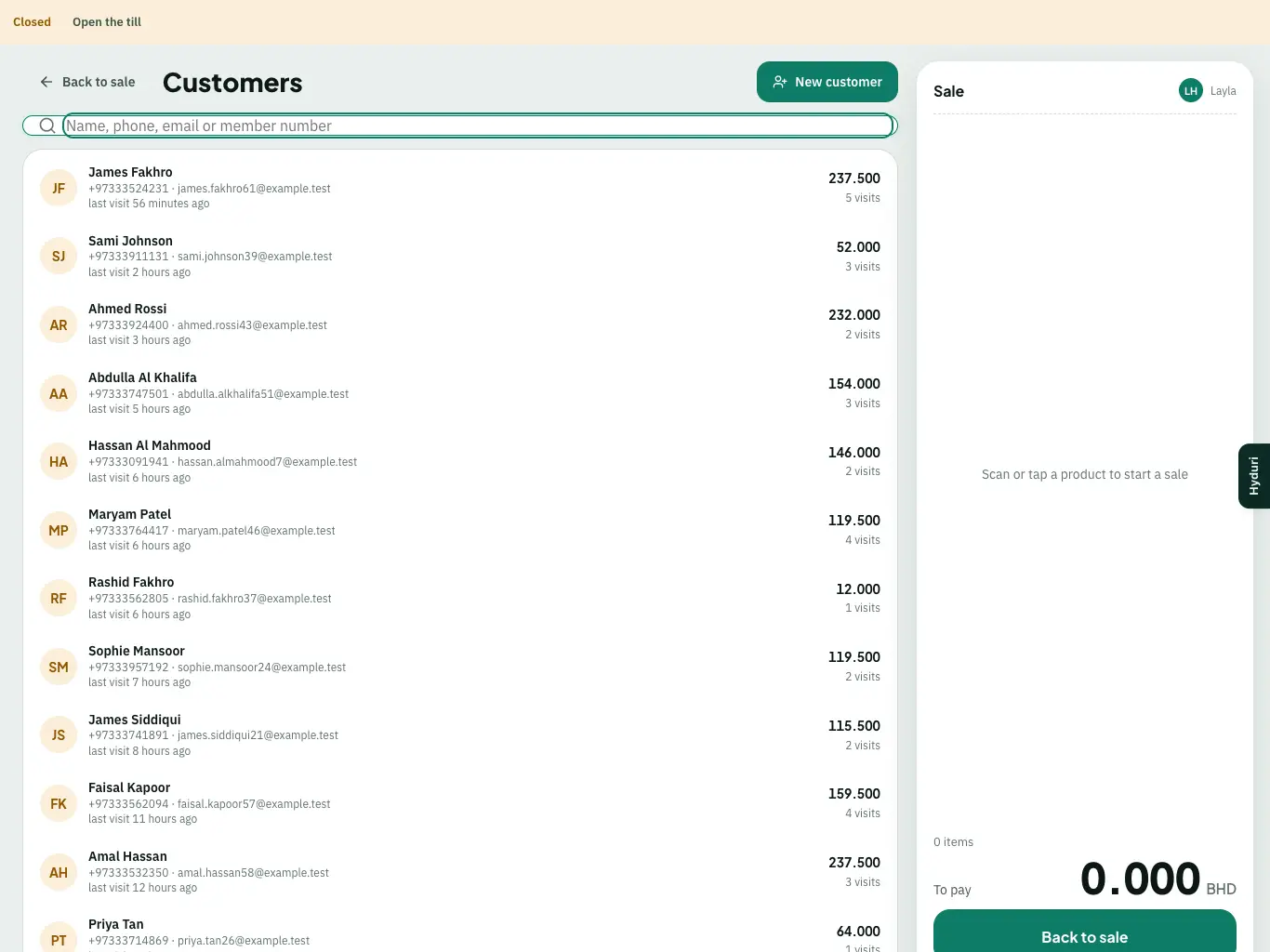
Look up the customer, apply offers and loyalty, park a sale, take a return.
08
Your team in the same app
Team chat, calls and walkie-talkie between the shop floor, the stockroom and the office.
Photo catalogue, variants that guide you, bundles and gift sets. On the phone on the shop floor or the tablet at the counter.
Sell where the customer is. Photo catalogue, variants that guide you, bundles and gift sets. On the phone on the shop floor or the tablet at the counter.
It records once. One sale path, de-duplicated on the server. A double tap in the rush doesn't sell two bottles.
Pick-ups and parcels sort themselves. Click-and-collect orders and shipping parcels reach the packing screen in the right order, with start cues so everything is ready together.
The store is live. Every counter's status in one view. An order waiting for payment nudges you at 5 minutes, then 10.
Split it how they shared it. Split by item between up to ten customers, to the last fils. Cash, card, gift card, voucher or store credit.
Inside the Manara Till
Thetillthatthinks one step ahead.
The sale screen
Onebuttonthatknows what's next.
Add products and the dock changes as the basket grows: Send to packing, Hold sale, Apply discount, Pay. A suggestion chip offers what goes well with it, with a line staff can say.
Order 7 · 3 items1 / 3
Vitamin C serum 30 ml£62.00
Hydrating cream£24.00
Lip balm gift box£18.50
+ Goes well with: Face roller"New in today, it pairs beautifully with the cream."
Send to packing
QR order on the shelf
Thecustomerorders.The assistant says yes.
Customers scan, build their order and show a six-character code. The assistant scans it, edits or declines it, and it joins the sale. It only works while a till is open.
Your orderK7Q·4MEShow this to the shop assistant
Order 9 · basket
2 × Argan hair oil 100 ml£16.00
Dates and chocolate box£14.00
Face roller£6.50
Add to Order 9
Call for help
Acallthatisnever left ringing.
A customer at shelf B taps Call. Their own assistant is rung first, everyone on the floor after 45 seconds, the managers at 2 minutes. The customer sees who is coming, with a photo.
Shelf B · calling0 s
0 sMaya, their assistant
45 sEveryone on the floor
2 minThe managers
MOn the customer's phoneMaya is on her way
Offline
Wi-Fidown.Still selling.
Orders and cash sales queue on the device with an offline receipt number, then replay once, in order, when the network is back. The banner says offline only when it really is.
Offline · selling on this iPad
Order 4 · saleOFF-IPAD2-0001Queued
Order 9 · cash £112.50OFF-IPAD2-0002Queued
Order 2 · saleOFF-IPAD2-0003Queued
3 of 3 synced, in order
Today's line-up
Today,on one screen.
Five minutes before opening, the line-up shows the expected orders by half hour and the busiest slot, then the customers to know: birthdays first from the customer profile, VIPs and sensitivities. The team's and stockroom's notes sit underneath, and it prints for the wall.
The Manara Till keeps selling in the app and syncs back in order when the network returns.
Can't close with an open sale.
The till won't let you count up while a sale is unpaid. Then a guided close in seven steps, and the Z report goes to finance.
Sold out, once.
Mark a product sold out and every till and the online store know at once.
Locked, not lost.
PIN or Face ID, a 5-minute idle lock and a manager PIN for the things that matter.
Sensitivities, visible.
Ingredient and sensitivity badges on the product, the sale and the ticket.
Pay by link, when ready.
No pressure to pay at the counter. Send a pay link and the order waits until the customer is ready.
Hyduri
Ashopassistantinyour staff's pocket.
Hyduri briefs the counter on who's coming in and what they like. He suggests the add-on with a reason staff can say out loud: "The serum is lighter this season, and the new batch just arrived." He flags the note that matters, like the birthday or the sensitivity, right on the sale.
HyduriOrder 8 · Layla H.
Your look · your language
Yourlook.Your language.
Colour themes, light and dark, for the store or just for you. App icons that follow the season, including Ramadan and Eid and national days. A receipt designer on real paper. Arabic and English, with right-to-left and native digits.
Order 7Manara Maroon · dark
Vitamin C serum
Hydrating cream
Lip balm box
Argan hair oil
Face roller
Toner
Send to packing
Theme 1
Lightordark.Your way.
A theme for the store, or a personal one that follows your login. Share a preview with the team before you switch.
Till
Auto seasonalEvery day
Iconsthatknow the season.
Set the store to Auto seasonal and the app icon changes itself for Ramadan and Eid, Christmas, Diwali, the New Year and more, then changes back.
Logo
Type
Review code
Seasonal
R
Bloom BeautyManama
Order 3921 · customer 1
1 × Vitamin C serum 30 ml£62.00
1 × Hydrating cream£24.00
1 × Lip balm gift box£18.50
VAT£10.45
Total£114.95
Come back within 30 days: free gift wrap
Thank you, Sara
Live on 3 printers
Designthereceipton real paper.
Drag the logo, change the type, add a review code and a come-back offer. Seasonal receipts change for Ramadan and national days, then change back. Every printer picks it up live.
Accent#4F7CFFBlue
Surface#0F261D
Text#EEF2FF
Success#3FD49B
Order 12 · 14 minSend to packingPay £104.50
Everycolouris yours.
Fine-tune each colour, the font and the backdrop, with your logo and brand mark. The whole till follows.
Light themes
Dark themes
App icons
Auto seasonal icons
Seasonal receipts
Arabic and English
Andtherestofthe till.
Many tenders per sale
Cash, card, gift card, store credit and voucher on one sale, with a balance bar.
Split by payer
Each customer's share sits on its own receipt, and can be adjusted later with a manager PIN.
Points to whoever paid
On a split, the points go to the sale's customer or to the person who paid. You choose.
Pay on delivery
A delivery order stays open until the parcel has reached the customer, then the cash is reconciled.
Every channel, one stockroom
In-store, click-and-collect, delivery and QR orders, with a dispatch board from new to delivered.
Printers that never print twice
Printer roles, a setup wizard that finds them on the network, and a ticket ledger with failover.
Voids by the order's stage
Before packing it's a void; after, a return request or write-off, with a manager's approval.
The sensitivity guard
A product with the customer's declared sensitivity needs an override before it reaches the ticket.
The gift desk
Gift wrapping, personal notes, kept pieces on hold and customer orders with limits.
45 short films
TheManaraTill,on film.
Every part of the till, a minute or less each, with the real screens.









 Till