
For any industry
App library · Website
Downloads, handled.
Give shoppers manuals, guides and keepsakes they can save and share.
What you get
What it does for you
Downloads is a shelf of files on your store. You can add books, recipe and guide cards, product cards, posters, wallpapers, stickers and greeting cards, and see what shoppers open and save.
- Add many kinds of items, from books and guide cards to wallpapers and sticker packs for WhatsApp.
- Have product and guide cards made for you in your brand.
- Ask for an email address before a download, if you want to grow your list.
- Link each item to a product or guide so it shows next to it.
- See views, downloads, shares and emails collected for every item.
How it works
From switch-on to first result
01
Start a new item with the wizard and pick its kind.
02
Add the cover and file, write the title and link it to a product.
03
Publish it and follow how many shoppers download it.
See it
Inside the app
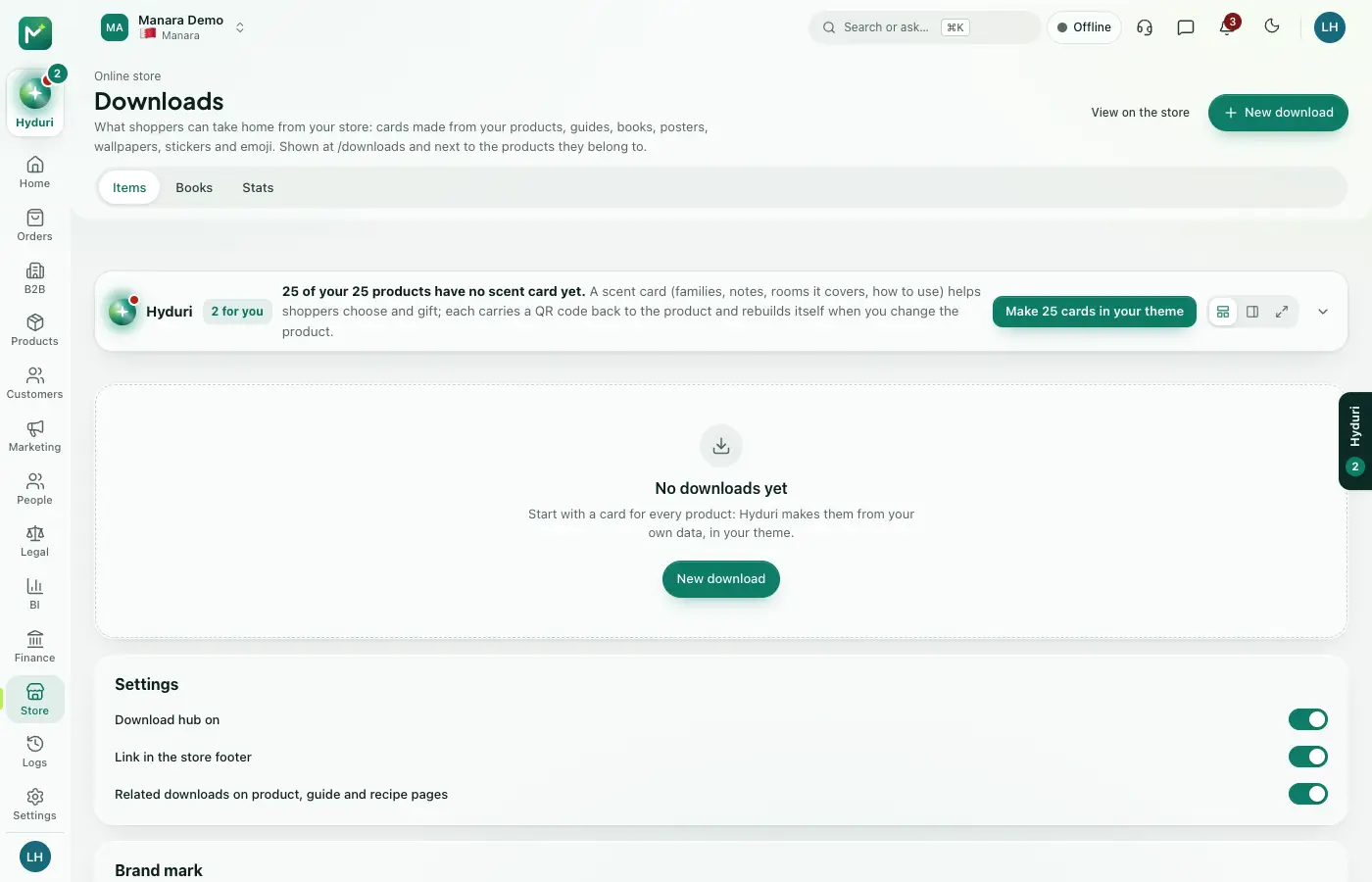 Downloads
Where it shows
Shows up everywhere you work
- Store admin
- Your website
- Your shop app
Made for
Who it fits
Every industry: it works for any kind of store.
Questions
Good questions
Where does it show?
On your online store and in the mobile app, and you manage it in the admin.
Can shoppers only download after they give an email?
Only if you switch that on for an item. Otherwise the download is open.
What happens to my data if I uninstall it?
Your data is kept. Your items return if you install the app again.
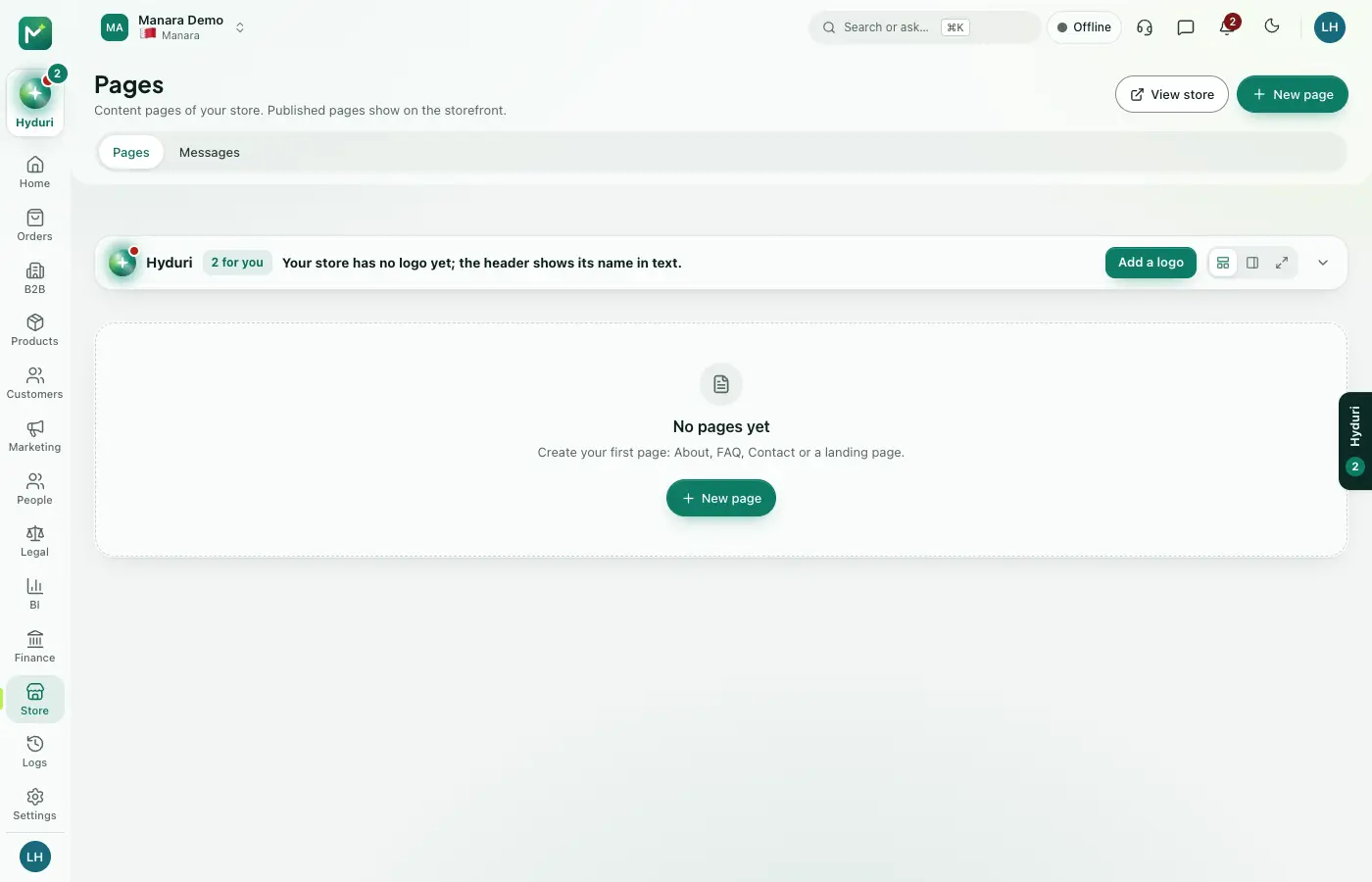 Online store
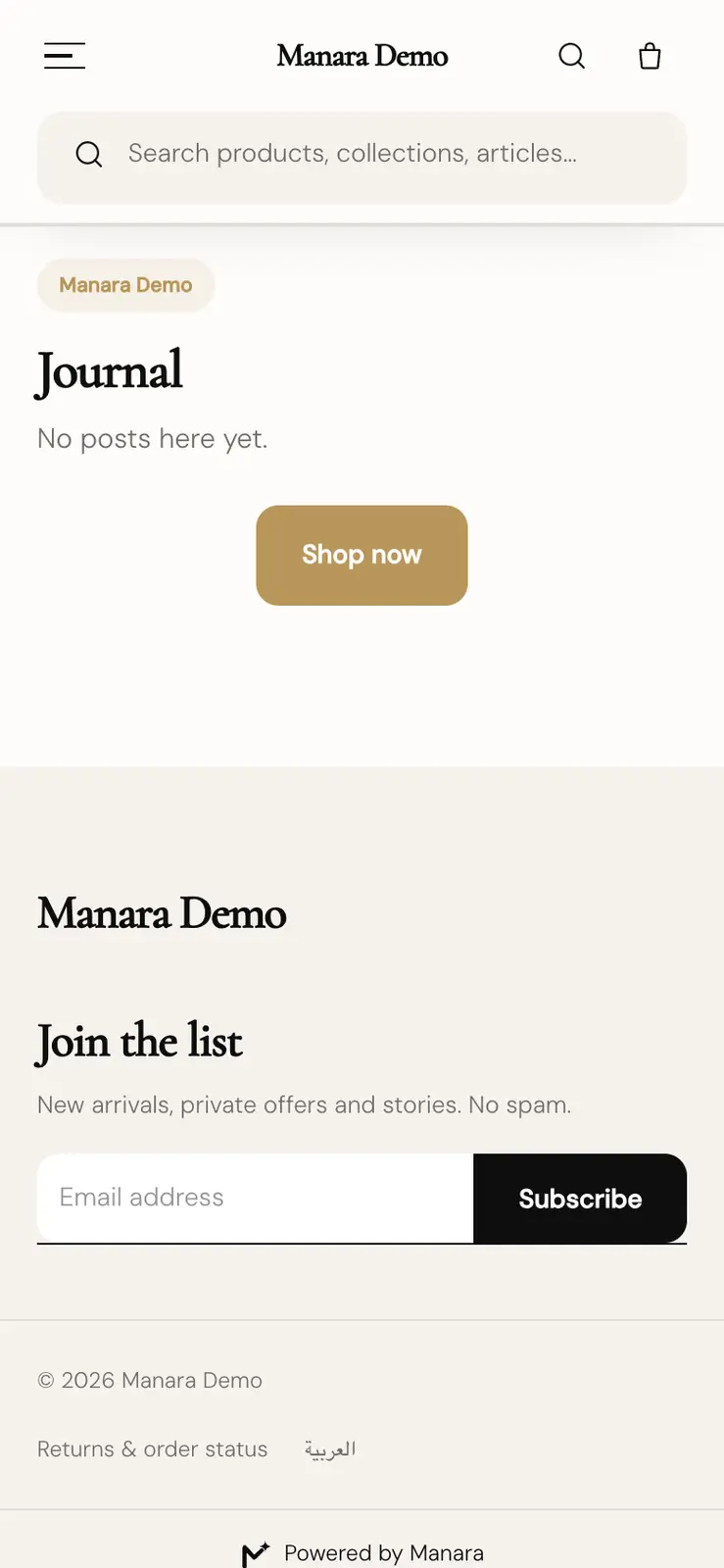 Blog & books
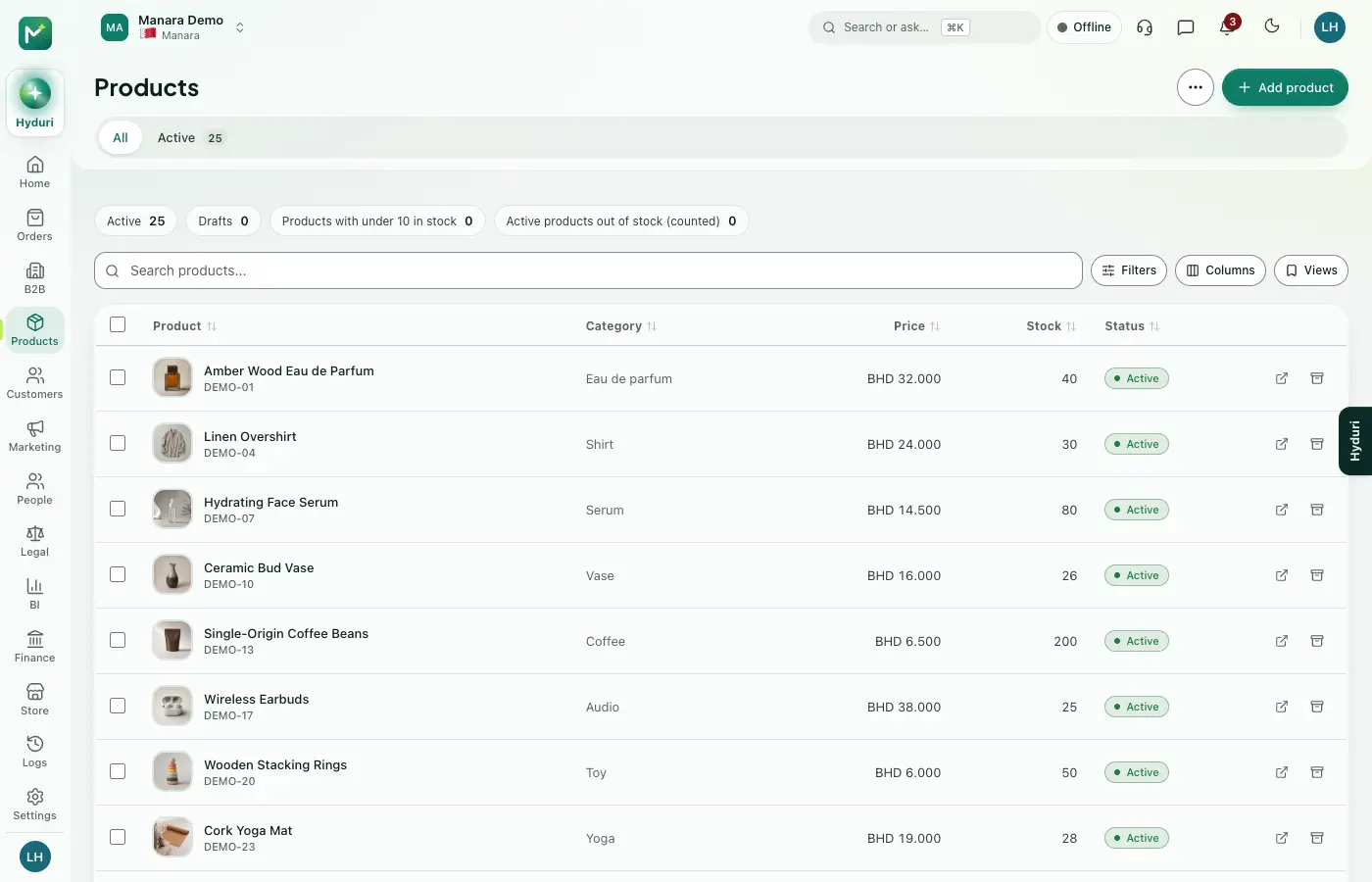 Products

Switch it on in minutes. Keep your data.
NextAll appsSwitch on only what your business runs on. Every app shares the same customers, products and orders, so nothing is typed twice.