
Made for an industry
App library · Industry
Scent profiles, handled.
Give every product its scent families, notes and intensity, so your store can recommend the right one.
What you get
What it does for you
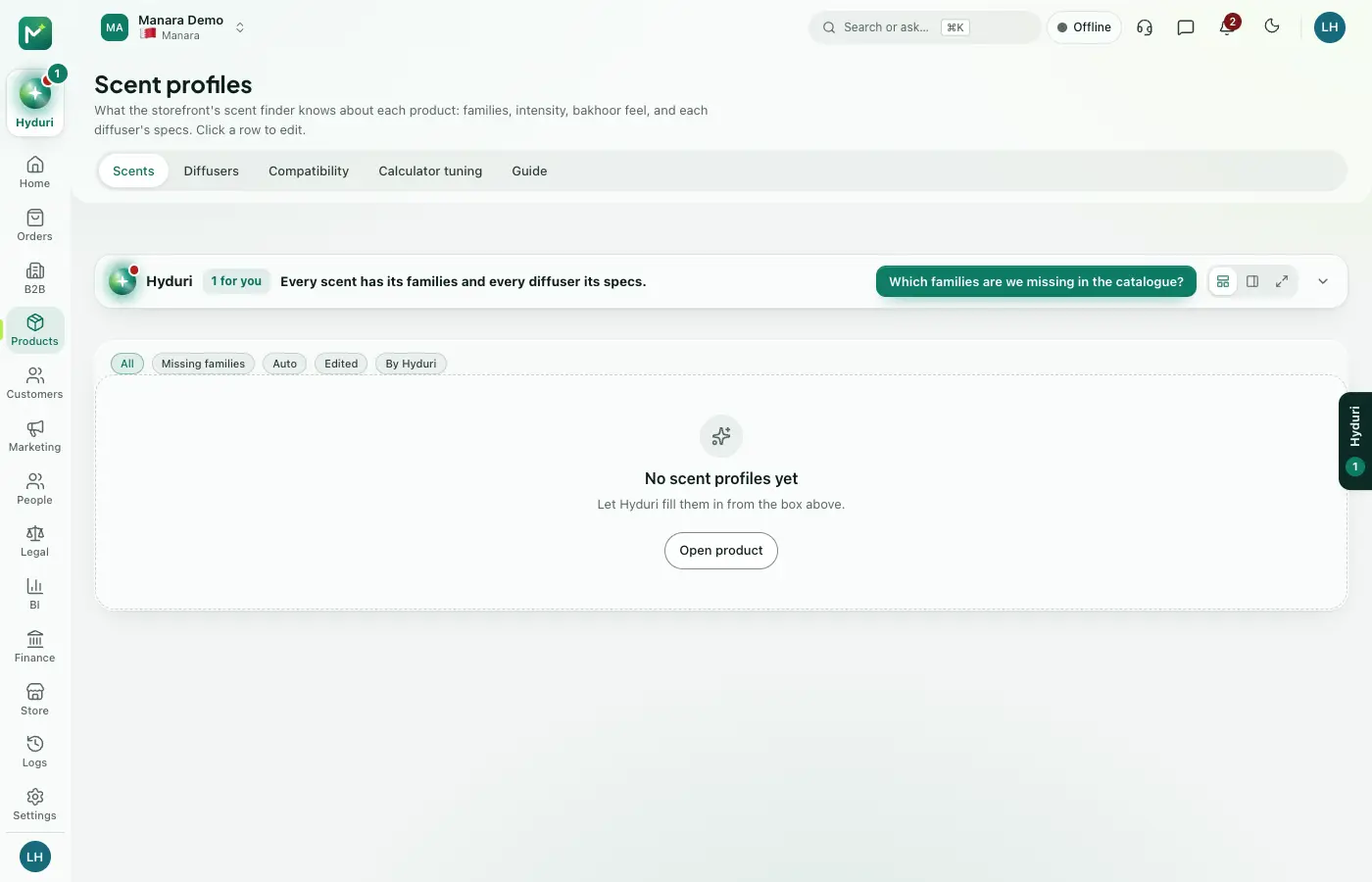
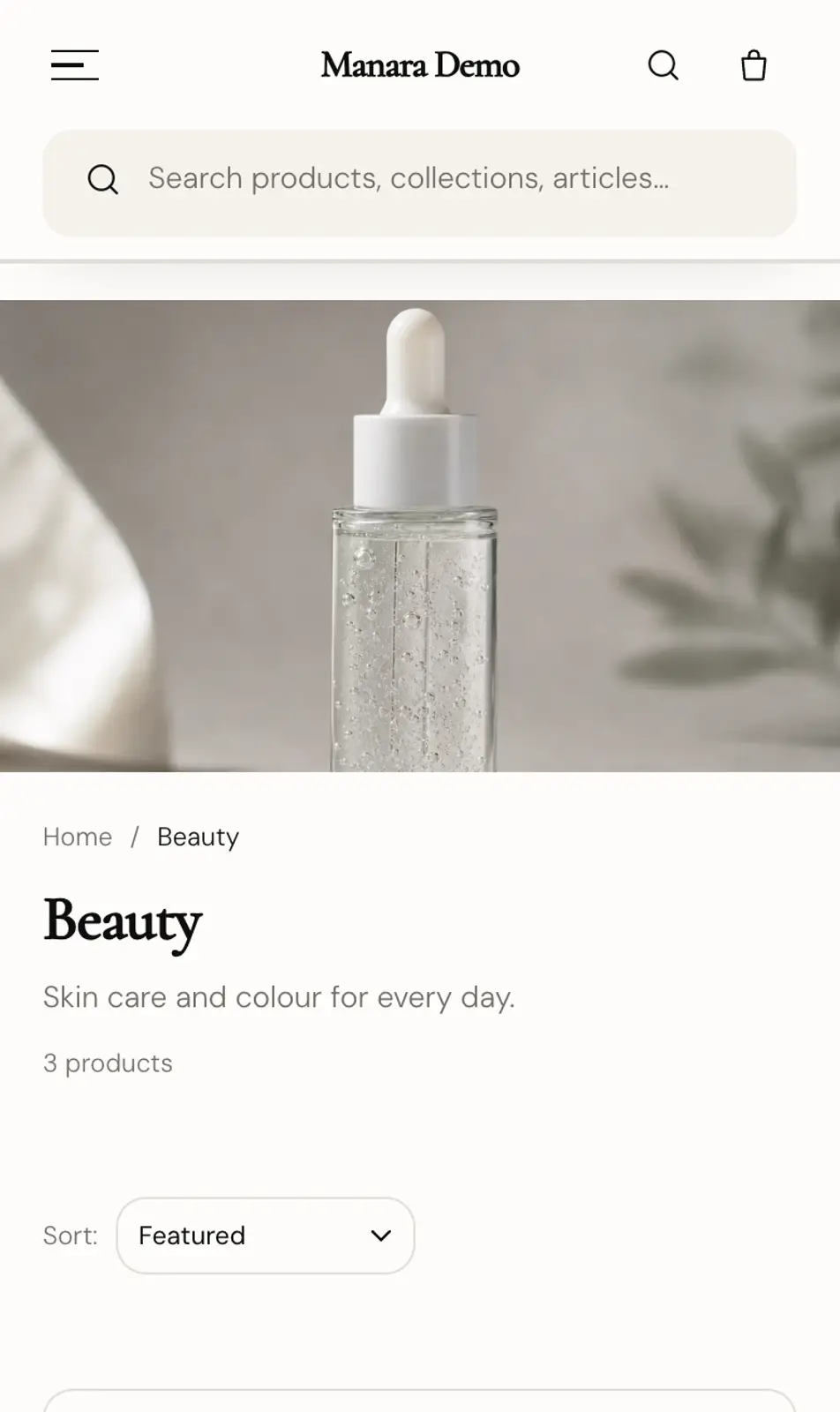
Scent profiles add a scent card to each product in your catalogue. Hyduri can fill the card in for you and you approve it before it is saved. The scent finder on your site and Hyduri's recommendations use these cards.
- Set scent families, intensity, moods and occasions on every product.
- Let Hyduri suggest the scent card and the notes, then approve or change them yourself.
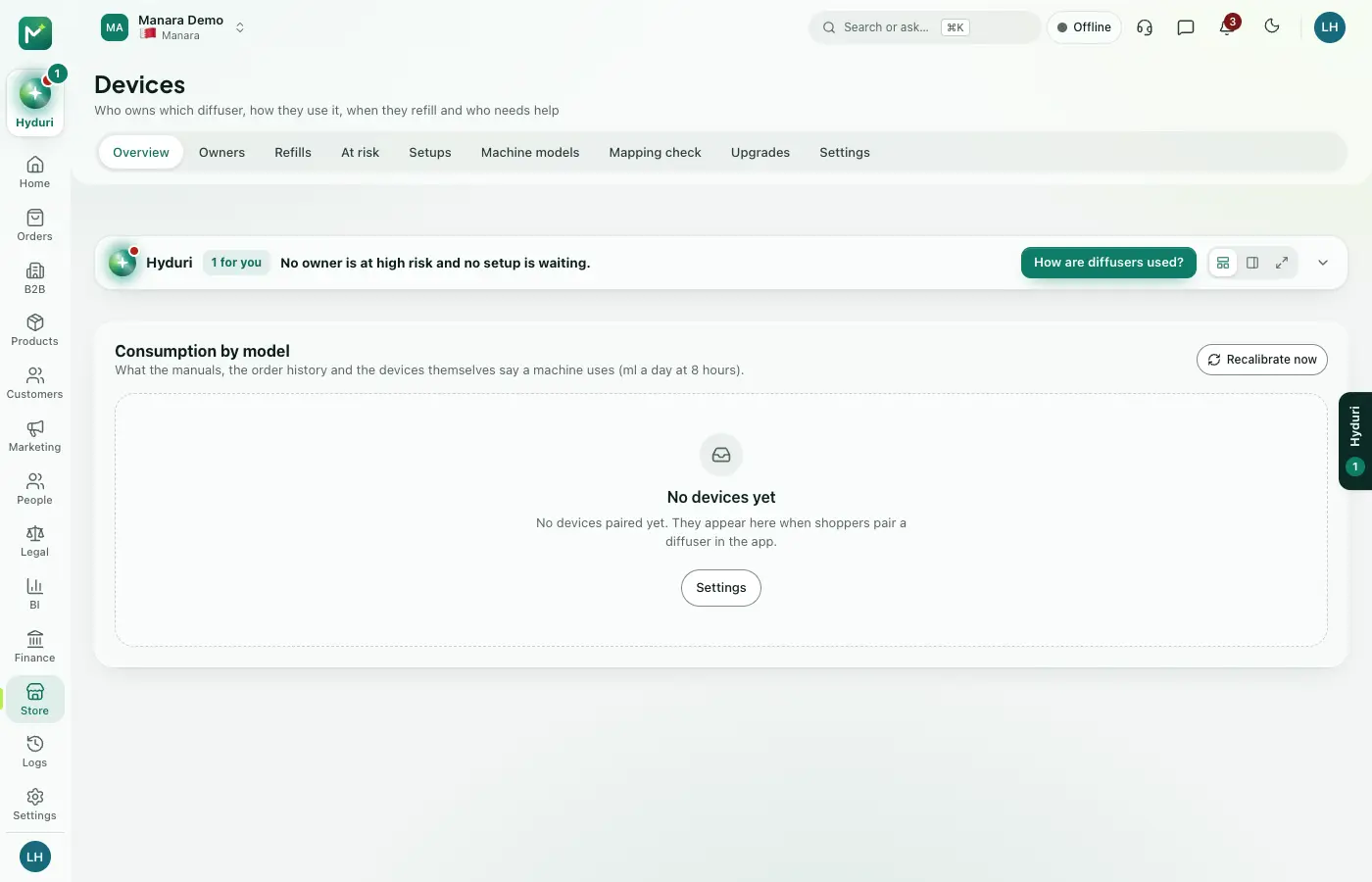
- Record each diffuser's coverage area and oil use per hour, and tell which oils suit which machine.
- Turn scent families into collections on your site in one step.
How it works
From switch-on to first result
01
Open a product and fill in its scent card, or ask Hyduri to suggest one.
02
Review the suggestions and approve the ones you agree with.
03
Your scent finder and Hyduri start recommending from the approved cards.
See it
Inside the app
 Scent profiles
 Products
Questions
Good questions
Does it need anything else installed?
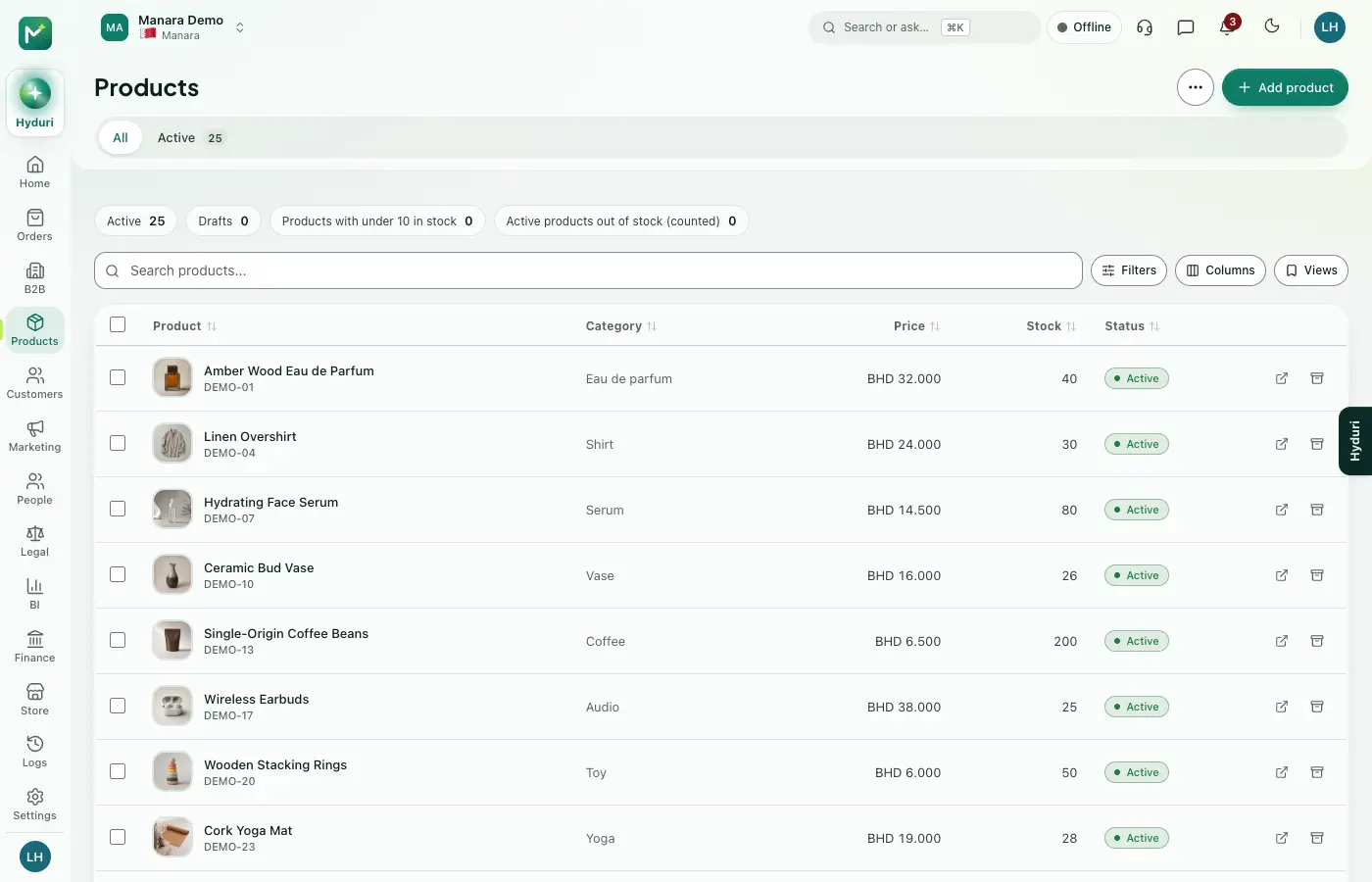
It works on top of Products, so your catalogue must already be there.
Will Hyduri change my products on his own?
No. He suggests, you approve, and you can undo a change you approved.
What happens to my data if I uninstall it?
Nothing is deleted. Your data is kept, and it is all there again when you turn the app back on.
 Scent finder
 Devices

Switch it on in minutes. Keep your data.
NextAll appsSwitch on only what your business runs on. Every app shares the same customers, products and orders, so nothing is typed twice.