

Coffee
What the pack switches on
Tell Manara what you sell at sign-up and these arrive ready: no plug-ins to hunt for, no set-up fees.
01
Green coffee lots: origin, process, variety, altitude, moisture
02
Roast profiles with curves (Artisan / Cropster import) and versions
03
Roast batches: readings, weight loss, cupping, pass / hold / reject
04
Packing runs into tins and bags, whole bean or ground
05
“Roasted on” date on the product page
06
Oldest best-before first picking and stale-stock alerts
07
Cost per roasted kg and per tin
Apps it brings
The apps your trade runs on
 Subscriptions
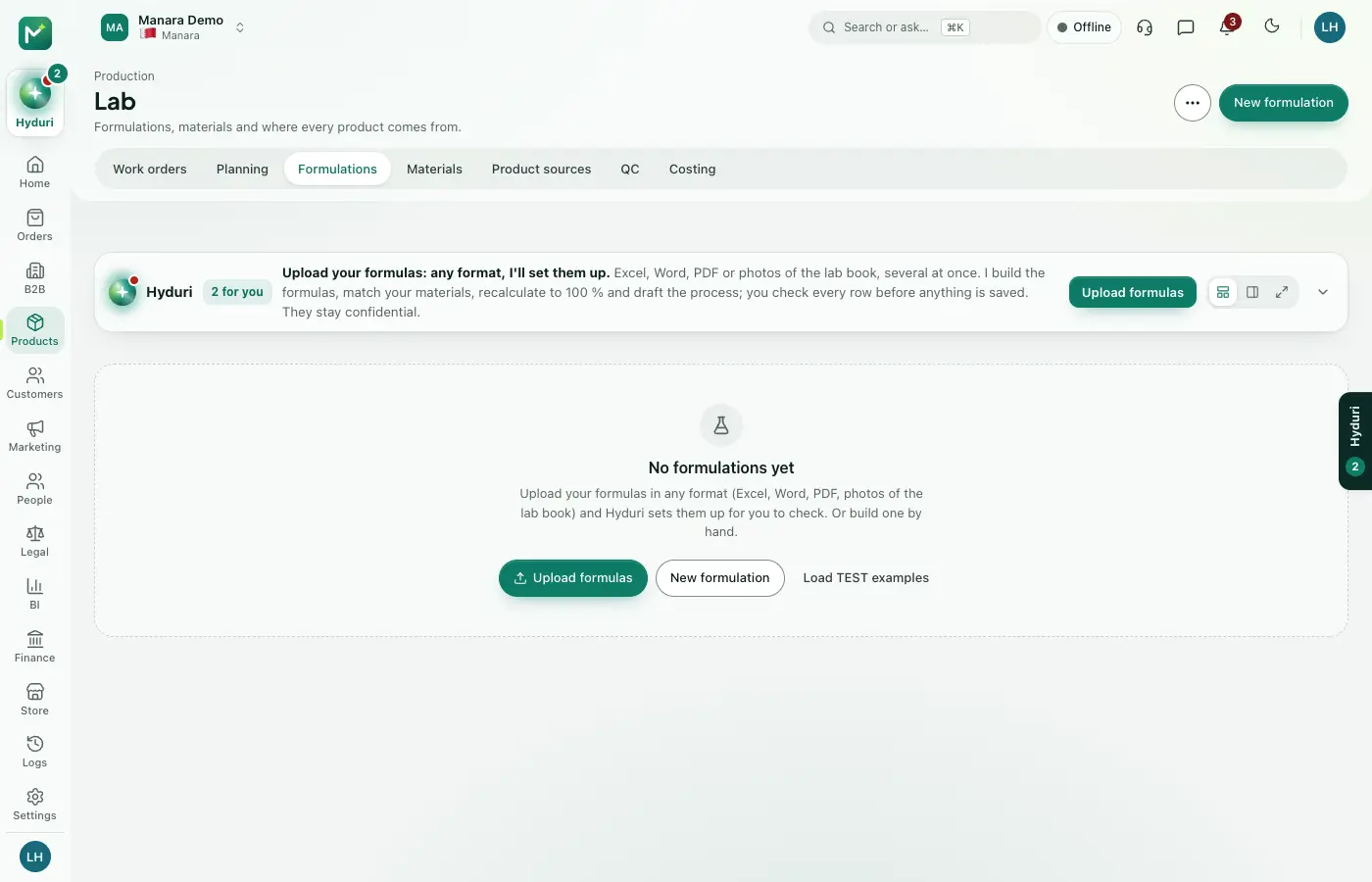 Lab & formulation
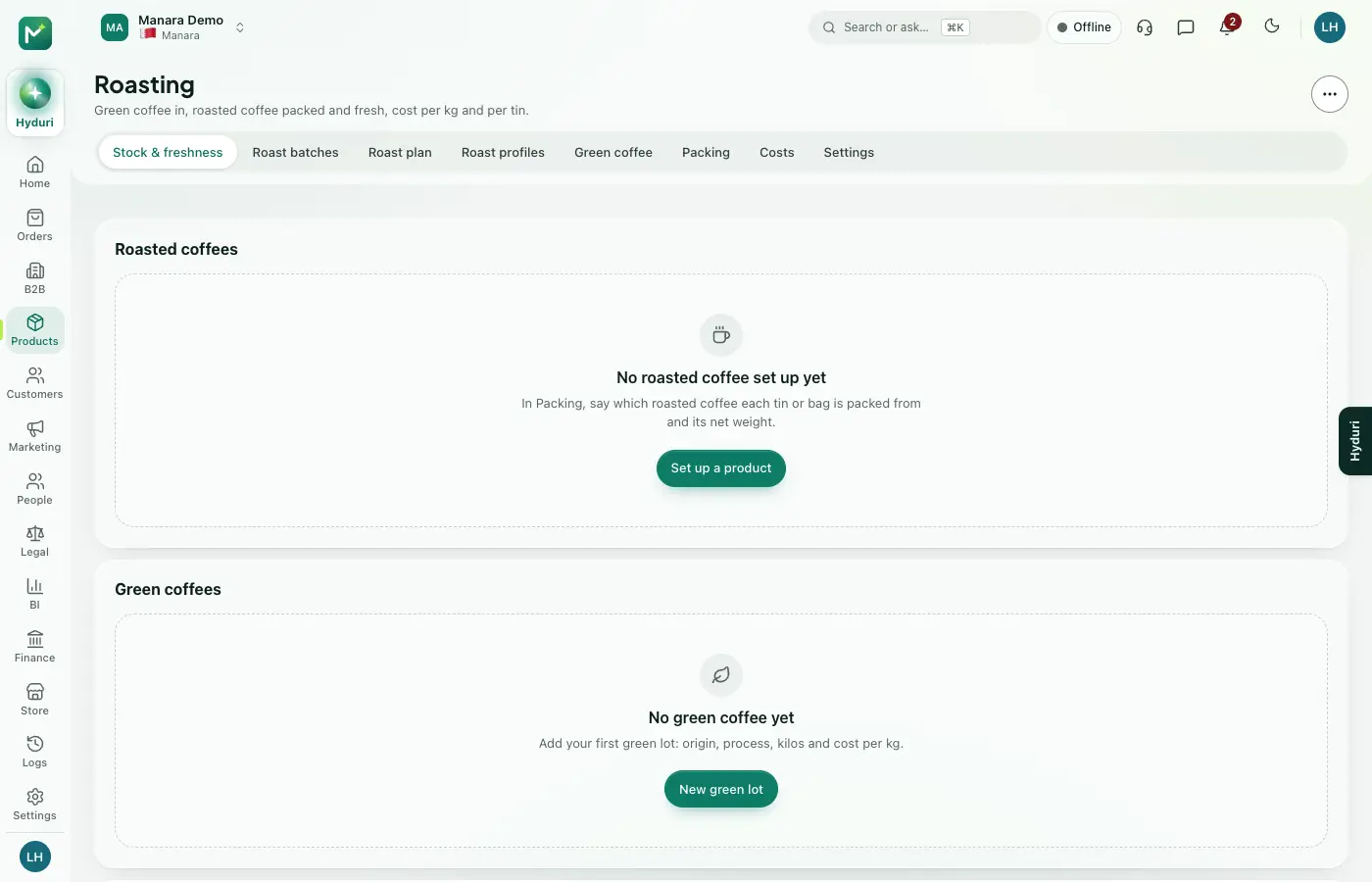 Roastery
 Coffee story & brew guides
Hyduri, in your trade
A coffee roaster's right hand: green stock and origins, roast profiles, batch sizes from sales and freshness, weight loss, cupping, packing and costing per kg.
Your trade's words
- Size & grind
- Roast batch
- Roast level
- Tasting notes
- Taste profile
- g
- Re-order
Product fields
- Origin
- Process
- Roast level
- Tasting notes
- Altitude
- Best before (sealed)
Set-up
Ready in an afternoon, step by step
01
Add your green coffee
Origin, process and cost per kg for every green lot.
02
Save your roast profiles
Import a curve from Artisan or Cropster, or type the key readings.
03
Show the roast date
Studio → Product page → “Roasted on”.
Checks Hyduri keeps
Coffee
Food labelling (GSO 9 / UK FIR): roast date or best before, net weight, origin
Lot traceability from tin to roast batch to green lot and supplier
Store designs
Designs made for your trade
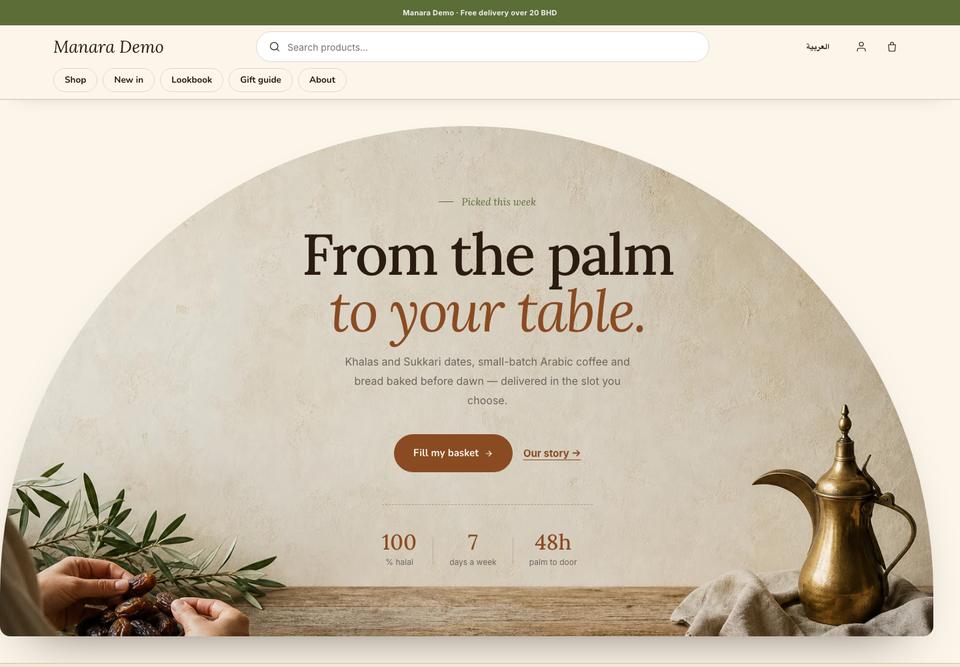 harvest
 nest
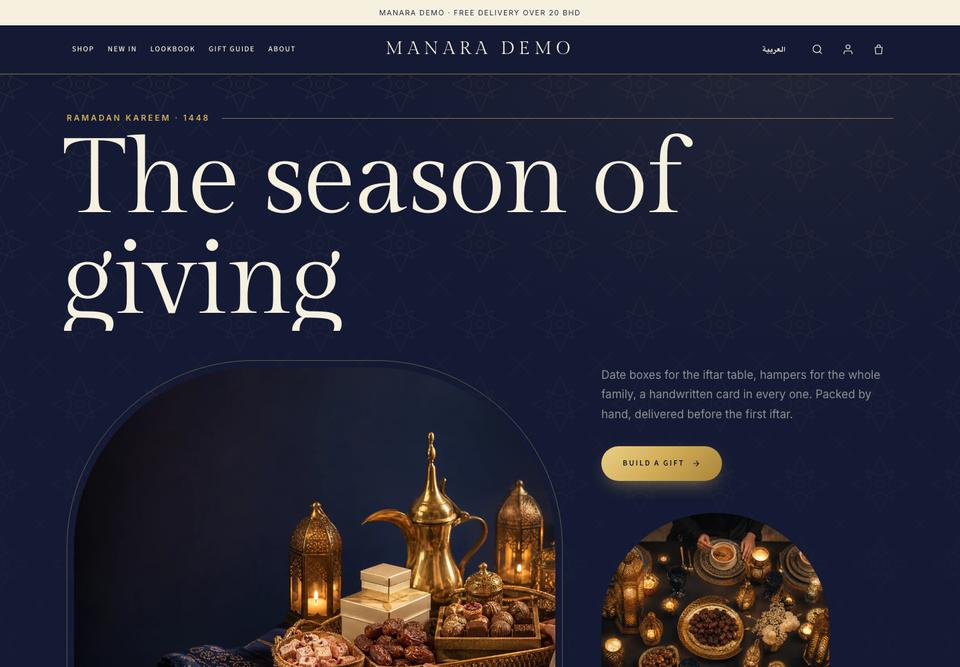 hilal

We carry the trade's details. You lead.
NextEvery industrySpecialty roasters, green coffee, single origins, blends, tins and gift boxes