
For any industry
App library · Sales
Subscriptions, handled.
Let customers reorder on a schedule and keep your revenue steady.
What you get
What it does for you
Subscriptions turns a one-off purchase into a repeat order. Customers pick what they want and how often, and you manage every subscription, discount and refill in one place.
- Offer a subscribe-and-save discount in levels you choose, with the margin shown beside each level.
- Create a subscription for a customer with a short guided wizard.
- See every subscription with its payment state and open its record to make changes.
- Set your delivery choices and decide how failed payments are chased.
- Spot customers whose product is about to run out and send them a refill offer.
How it works
From switch-on to first result
01
Open Subscriptions and set your discount levels, delivery choices and payment chasing in Settings.
02
Start a subscription for a customer, or let them subscribe on your store.
03
Each cycle the order is placed for you, and you follow every subscription from its record.
See it
Inside the app
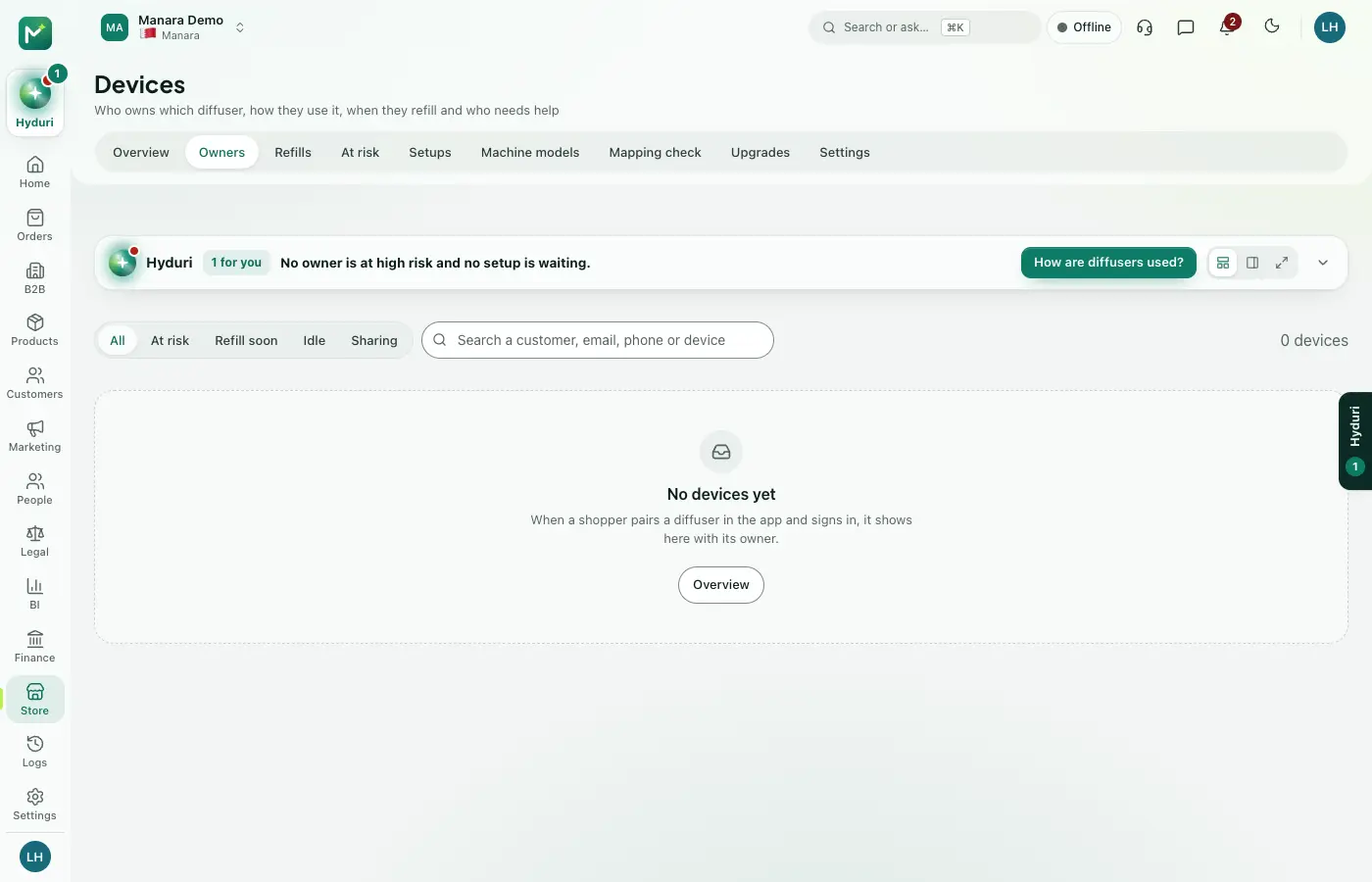 Subscriptions
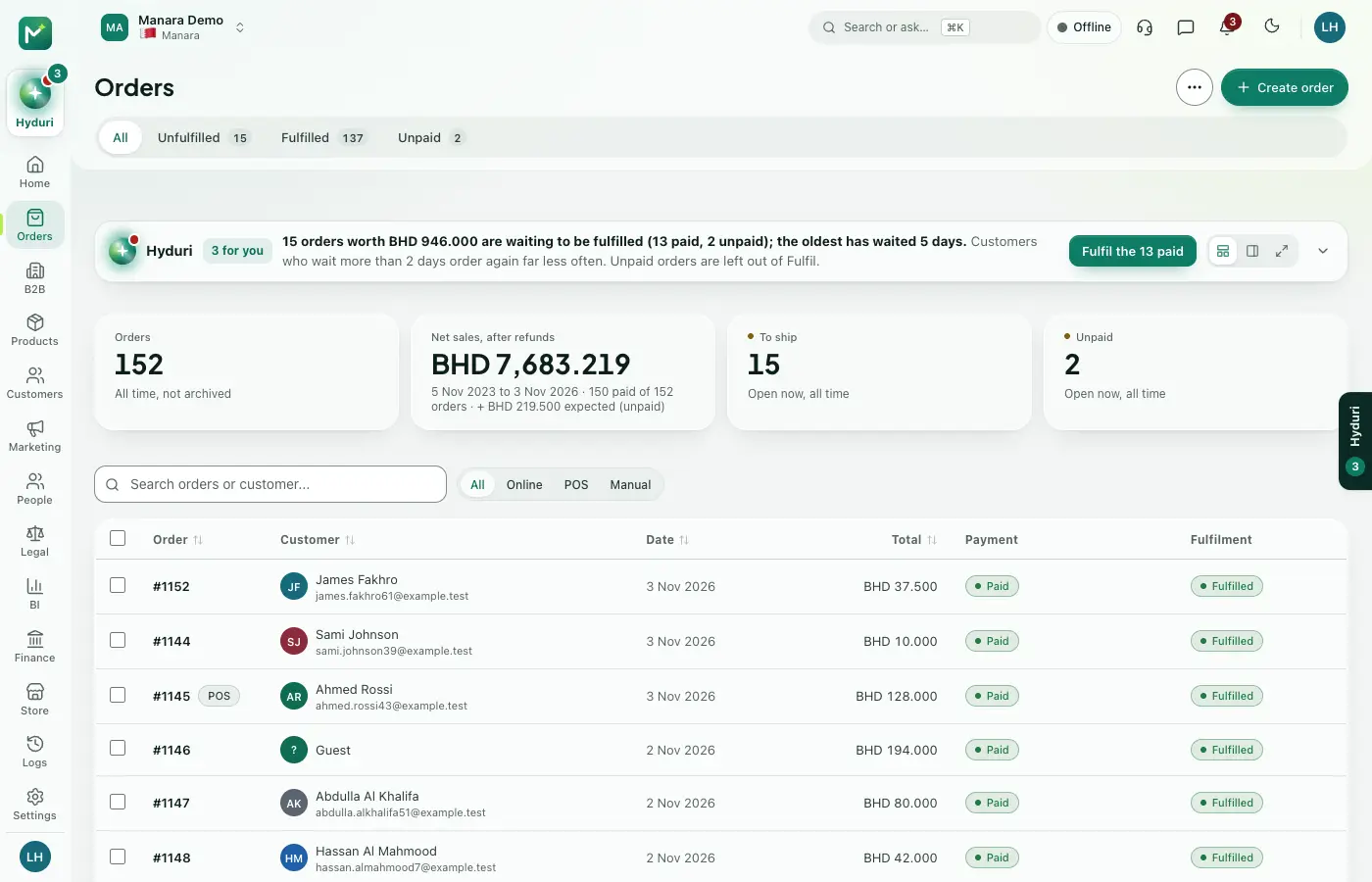 Orders
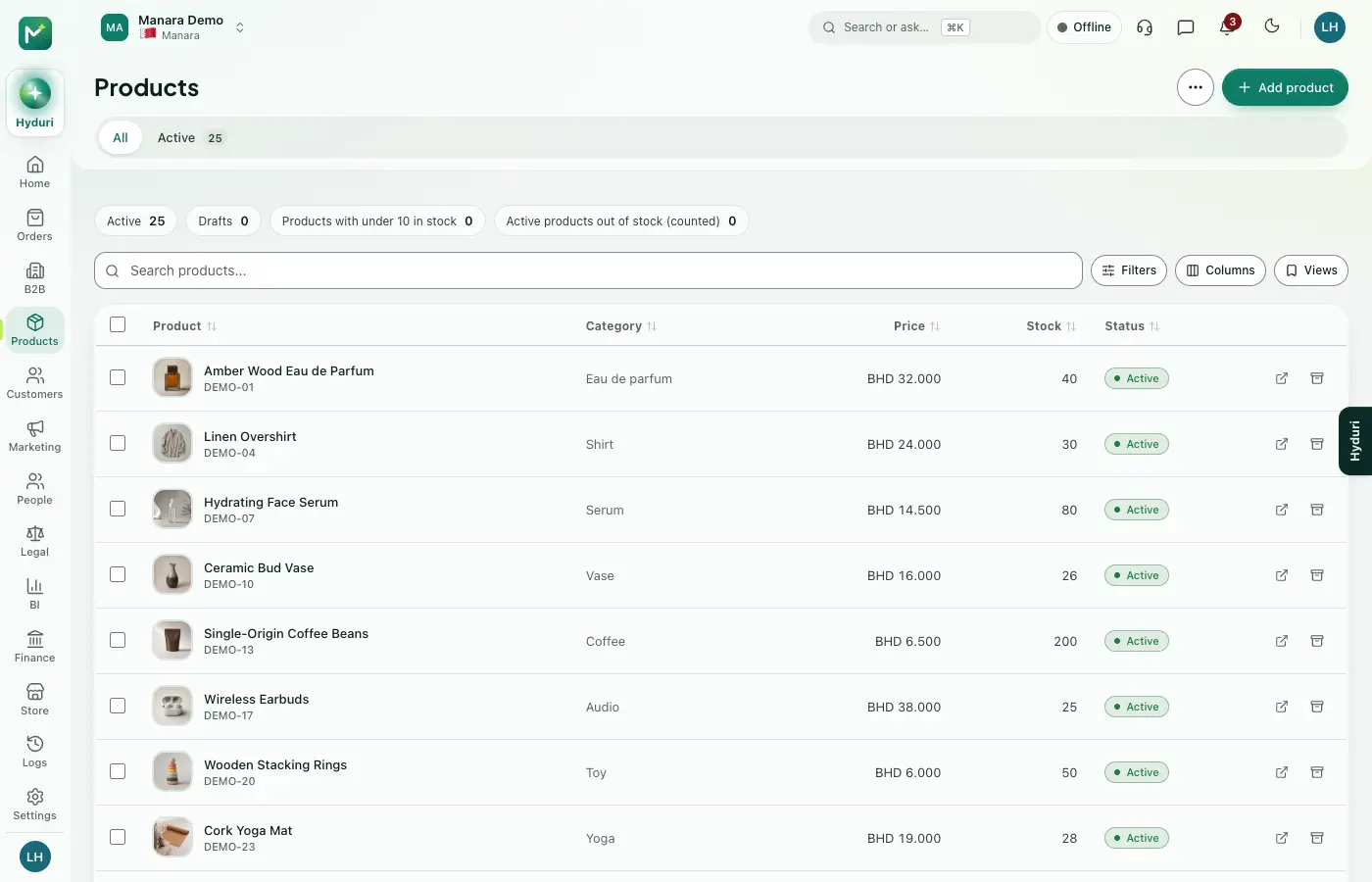 Products
Where it shows
Shows up everywhere you work
- Store admin
- The till
- Your website
- Your shop app
- Hyduri
- Reports
- Emails and messages
Needs
Made for
Who it fits
Every industry: it works for any kind of store.
Questions
Good questions
Do I need Orders installed?
Yes. Each subscription cycle creates an order, so Orders must be installed.
Where do subscriptions show?
In your admin, at the till, on your online store and in the mobile app, plus reports and emails.
What happens to my subscriptions if I uninstall it?
Your data is kept. Install the app again and your subscriptions are still there.
 Payments
 Smart refills

Switch it on in minutes. Keep your data.
NextAll appsSwitch on only what your business runs on. Every app shares the same customers, products and orders, so nothing is typed twice.