
In every store
App library · Sales
Payments, handled.
Let shoppers pay the way they prefer, and get paid straight to you.
What you get
What it does for you
Turn payment methods on, set each one up once, and choose the order shoppers see them in at checkout. Connect your own gateway, or use Manara Pay when it is offered for your store.
- Offer cards, Apple Pay and Google Pay through your own Stripe account.
- Offer Gulf options such as Benefit, KNET and mada through your Tap account or your bank's gateway.
- Offer cash on delivery with a handling fee and limits, and bank transfer that holds the items until you confirm the money.
- Show a method only to the markets you choose.
- Run a test checkout before you open to shoppers.
How it works
From switch-on to first result
01
Turn on the methods you want and fill in the details once.
02
Put the methods in the order shoppers should see them.
03
Run a test checkout to see the payment work from start to finish.
See it
Inside the app
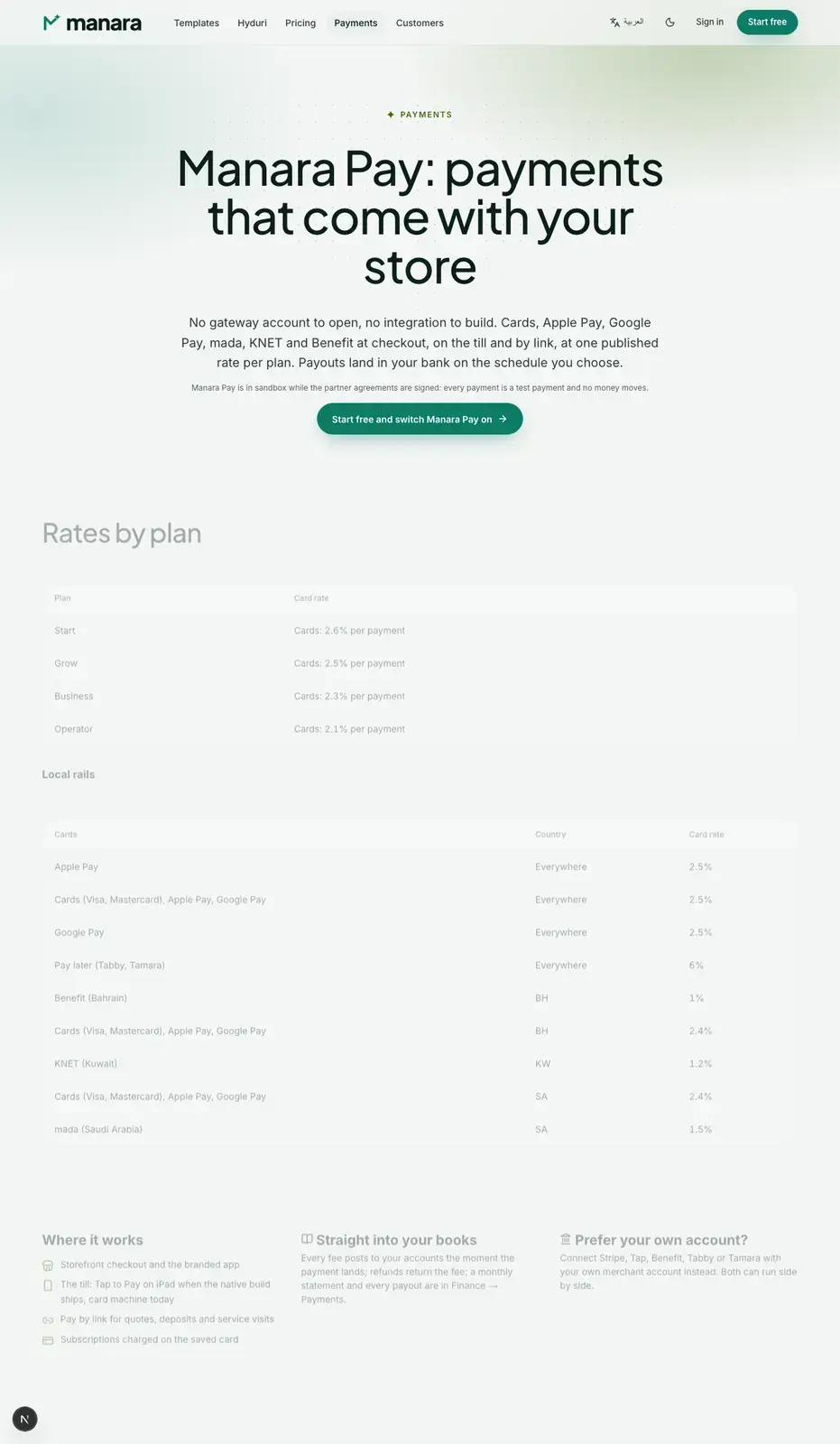 Payments
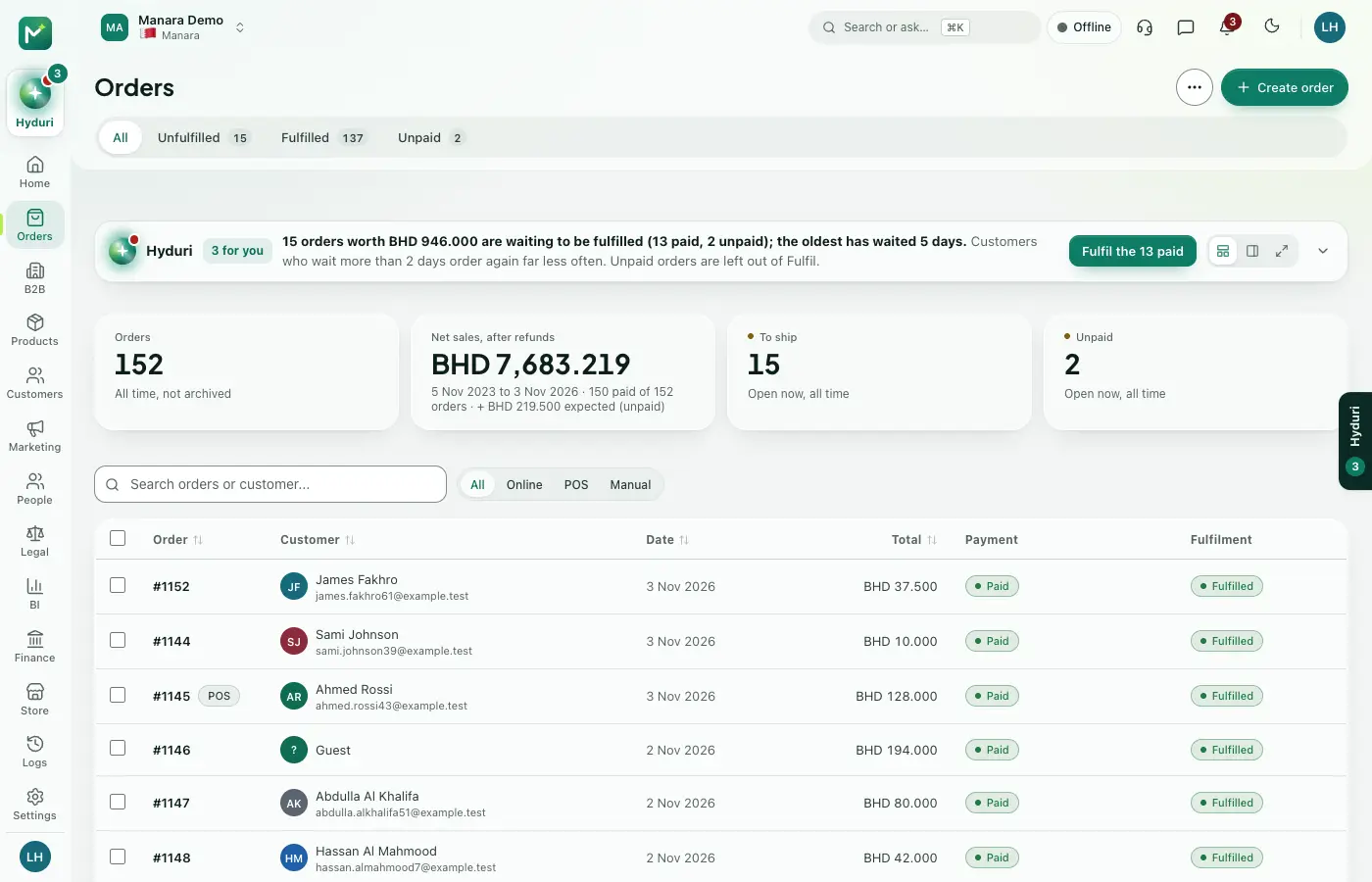 Orders
Where it shows
Shows up everywhere you work
- Store admin
- The till
- Your website
- Your shop app
- Reports
Needs
Made for
Who it fits
Every industry: it works for any kind of store.
Questions
Good questions
Where do payment methods show?
At checkout in the online store and the mobile app, and at the till.
What is Manara Pay?
It is Manara's own payment option, with payouts to your bank. You send your business details, and it switches on when it is approved. Your own gateway keeps working beside it.
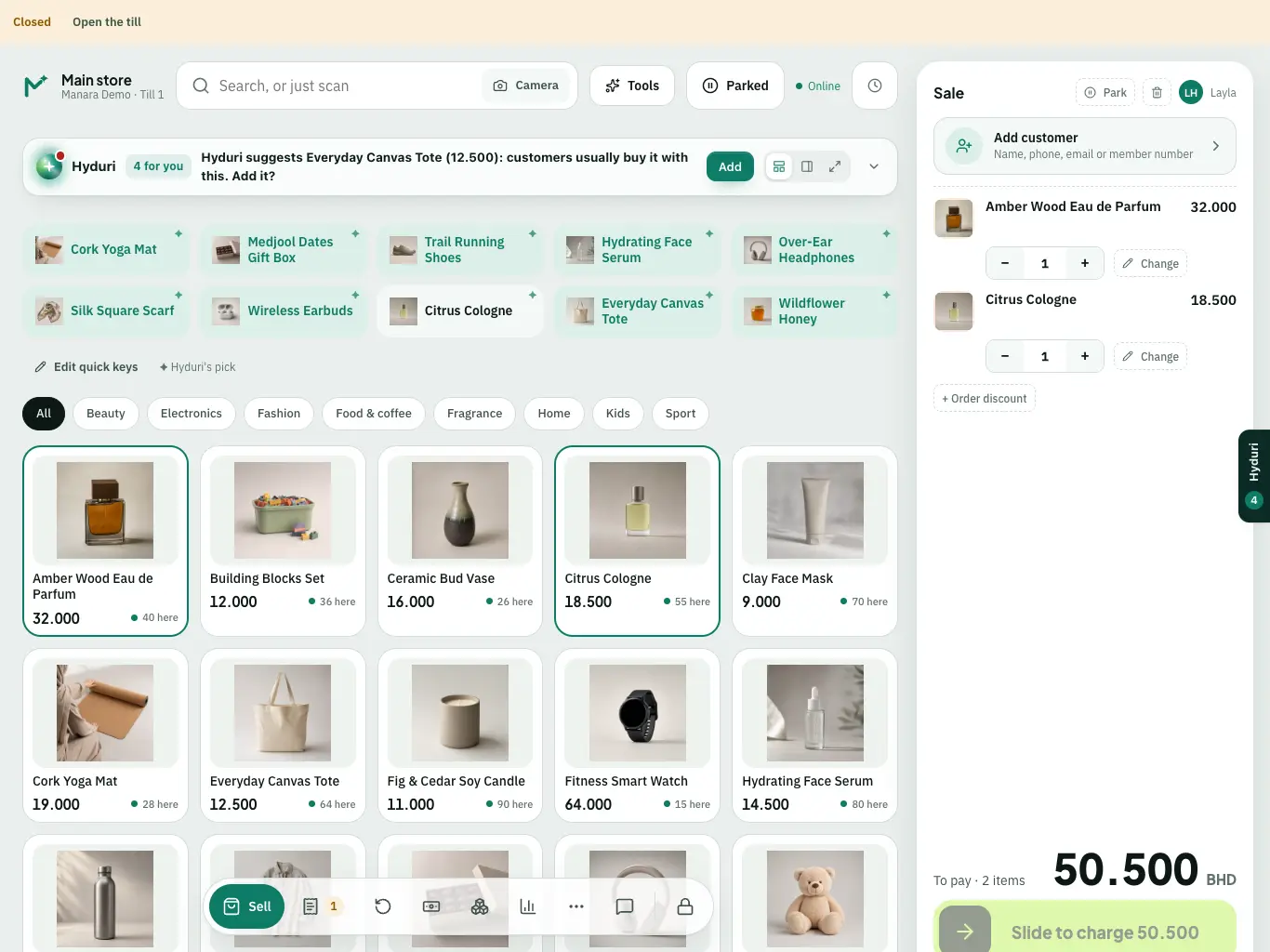 Point of sale
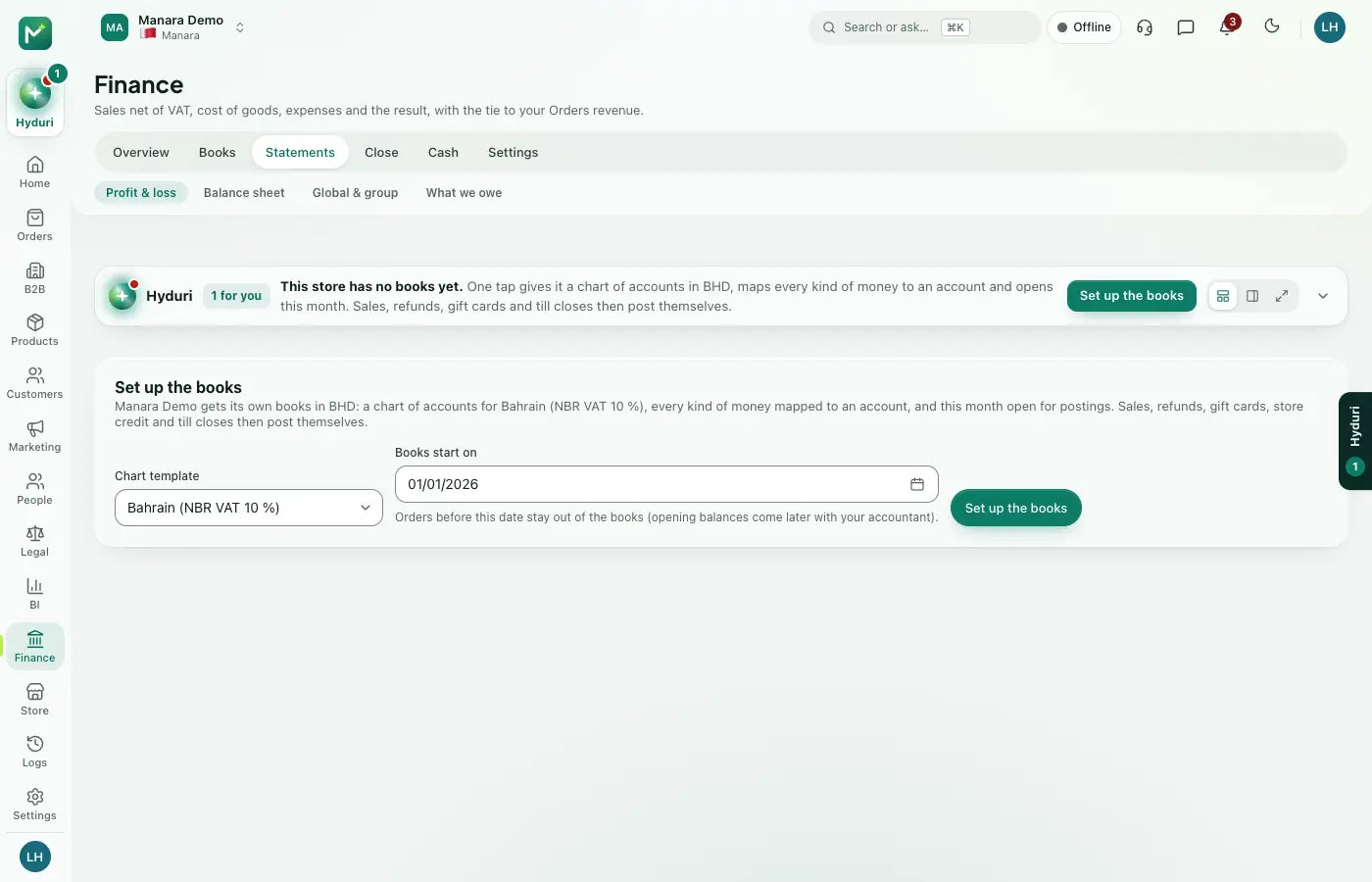 Accounting

Switch it on in minutes. Keep your data.
NextAll appsSwitch on only what your business runs on. Every app shares the same customers, products and orders, so nothing is typed twice.