
For any industry
App library · Finance
Accounting, handled.
Keep your books, tax, bank and year end in the same system as your sales.
What you get
What it does for you
Accounting follows your orders into proper books. You can reconcile your bank, see profit and loss, handle tax and close the year without moving data between tools.
- Keep a chart of accounts and post journals, with an audit trail of every change.
- Import bank statements, match them to your records and lock a reconciled report.
- See profit and loss for any period.
- Handle tax and keep a register of fixed assets.
- Close the year with a guided year-end.
How it works
From switch-on to first result
01
Open Accounting and check your accounts and tax settings.
02
Your sales and payments flow into the books as they happen.
03
Reconcile the bank, review profit and loss, then close the period or year.
See it
Inside the app
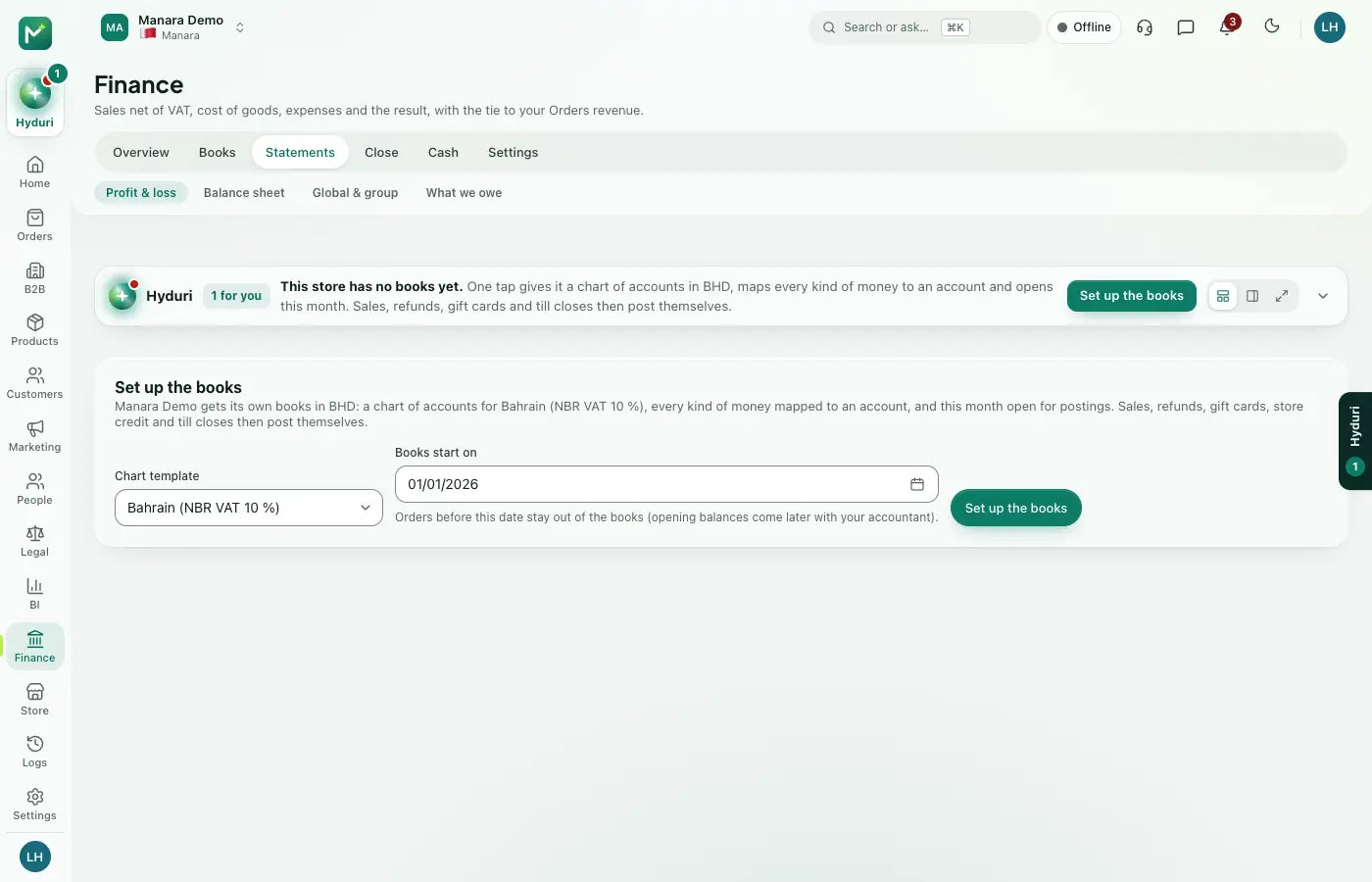 Accounting
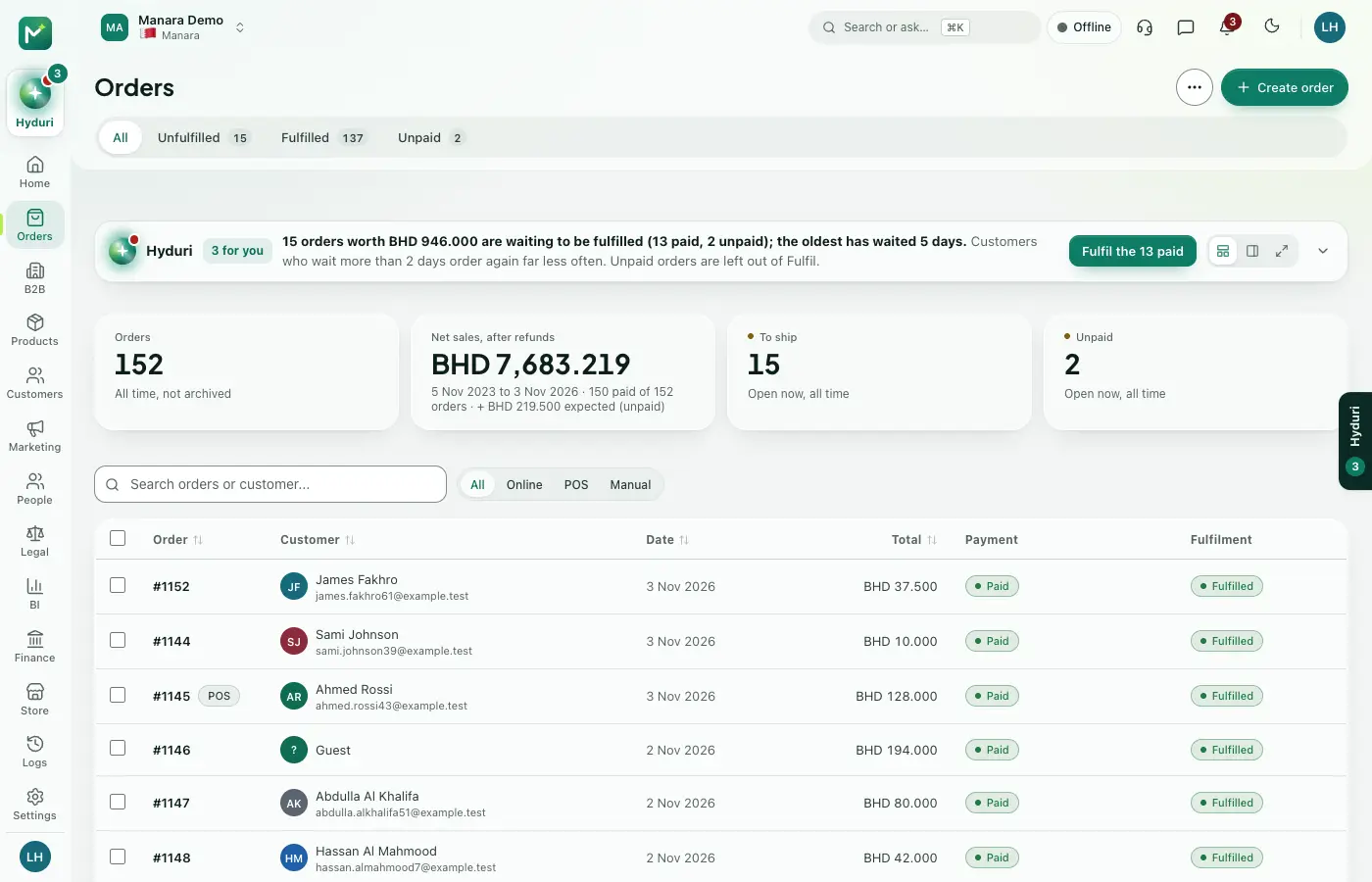 Orders
Made for
Who it fits
Every industry: it works for any kind of store.
Pricing
What it costs
Included with some plans, or ask us for the price.
Try it free for 14 days.
Questions
Good questions
Do I need Orders installed?
Yes. The books are fed by your orders, so Orders must be installed.
Is there a trial and how much does it cost?
Ask the price on the pricing section of this page, where any trial is also shown.
What happens to my books if I uninstall it?
Your data is kept. Install the app again and your books are still there.
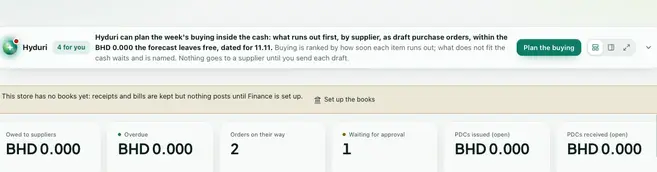 Purchasing
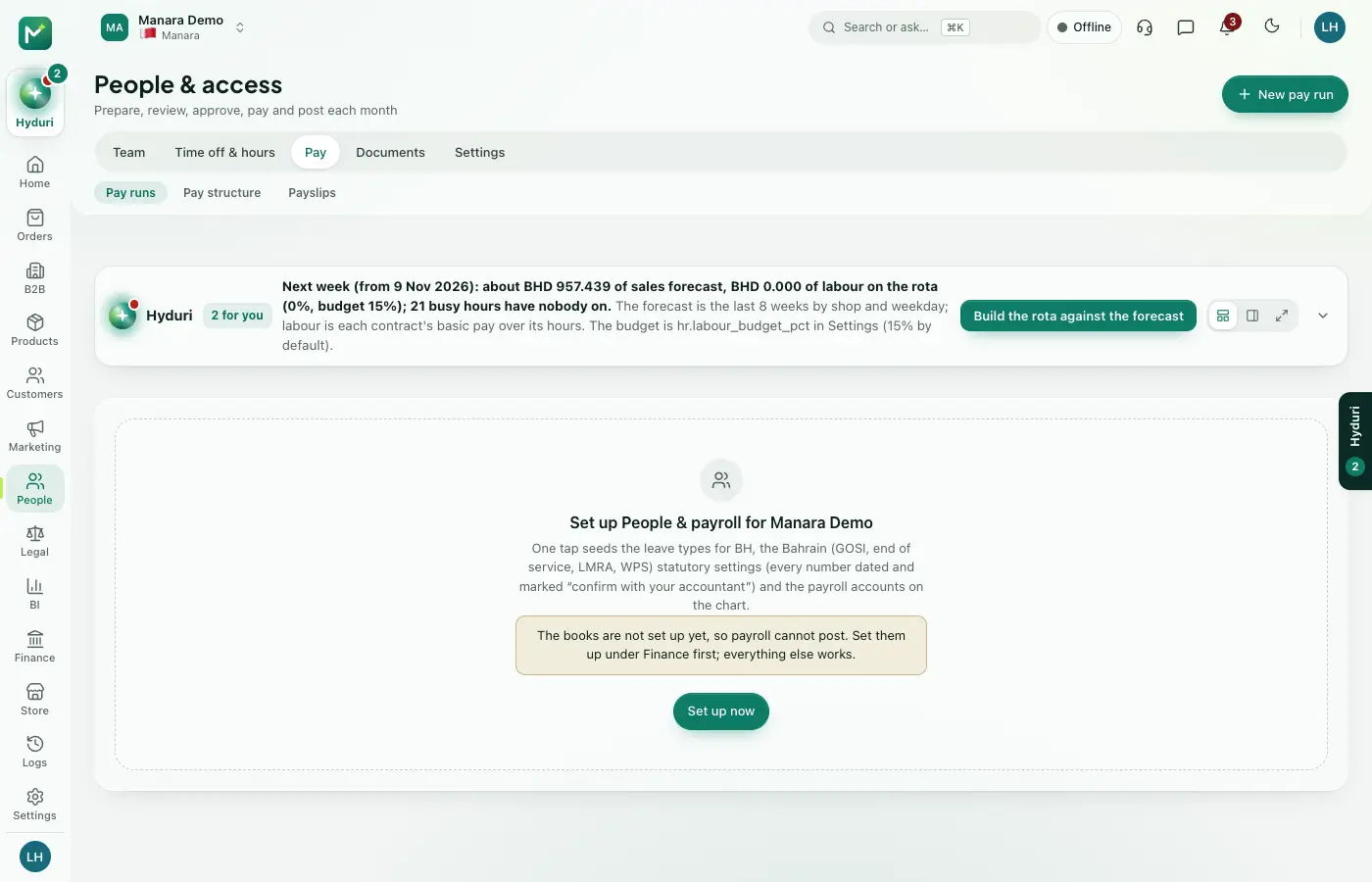 Payroll
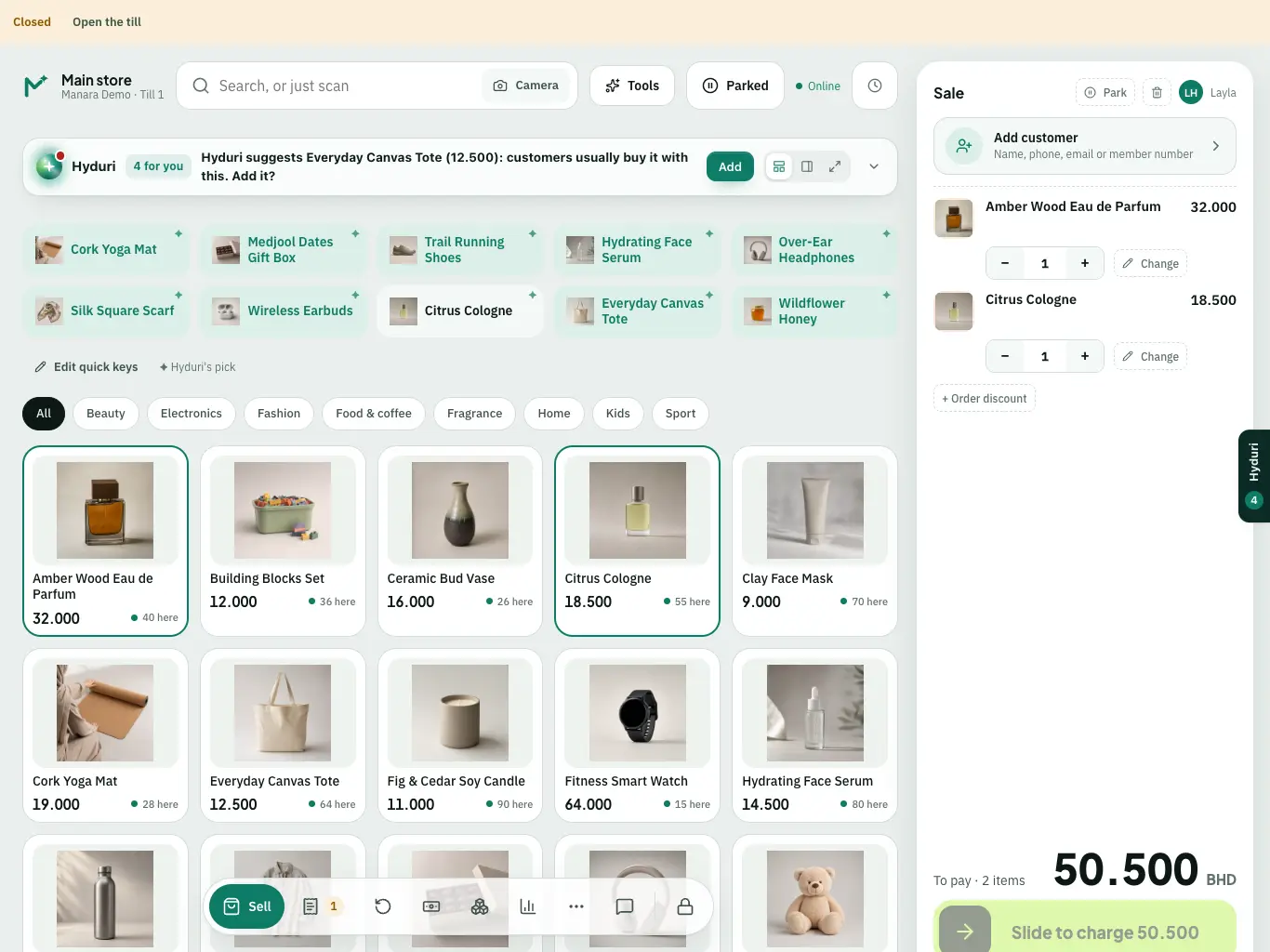 Point of sale

Switch it on in minutes. Keep your data.
NextAll appsSwitch on only what your business runs on. Every app shares the same customers, products and orders, so nothing is typed twice.