
For any industry
App library · Operations
Purchasing, handled.
Order from suppliers, receive stock and pay bills on time.
What you get
What it does for you
Purchasing keeps your suppliers, purchase orders and bills together. You see what you owe, what is late and what needs approval, and pay several bills in one run.
- Keep your suppliers and their price lists in one place.
- Raise purchase orders by picking products by name, code or barcode, with the supplier price filled in.
- Receive goods against an order and create the bill from the receipt.
- See what you owe in aged buckets, with late bills and early-payment discounts highlighted.
- Propose a payment run, tick the bills to pay and send them together.
How it works
From switch-on to first result
01
Add your suppliers and their prices.
02
Raise a purchase order and receive the goods when they arrive.
03
Enter or create the bill, get it approved and pay it in a payment run.
See it
Inside the app
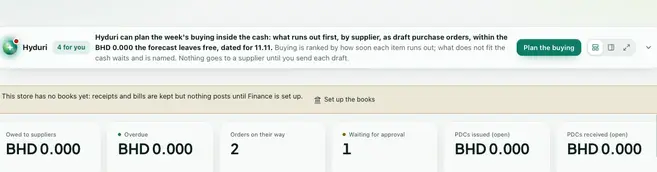 Purchasing
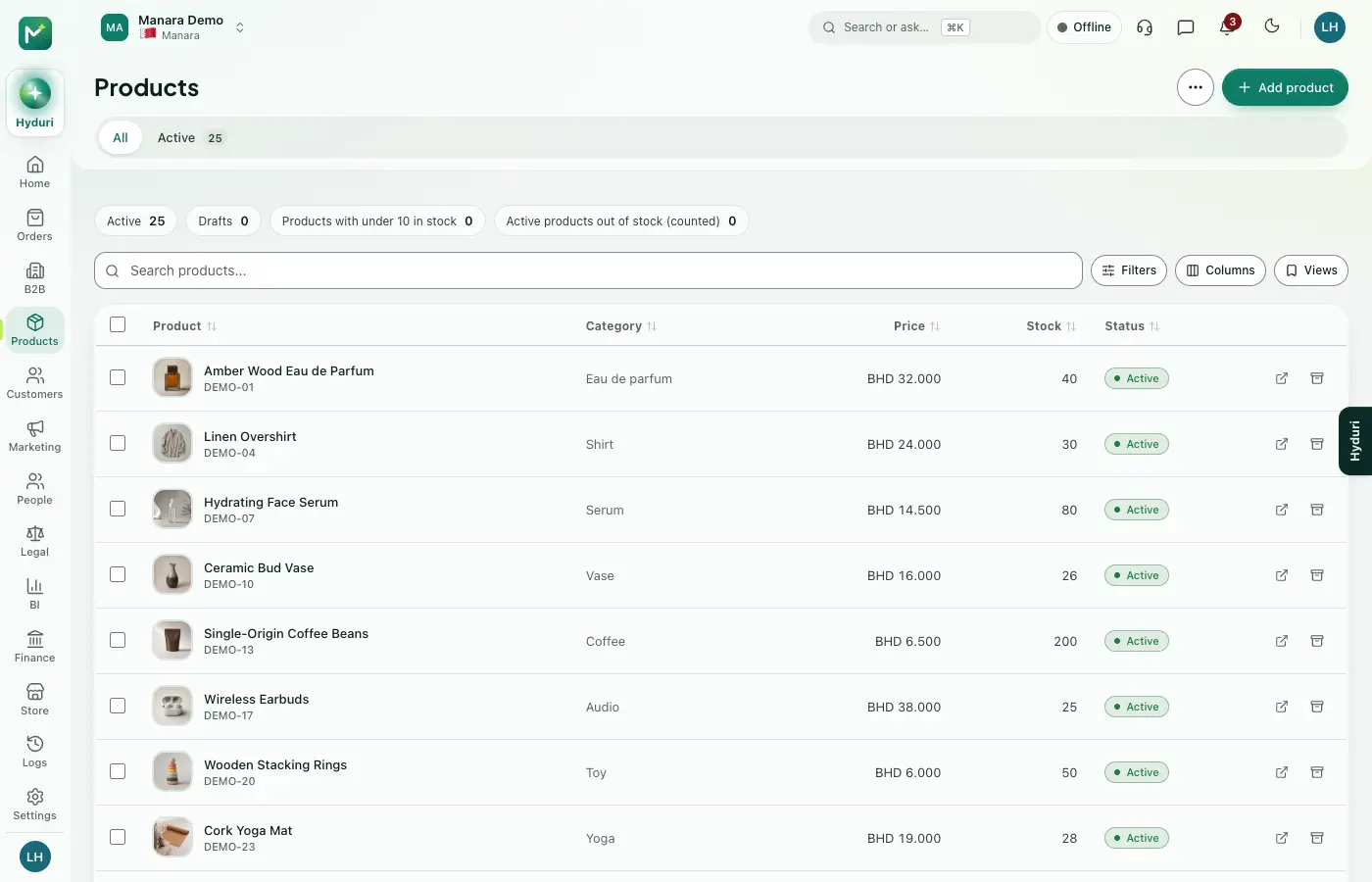 Products
Made for
Who it fits
Every industry: it works for any kind of store.
Questions
Good questions
Do I need Products installed?
Yes. Purchase orders are made from your products, so Products must be installed.
Where does it show?
In your admin, in reports and in the emails it sends. It does not appear on your storefront.
What happens to my orders and bills if I uninstall it?
Your data is kept. Install the app again and your suppliers and bills are still there.
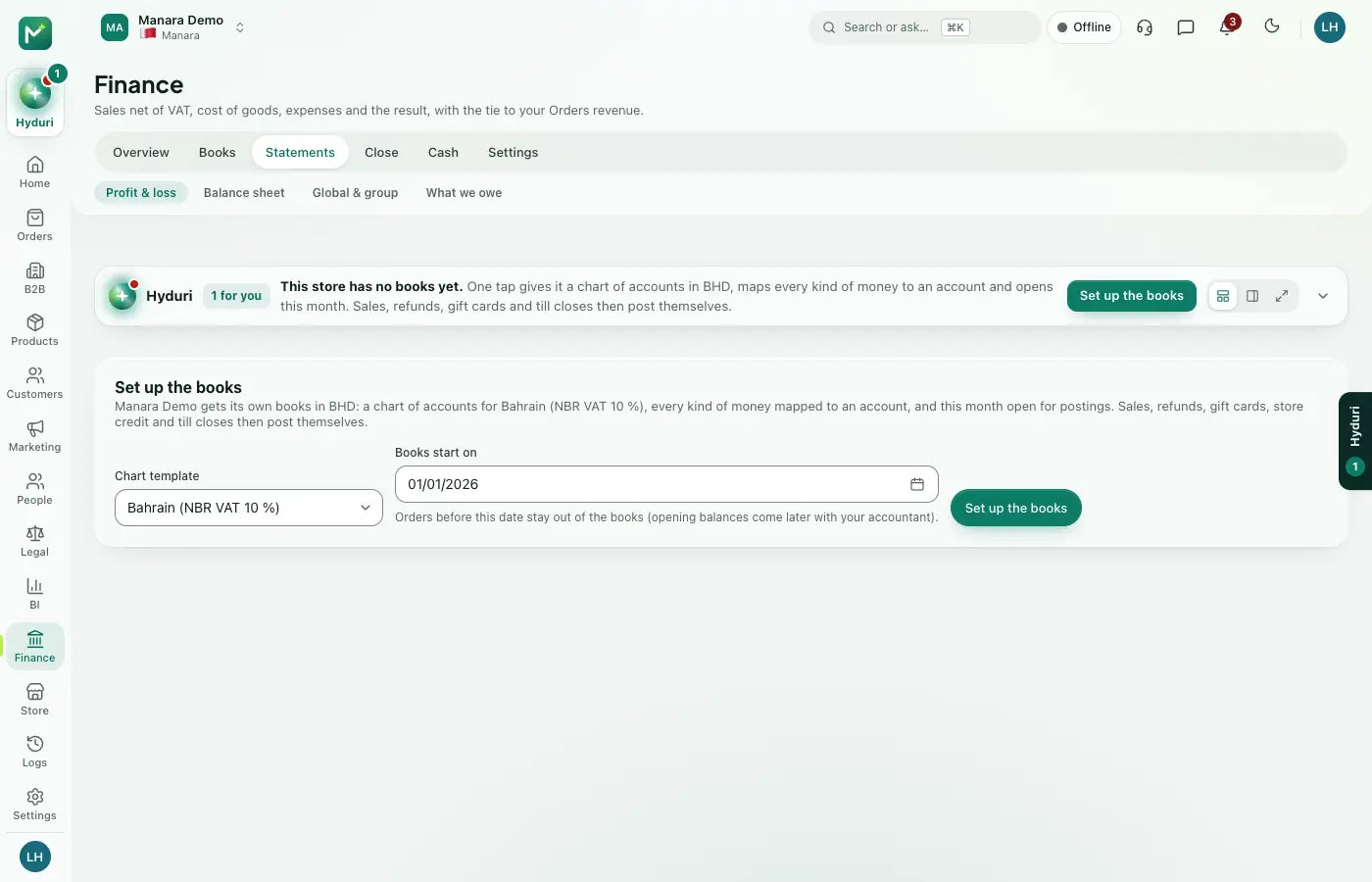 Accounting
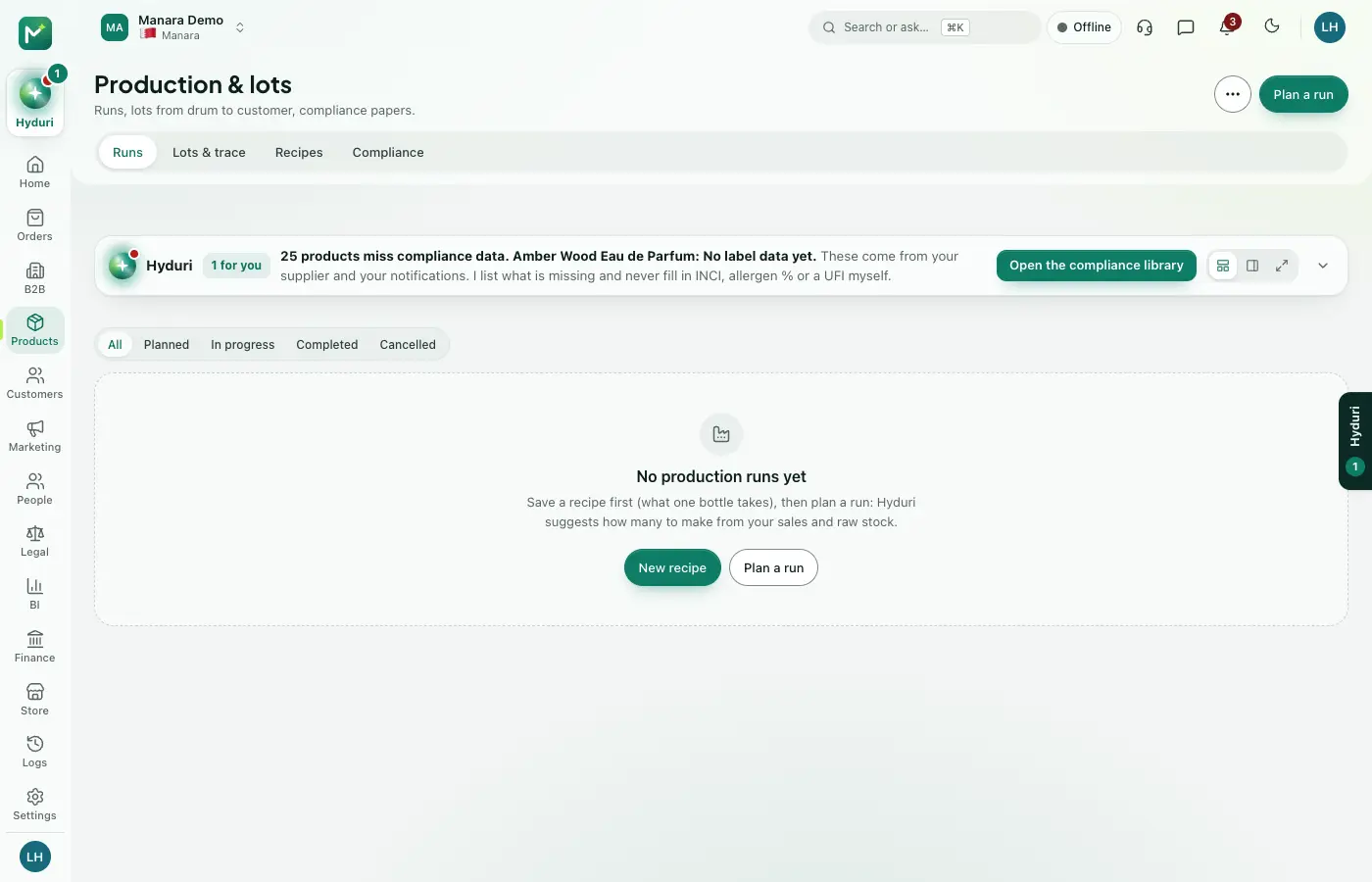 Manufacturing
 Multi-location stock

Switch it on in minutes. Keep your data.
NextAll appsSwitch on only what your business runs on. Every app shares the same customers, products and orders, so nothing is typed twice.