
For any industry
App library · Operations
Multi-location stock, handled.
Know what you hold in every warehouse and shop, and move it between them.
What you get
What it does for you
Multi-location stock keeps a count for each warehouse and shop, with one view across all of them. When one place runs low, you move stock from another with a transfer.
- See stock for each store on its own, or all stores together in one table.
- Create a transfer from one location to another and follow it until it arrives.
- Get a cost quote for a transfer before you send it.
- Check stock levels at the till and in your reports.
How it works
From switch-on to first result
01
Open the inventory and choose a store, or look at all stores.
02
Start a transfer by choosing where the stock goes from and to.
03
Follow the transfer until it is received and the counts update.
See it
Inside the app
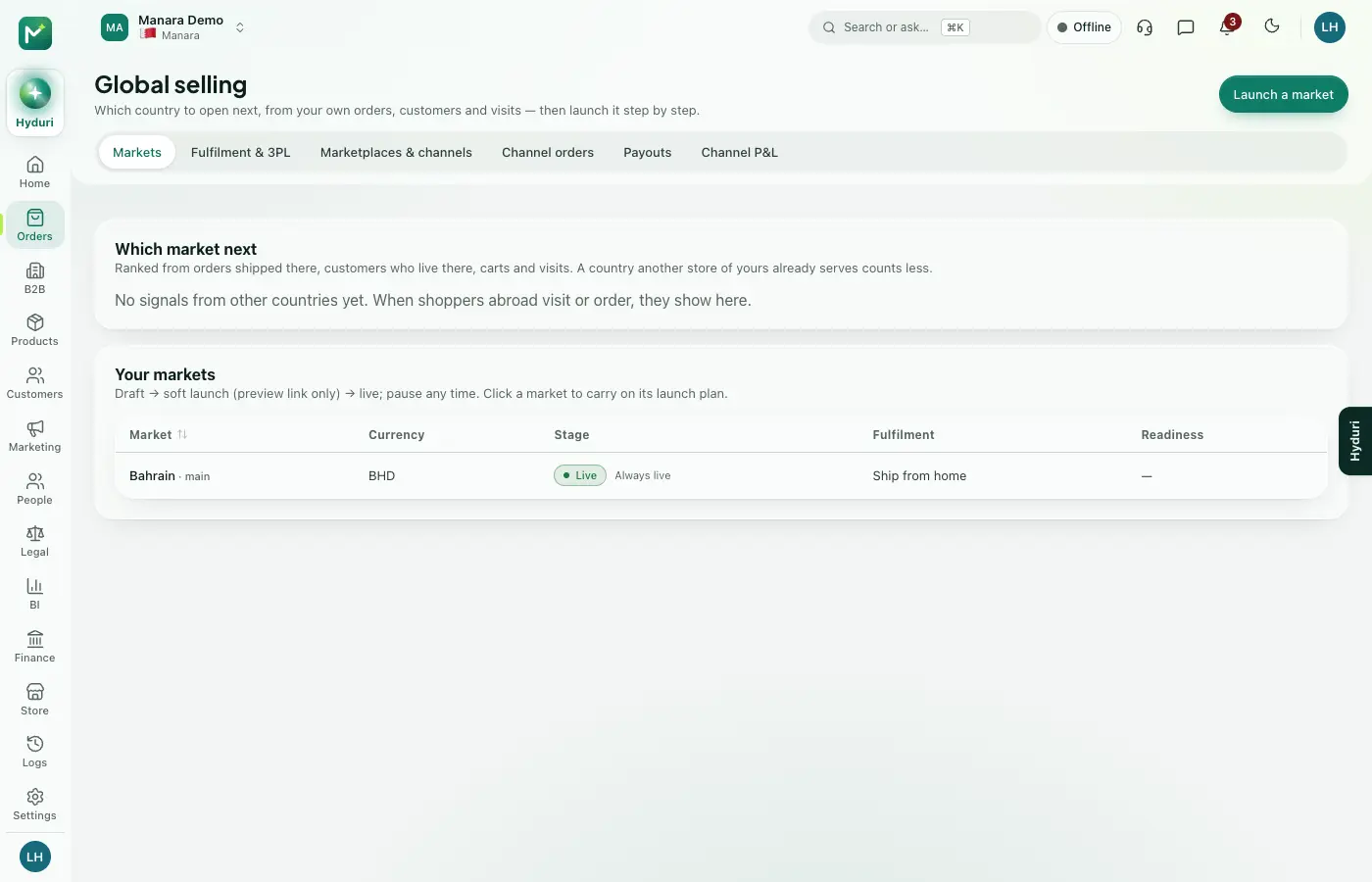 Multi-location stock
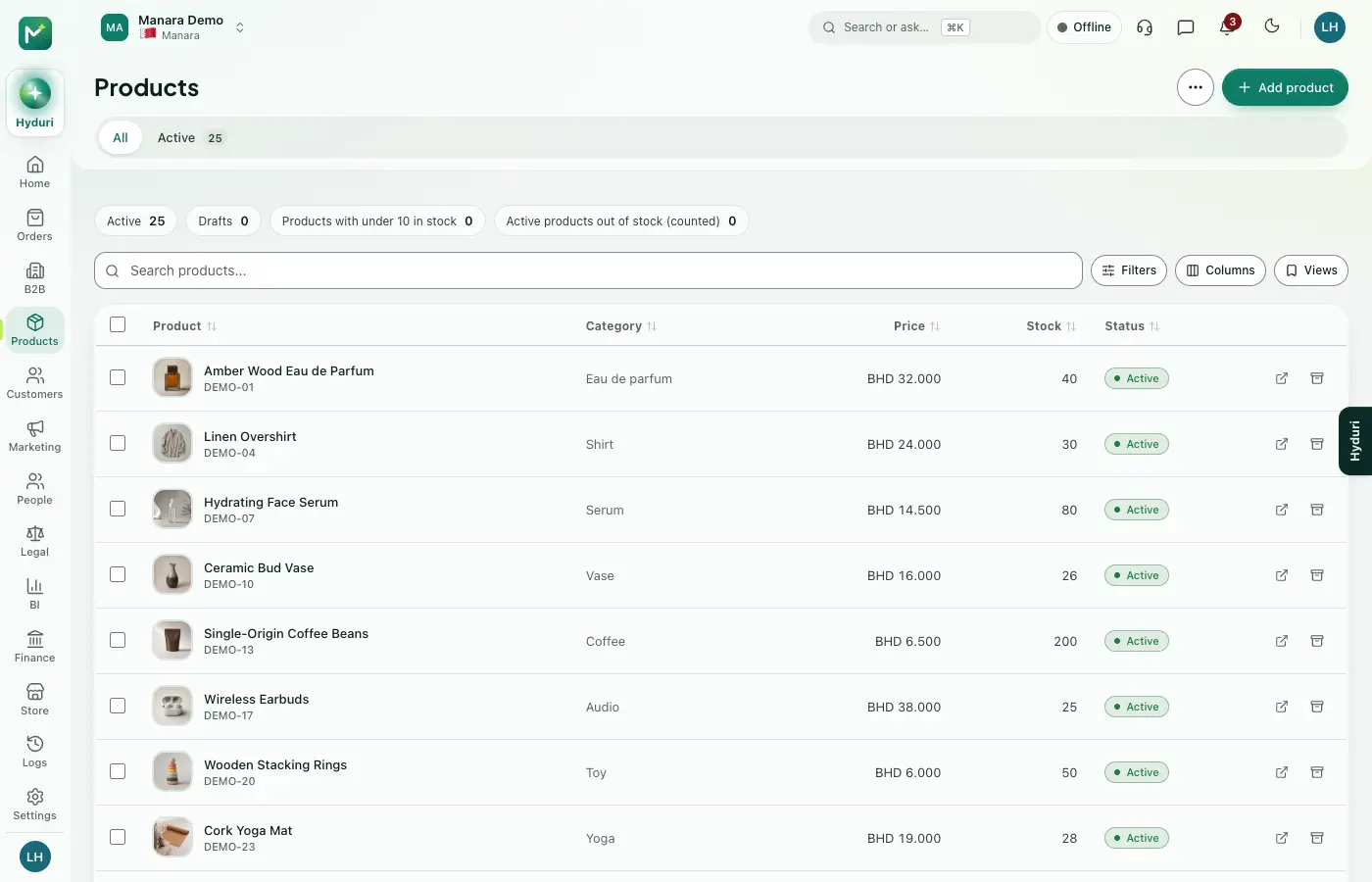 Products
Made for
Who it fits
Every industry: it works for any kind of store.
Questions
Good questions
Do I need other apps first?
It works on your product list, so Products needs to be installed.
Where does it show?
In the admin, at the till and in your reports.
What happens to my data if I uninstall it?
Your data is kept. Your stock counts are still there if you install the app again.
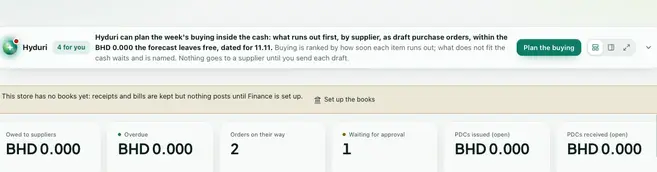 Purchasing
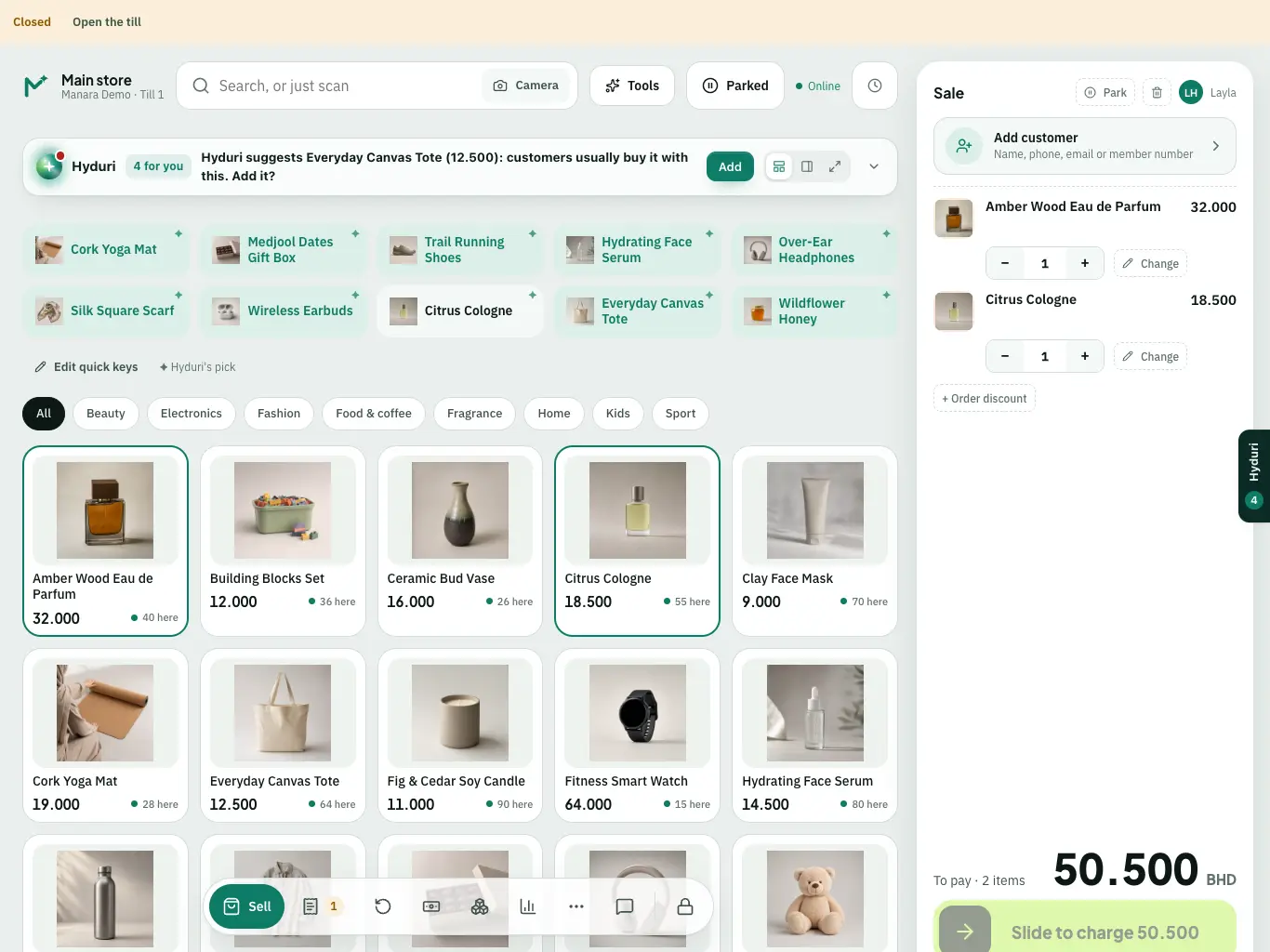 Point of sale

Switch it on in minutes. Keep your data.
NextAll appsSwitch on only what your business runs on. Every app shares the same customers, products and orders, so nothing is typed twice.