
For any industry
App library · Customers
Loyalty, handled.
Turn every purchase into points, tiers and rewards that bring shoppers back.
What you get
What it does for you
Loyalty lets you run one rewards programme for your store, online and at the till. You set how points are earned and spent, and each customer sees their own balance, tier and history.
- Set your own earn and redeem rules, with a switch to turn the programme on or off per store.
- Create tiers so your best customers see how far they are from the next one.
- Build a rewards catalogue that customers can spend their points on.
- See how many members you have, how many points are outstanding and what they are worth in money.
- Open any customer to check their balance, point expiry and statement, and adjust points when needed.
How it works
From switch-on to first result
01
Open the loyalty section of Customers and follow the short setup to create your programme.
02
Choose how points are earned and spent, then add your tiers and rewards.
03
Turn the programme on for your store and let customers earn on every sale.
See it
Inside the app
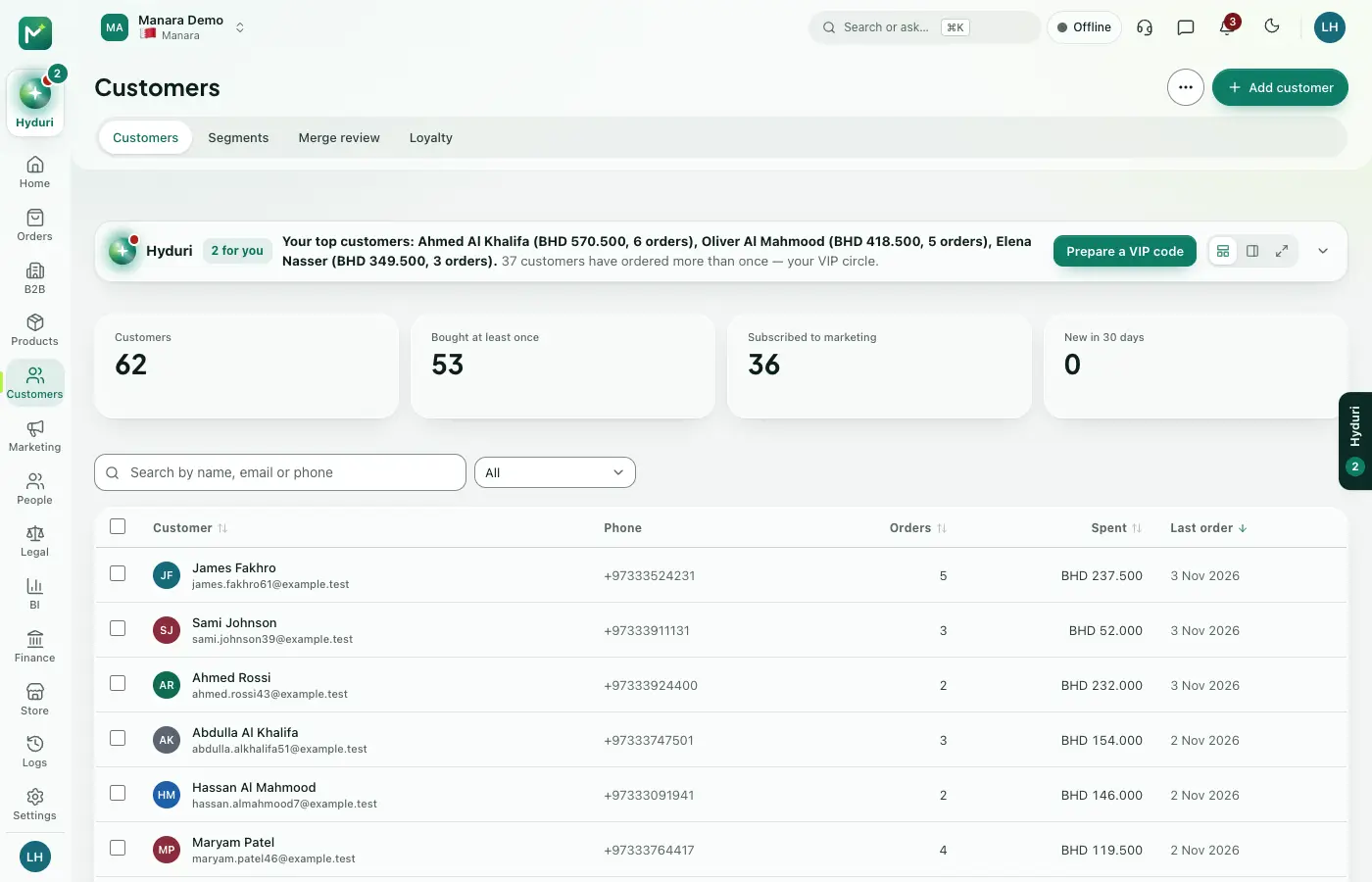 Loyalty
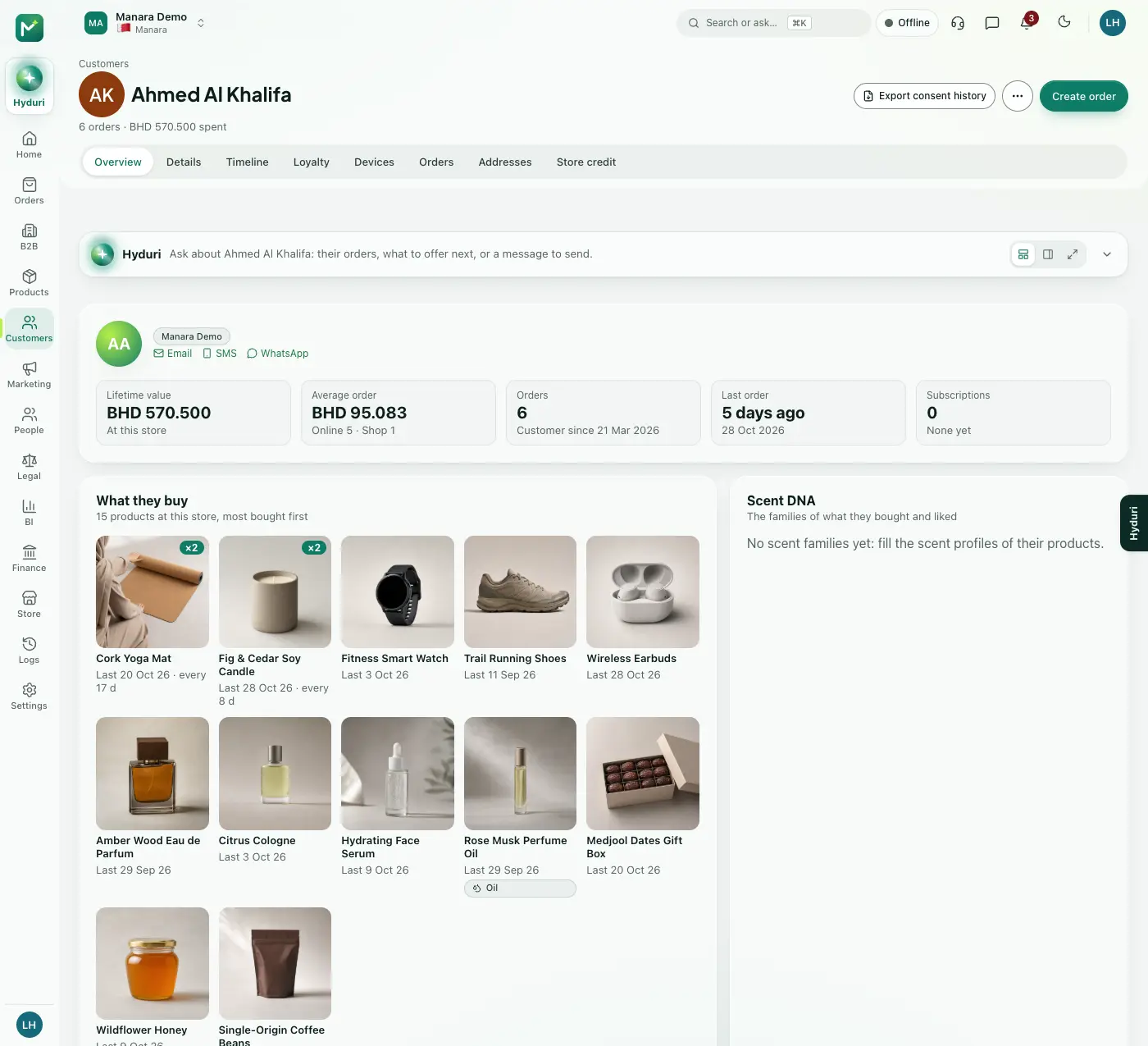 Customers
Where it shows
Shows up everywhere you work
- Store admin
- The till
- Your website
- Your shop app
- Hyduri
- Emails and messages
Needs
Made for
Who it fits
Every industry: it works for any kind of store.
Questions
Good questions
Do I need Customers installed first?
Yes. Loyalty builds on your customer list, so Customers must be installed.
Where do customers see their points?
On your online store, in the mobile app, at the till and in your emails to them.
What happens to the points if I uninstall it?
Your data is kept. If you install the app again, your members and balances are still there.
Works with
Pairs well with
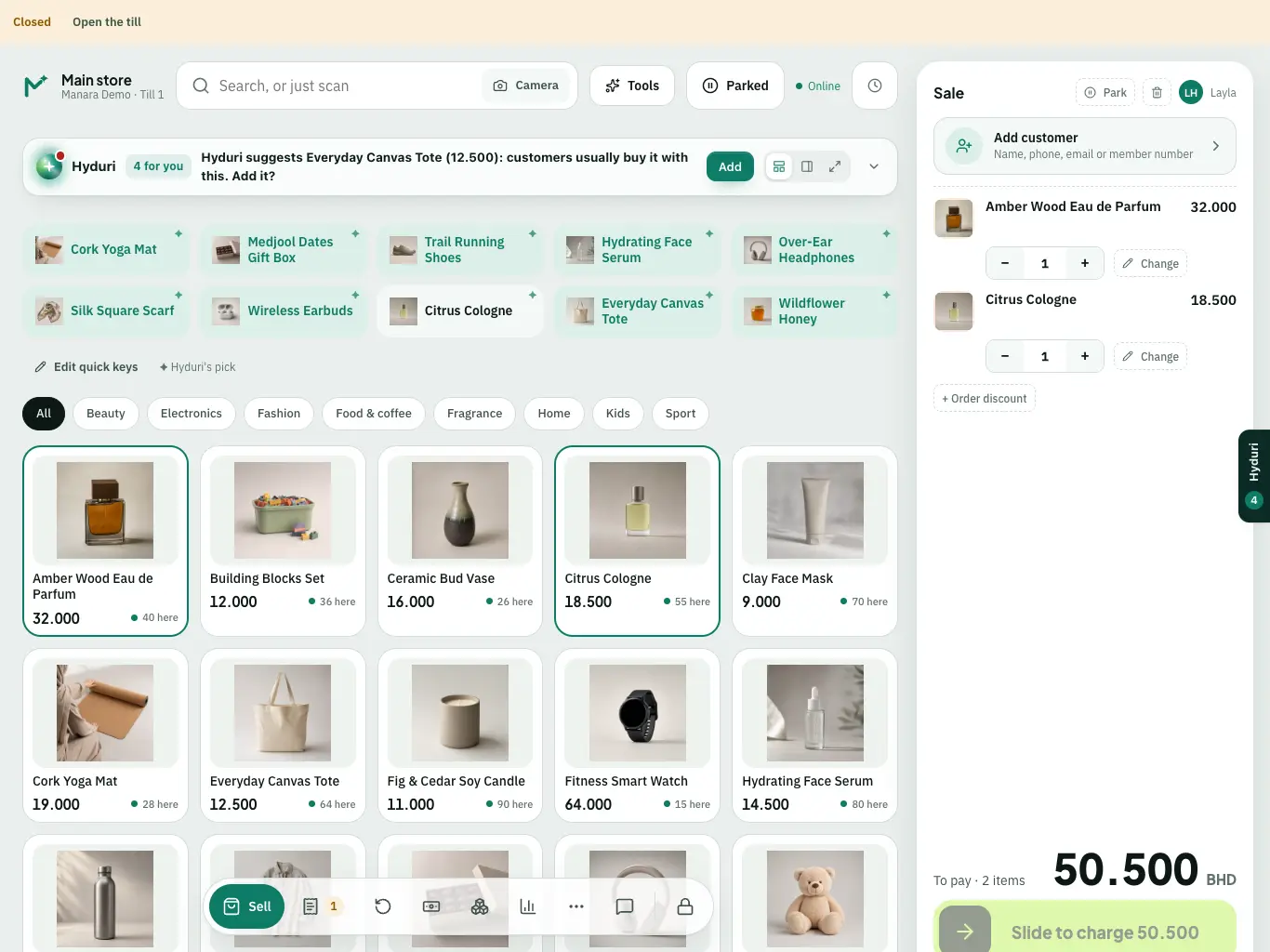 Point of sale
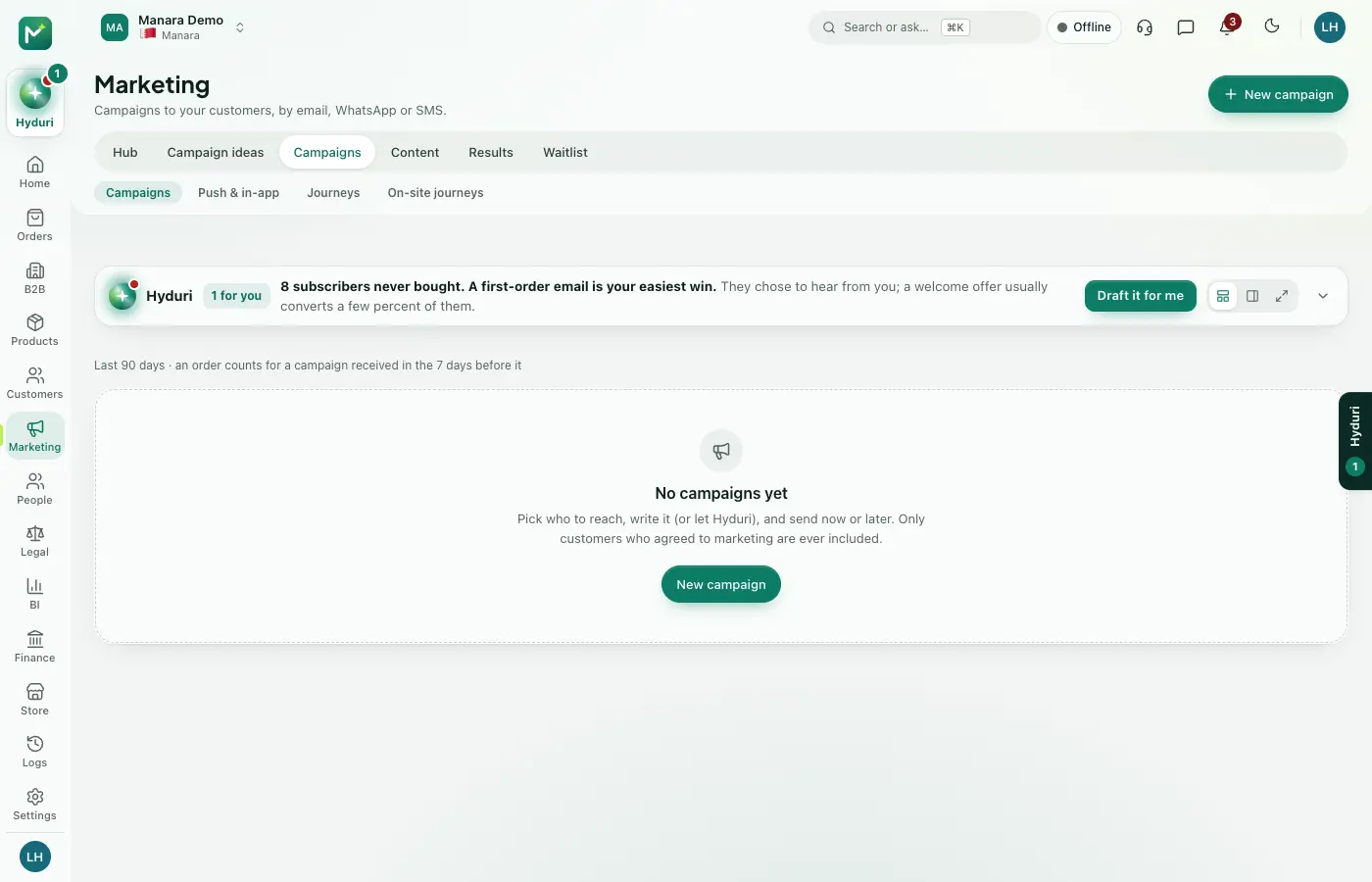 Campaigns & journeys
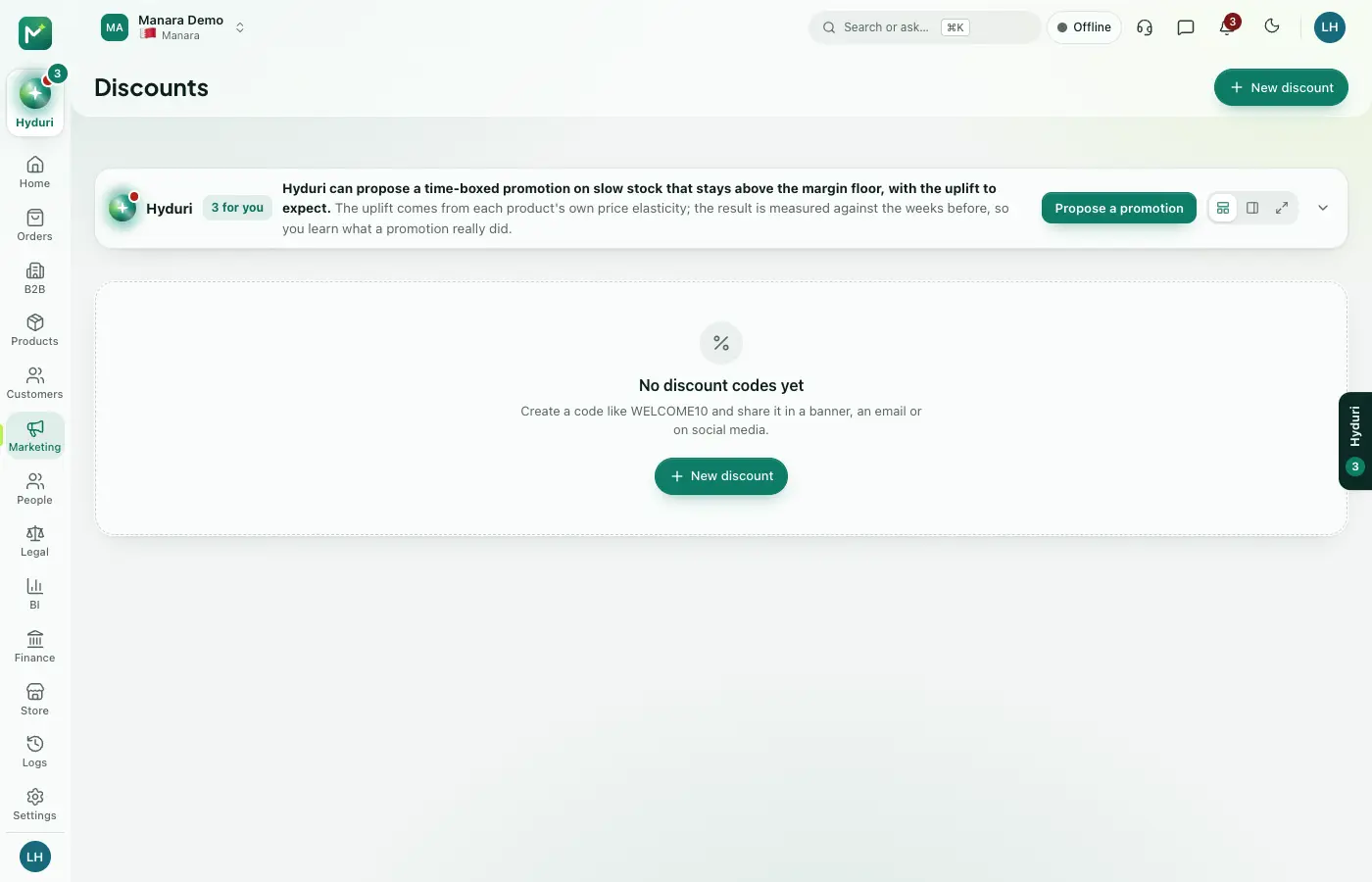 Discounts & gift cards

Switch it on in minutes. Keep your data.
NextAll appsSwitch on only what your business runs on. Every app shares the same customers, products and orders, so nothing is typed twice.