
In every store
App library · Customers
Customers, handled.
Know who buys from you, and reach the right people.
What you get
What it does for you
Every customer has one profile with their orders, messages, reviews and notes, from all your stores. Group them into segments that update themselves, and use those segments in campaigns.
- See one profile per customer, with everything they bought and every message in a timeline.
- Build segments such as lapsed buyers or unhappy customers, and watch the counts update by themselves.
- Merge two profiles that belong to the same person, and undo the merge if it was a mistake.
- Keep a note on a customer that staff see at the till and on their orders.
- Record marketing consent, so only people who agreed are ever included in campaigns.
How it works
From switch-on to first result
01
Customers appear when they buy, sign up in your store, or when you add them.
02
Open a profile to see orders, messages and notes, and add tags.
03
Save a segment and use it in a campaign or a journey.
See it
Inside the app
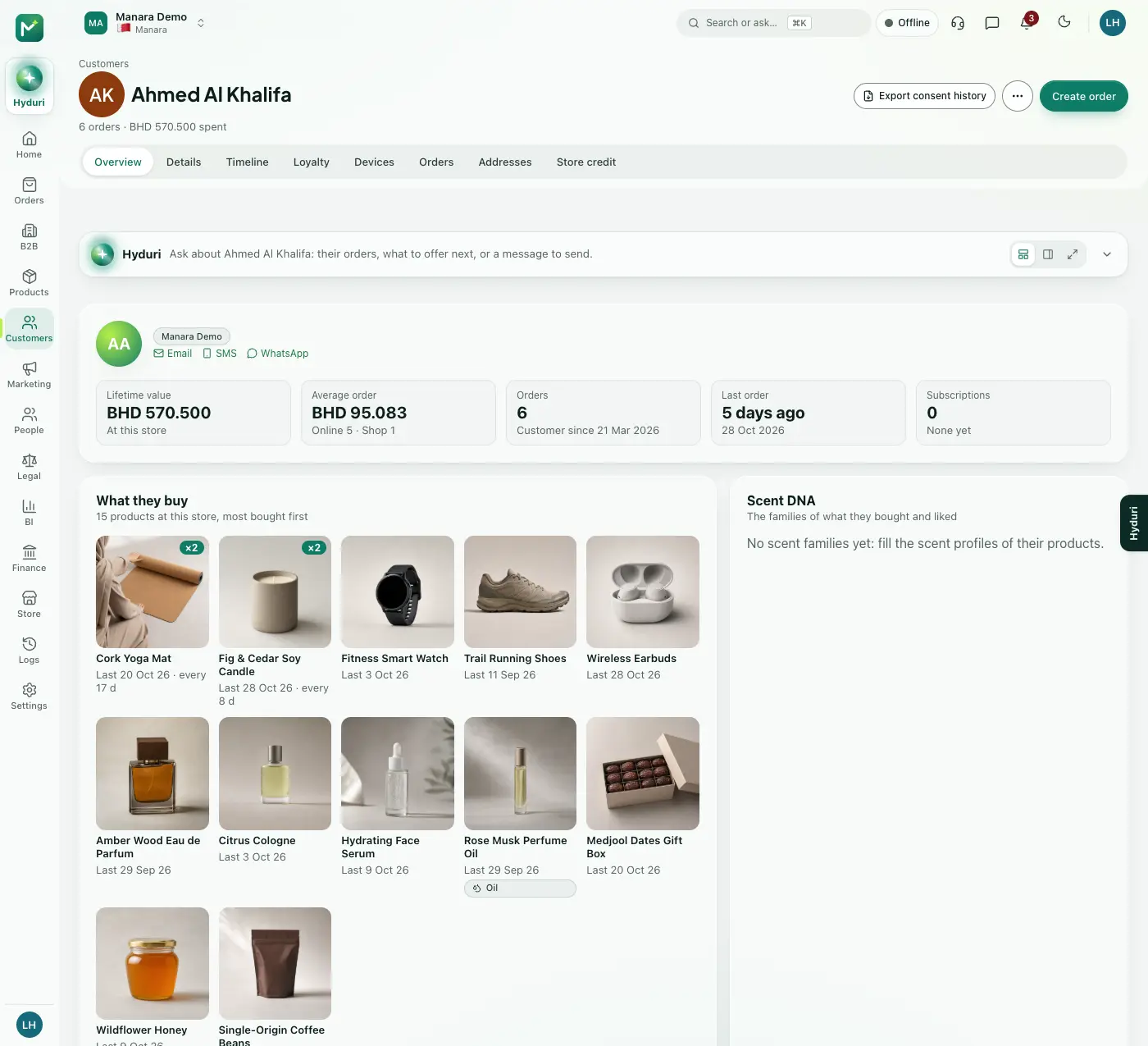 Customers
Where it shows
Shows up everywhere you work
- Store admin
- The till
- Your website
- Your shop app
- Hyduri
- Reports
- Emails and messages
Made for
Who it fits
Every industry: it works for any kind of store.
Questions
Good questions
Where do customer profiles show?
In the admin, at the till, in the shopper's account on the store, in the mobile app and in reports.
Can I contact everyone in my list?
Only customers who agreed to marketing are included when you send a campaign.
Works with
Pairs well with
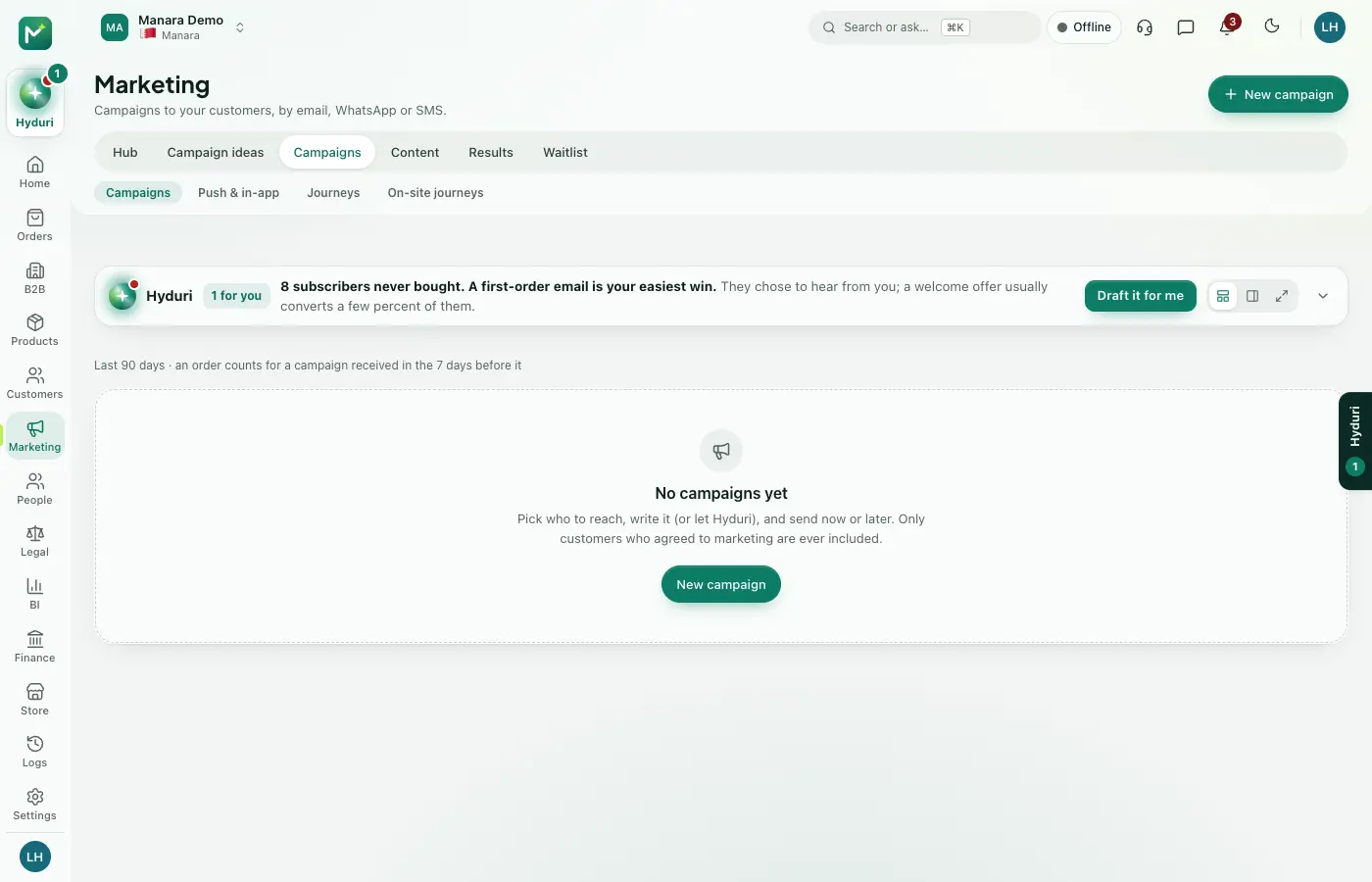 Campaigns & journeys
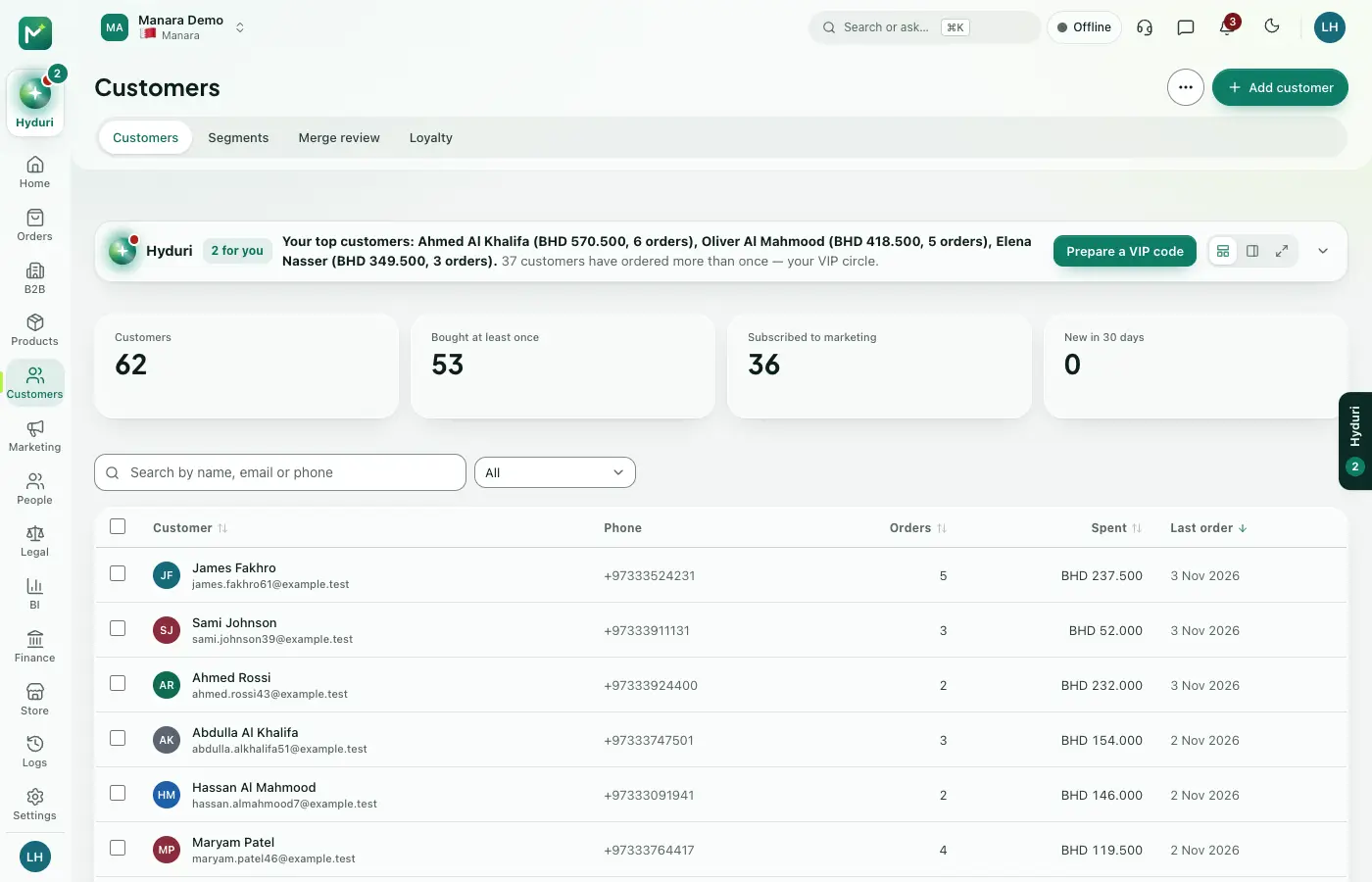 Loyalty
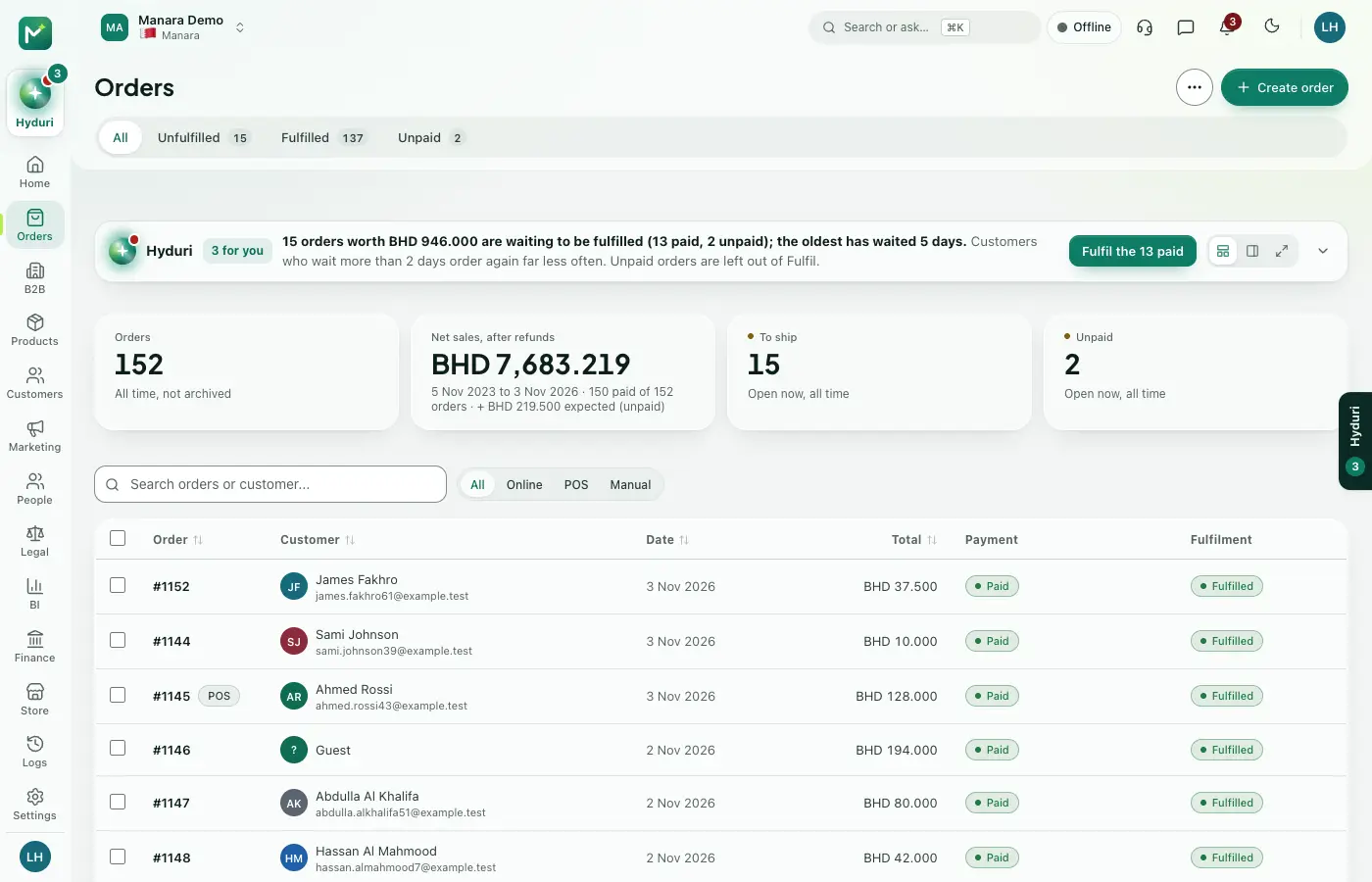 Orders
 Reviews & questions

Switch it on in minutes. Keep your data.
NextAll appsSwitch on only what your business runs on. Every app shares the same customers, products and orders, so nothing is typed twice.