
For any industry
App library · Marketing
Push notifications, handled.
Reach shoppers on their phone or browser the moment you have something to say.
What you get
What it does for you
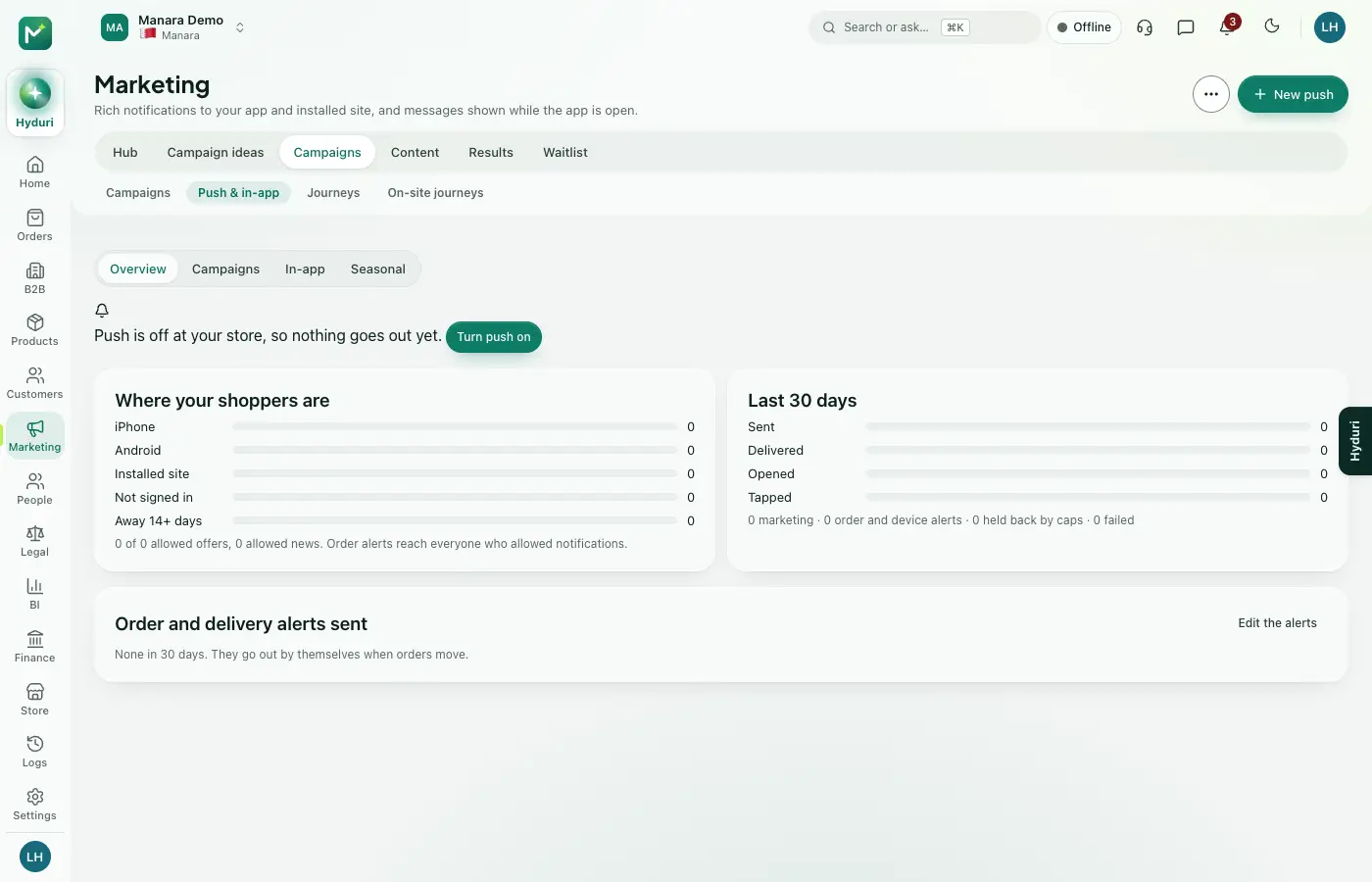
Push notifications sends offers and news to shoppers who allowed them, on the web and in your app. You can also show messages inside the app and set quiet hours and daily limits so you never overdo it.
- Send an offer or a news message now, at a set time, or at the shopper's local time.
- Choose the audience by inactivity, spending, country, tags or whether they use the app or the web.
- Test alternative wordings on part of your audience and see which brings more orders.
- Show banners, pop-ups and full-screen messages inside the app.
- Keep control with quiet hours, daily and weekly limits and a test device before you send.
How it works
From switch-on to first result
01
Turn push on in the settings and set quiet hours and limits.
02
Write the message, choose who gets it and preview it on a phone.
03
Send it to a test device, then send it for real and read the opens and orders.
See it
Inside the app
 Push notifications
 Customers
Made for
Who it fits
Every industry: it works for any kind of store.
Questions
Good questions
Do I need other apps first?
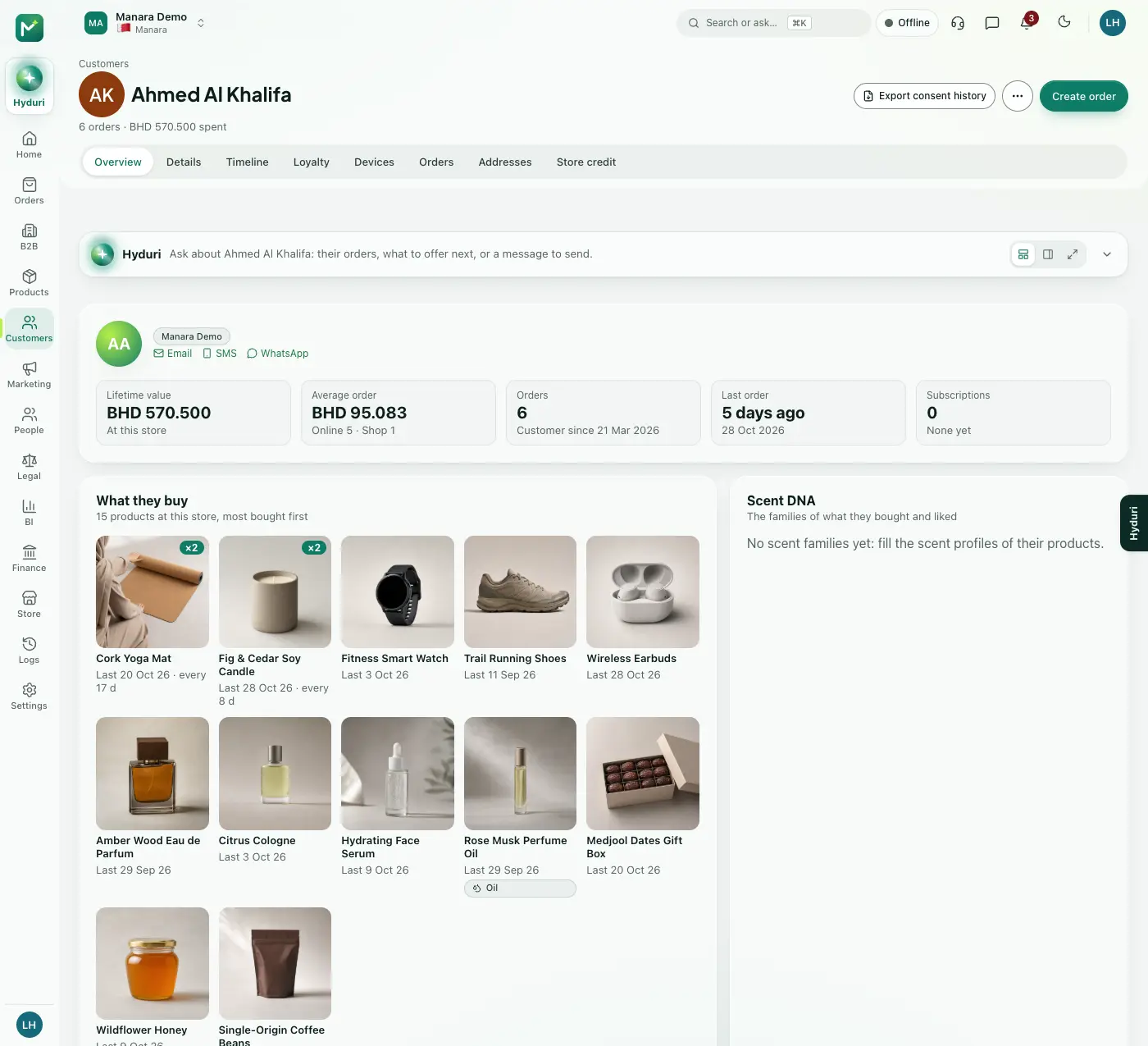
It uses your customer list, so Customers needs to be installed.
Where does it show?
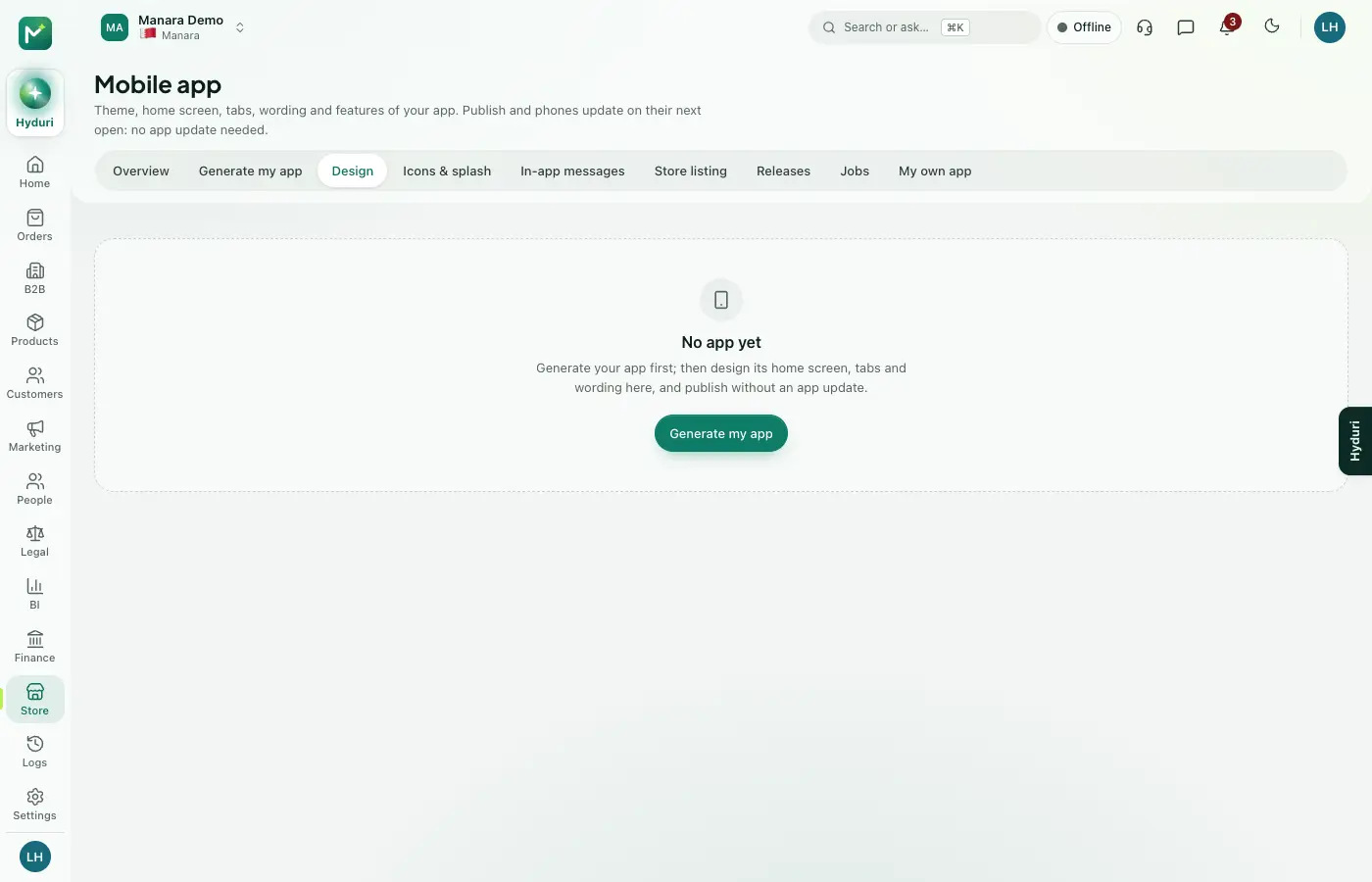
On your online store for web push and in your mobile app, and you manage it in the admin.
Will shoppers who opted out still get messages?
No. Offers and news only go to shoppers who allowed them.
 Campaigns & journeys
 Mobile app

Switch it on in minutes. Keep your data.
NextAll appsSwitch on only what your business runs on. Every app shares the same customers, products and orders, so nothing is typed twice.