
In every store
App library · Operations
Settings & team, handled.
Your business details, your team and who can do what, in one place.
What you get
What it does for you
Set your store's details, languages, locations and markets, invite staff and choose what each person can do. Protect sign-in with a second step, and see who changed what.
- Invite staff and choose what each person can open and change.
- Turn on two-step sign-in, and see each sign-in with its device and place.
- Set up languages, shops and warehouses, and the markets you sell in.
- Choose which messages go to shoppers and to your staff, and when.
- Follow step-by-step guides for launching and fixing gaps.
How it works
From switch-on to first result
01
Fill in your business details, languages and locations.
02
Invite your team and choose their access.
03
Turn on two-step sign-in and review the activity log from time to time.
See it
Inside the app
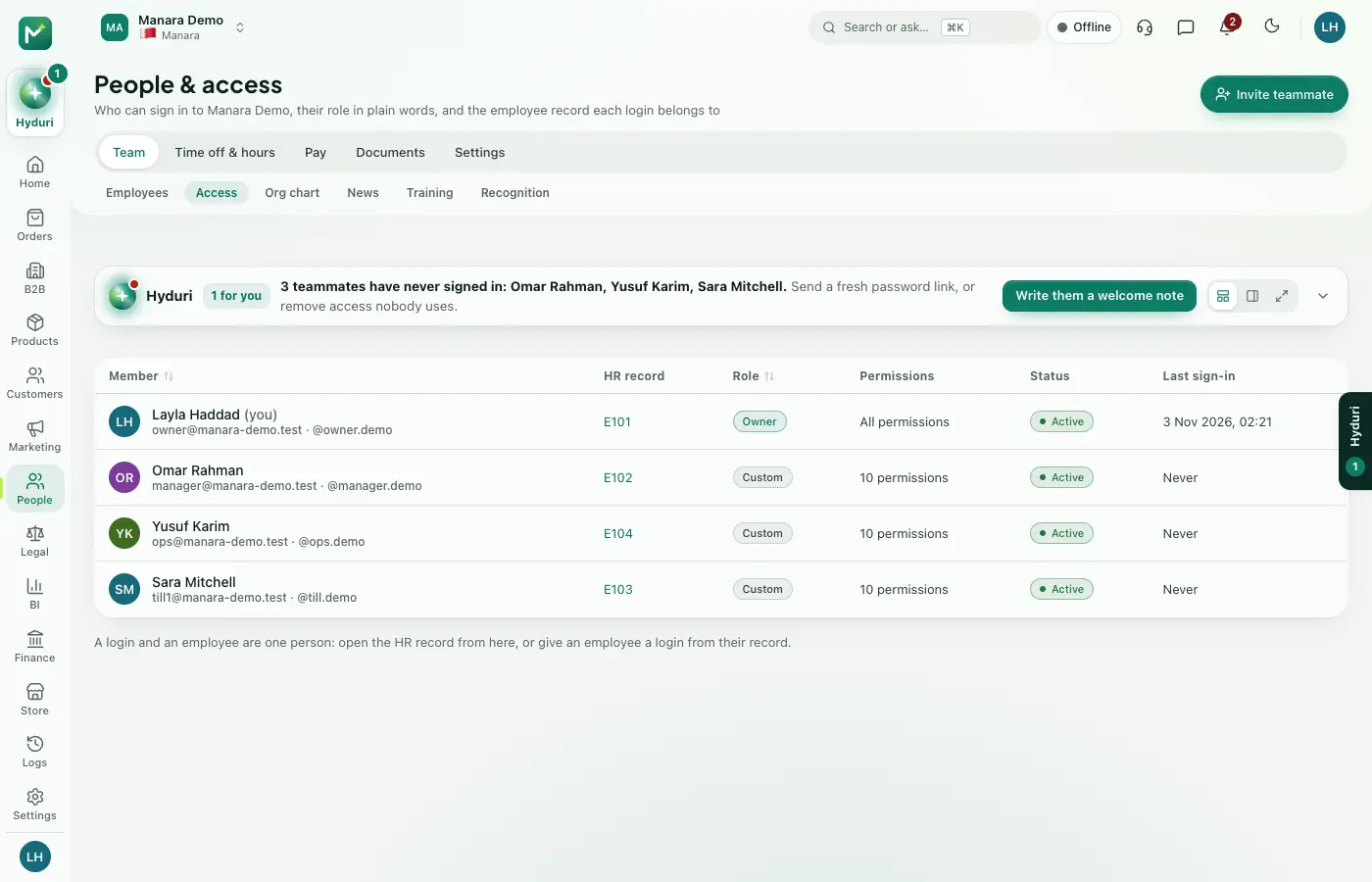 Settings & team
Where it shows
Shows up everywhere you work
- Store admin
- The till
Made for
Who it fits
Every industry: it works for any kind of store.
Questions
Good questions
Do I need to install this app?
No. It is a base app, so it is part of every store.
Can staff see everything?
No. Each person sees only what you allow for their role.
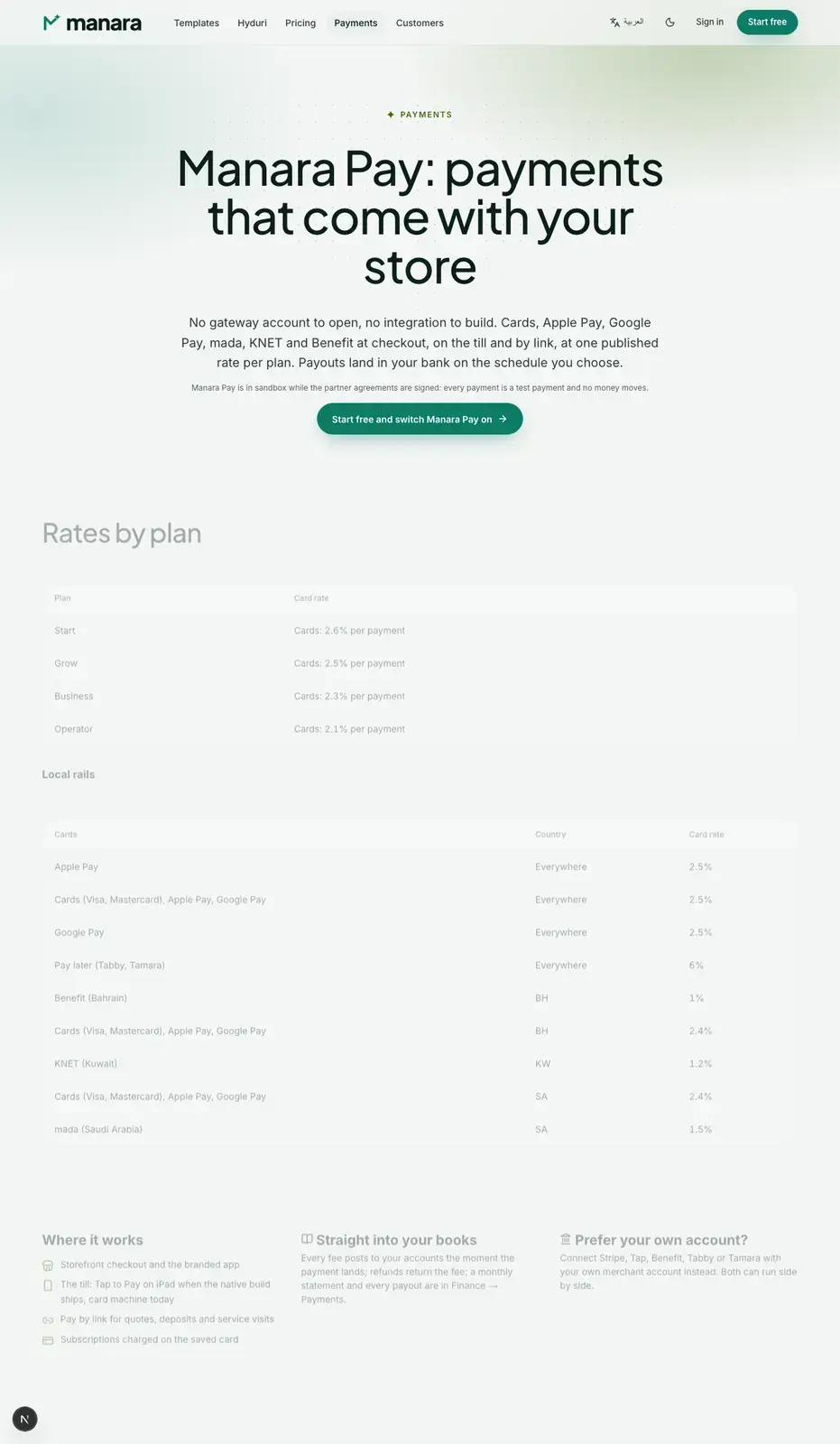 Payments
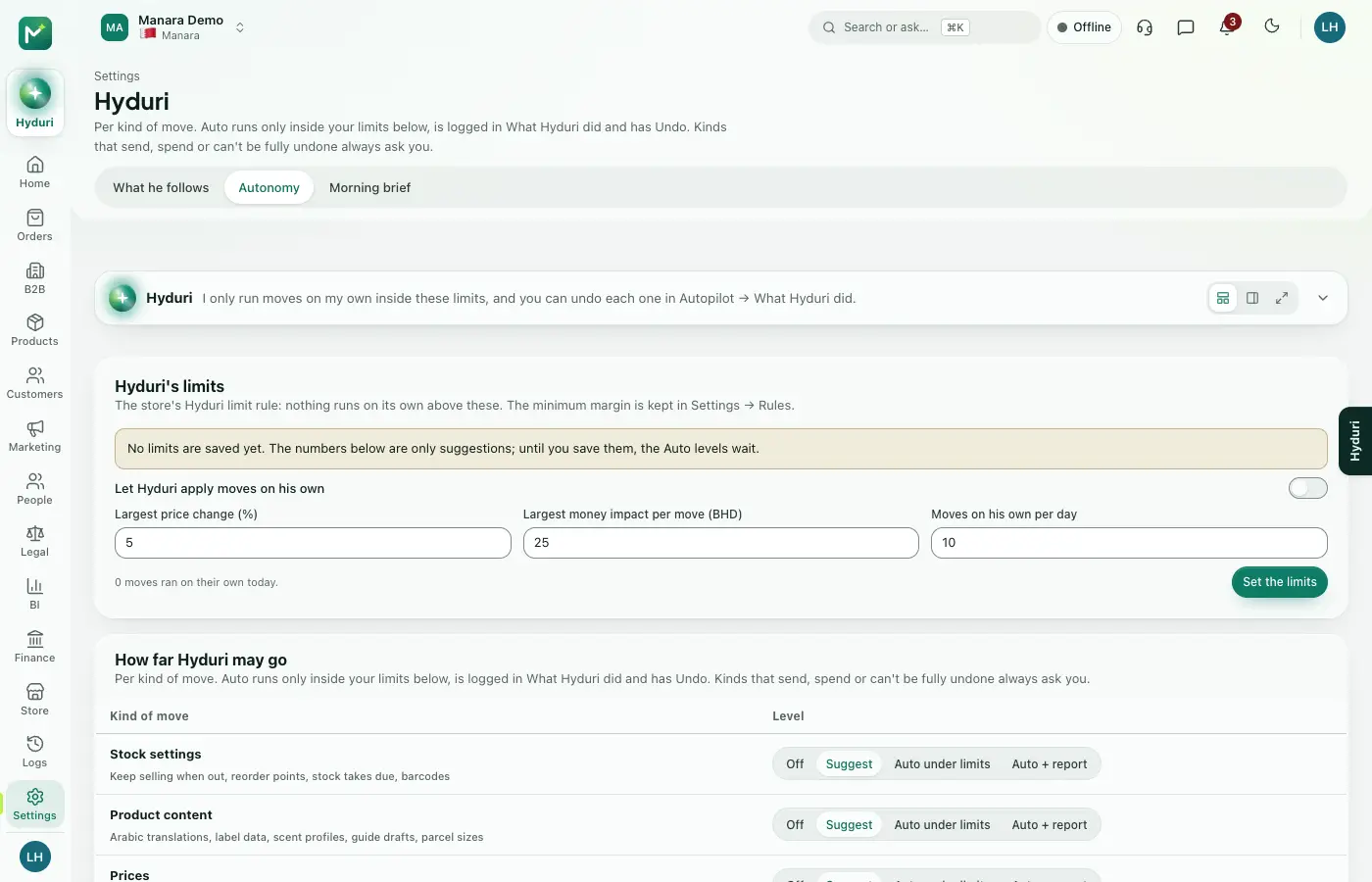 Hyduri
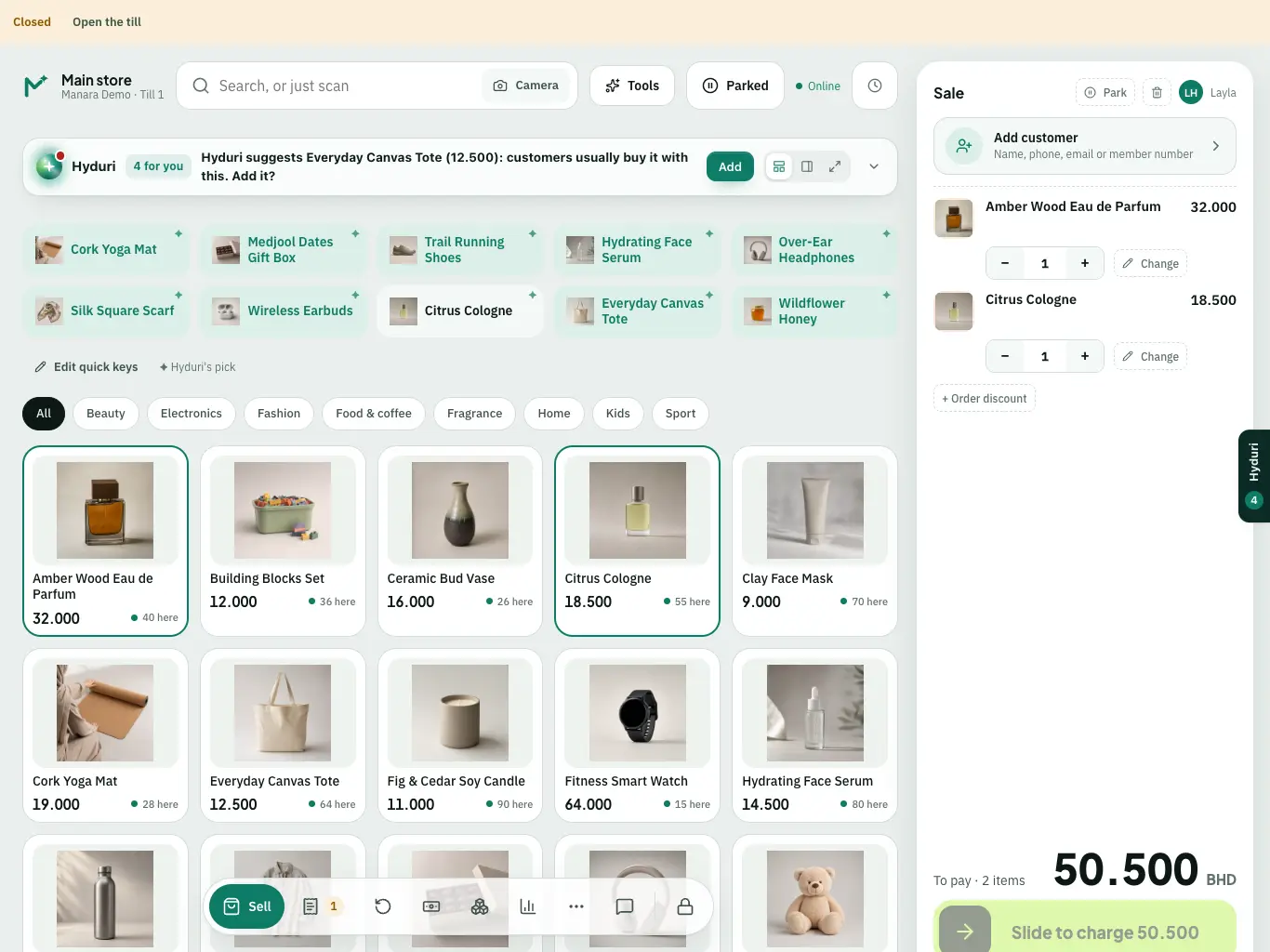 Point of sale

Switch it on in minutes. Keep your data.
NextAll appsSwitch on only what your business runs on. Every app shares the same customers, products and orders, so nothing is typed twice.