
App library · Sales
Bookings, handled.
Take appointments and classes online and at the desk, with staff calendars that stay in step.
What you get
What it does for you
Bookings gives your business a calendar of services, staff and timetables. Customers book online or you book for them, and deposits, reminders and waitlists are handled for you.
- Define the services you offer, who delivers them and the weekly timetable.
- See bookings on a calendar, and a separate calendar for each member of staff.
- Take deposits and send reminders so fewer people miss their slot.
- Let customers book online from your store, or book for them at the till.
- Keep a log of every move and track staff commissions that are waiting to go to payroll.
How it works
From switch-on to first result
Add your services and staff, and set the weekly timetable.
Switch on online booking and choose your reminders and deposit rules in Settings.
Customers book, you see the booking on the calendar, and you check them in when they arrive.
See it
Inside the app
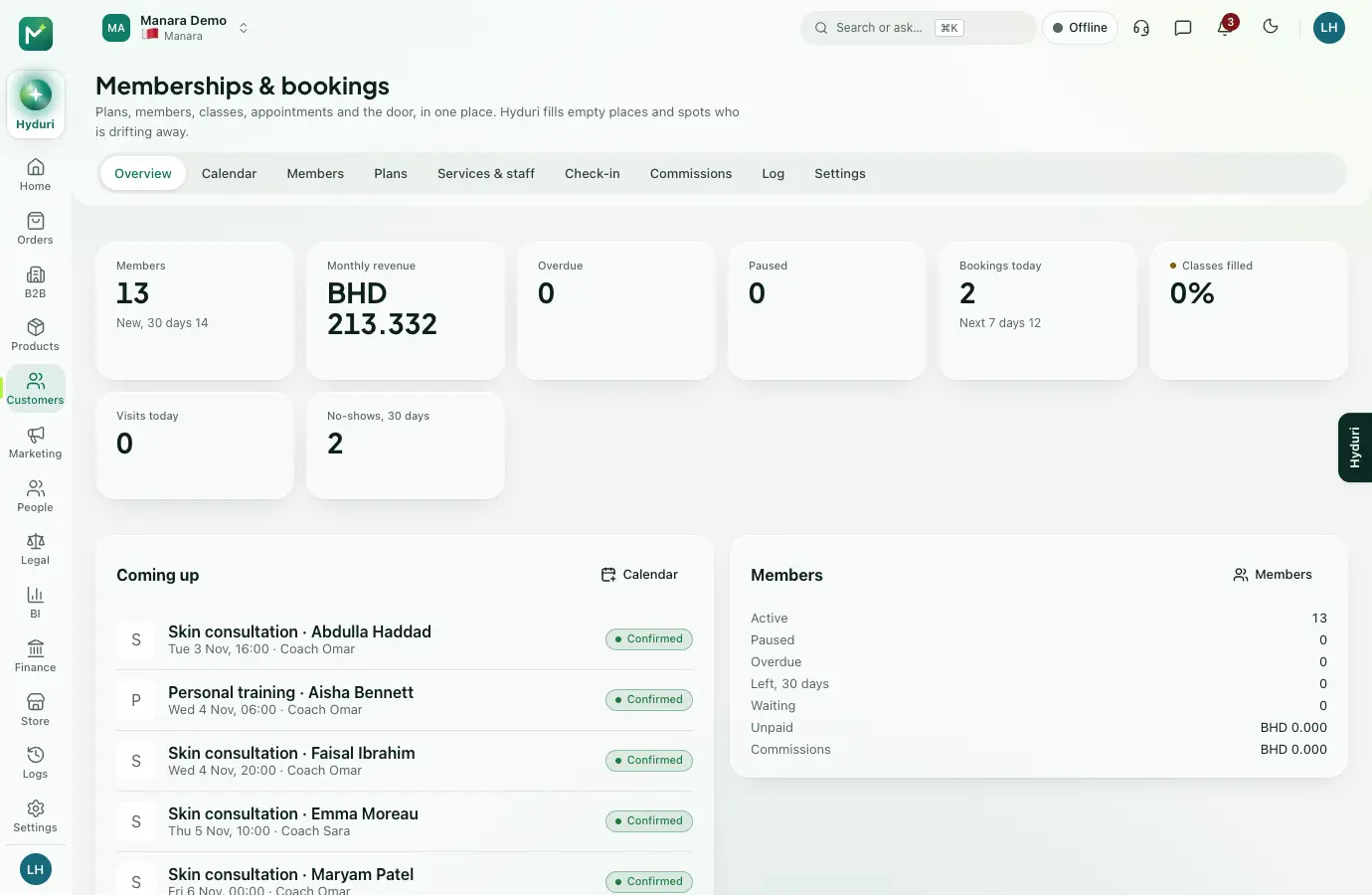 Bookings
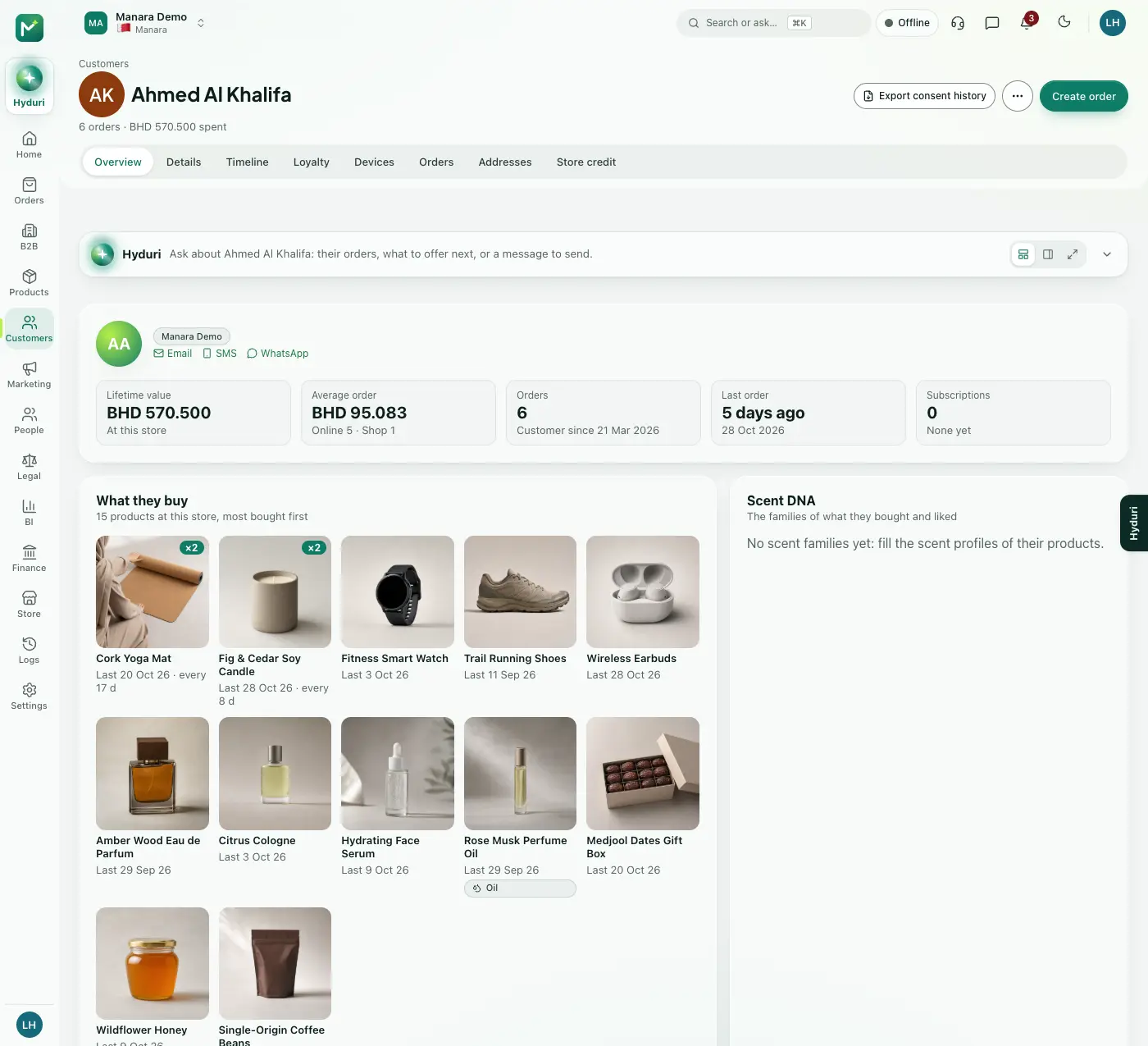 Customers
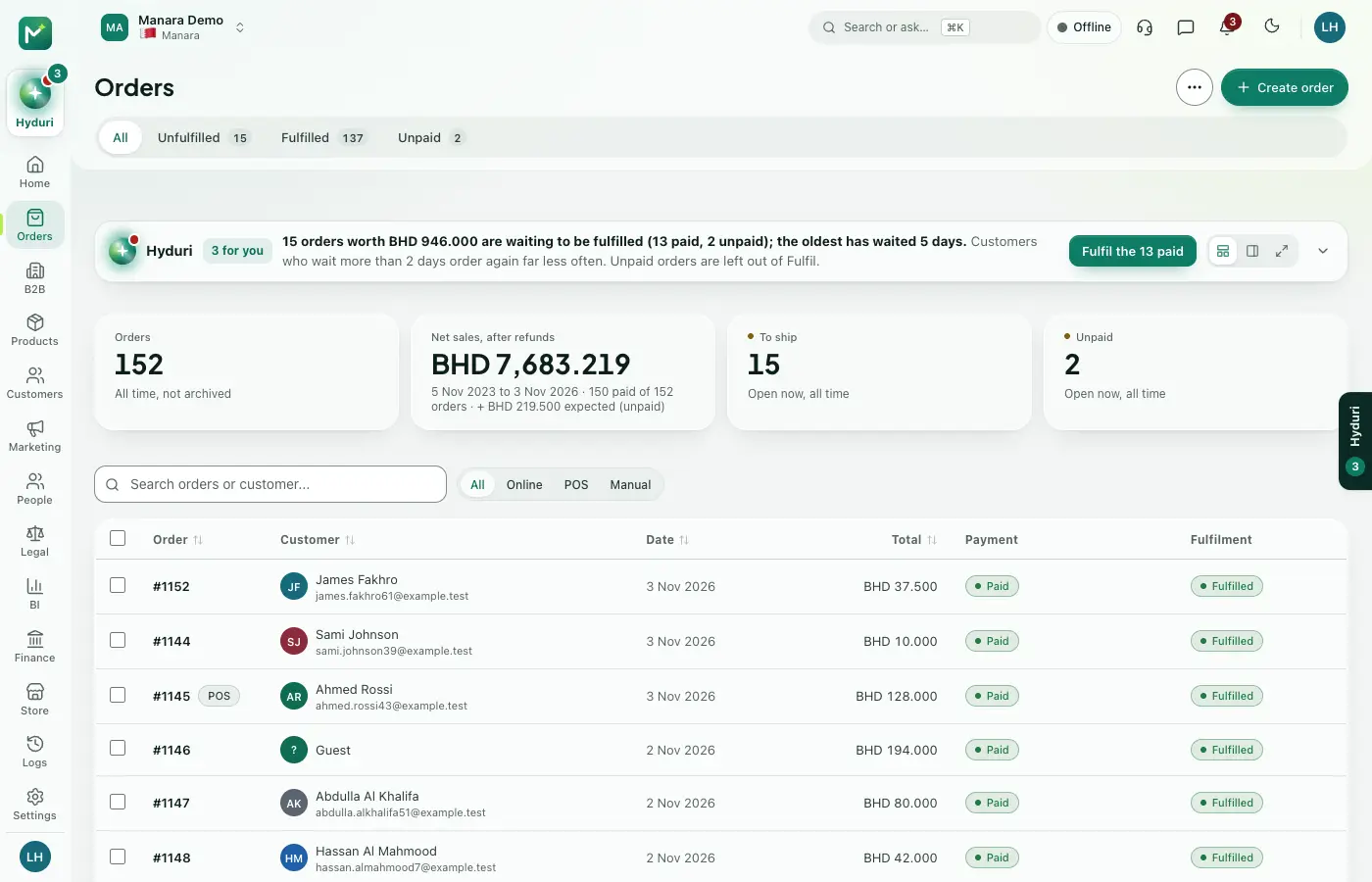 Orders
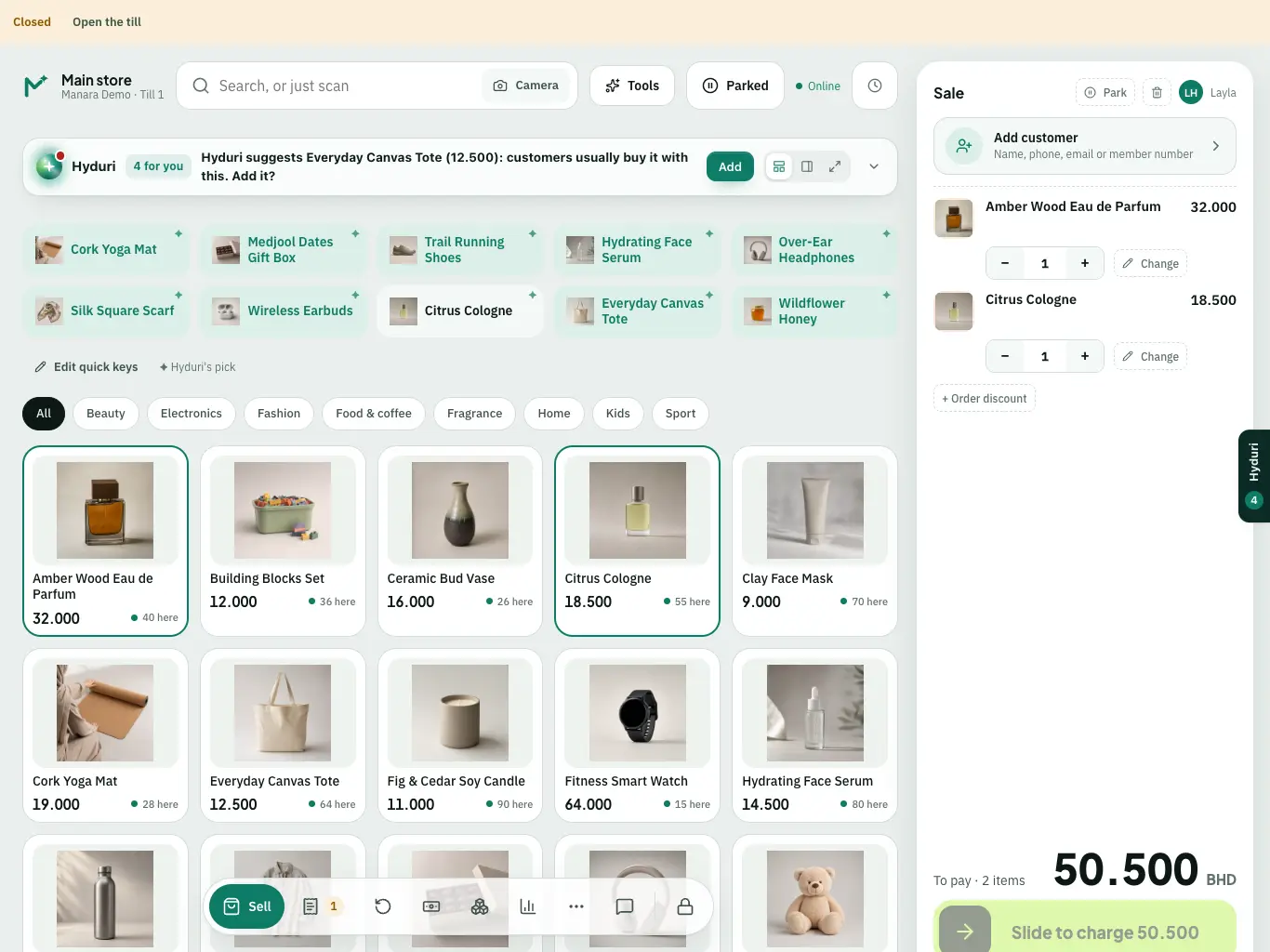 Point of sale
Where it shows
Shows up everywhere you work
- Store admin
- The till
- Your website
- Your shop app
- Hyduri
- Reports
- Emails and messages
Needs
Made for
Who it fits
Every industry: it works for any kind of store.
Questions
Good questions
Do I need other apps installed first?
Yes. Bookings needs Customers and Orders, because every booking belongs to a customer and can be paid for.
Where does it show?
In your admin, at the till, on your online store and in the mobile app, plus reports and emails.
What happens to my bookings if I uninstall it?
Your data is kept. Install the app again and your bookings are still there.
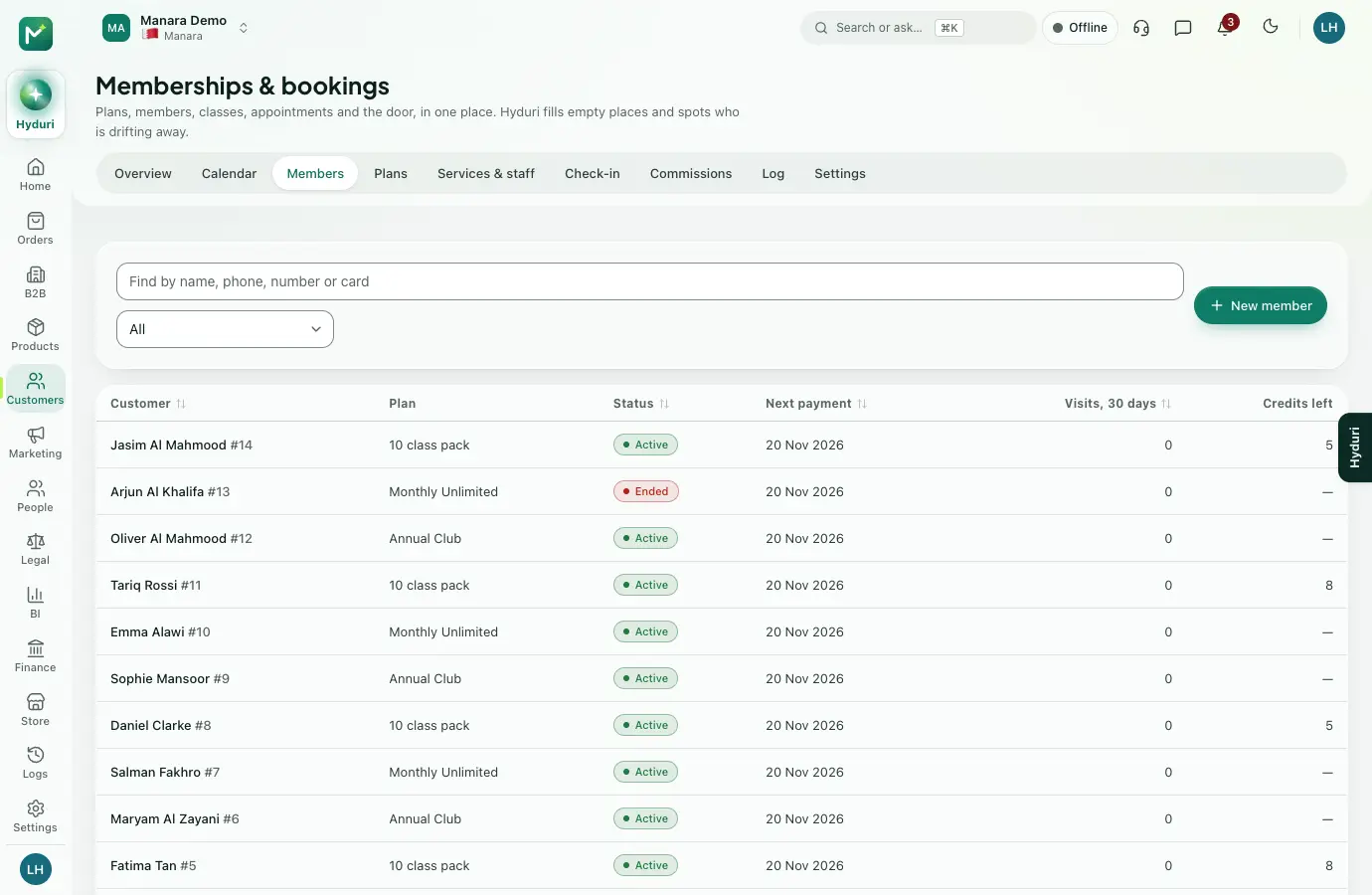 Memberships
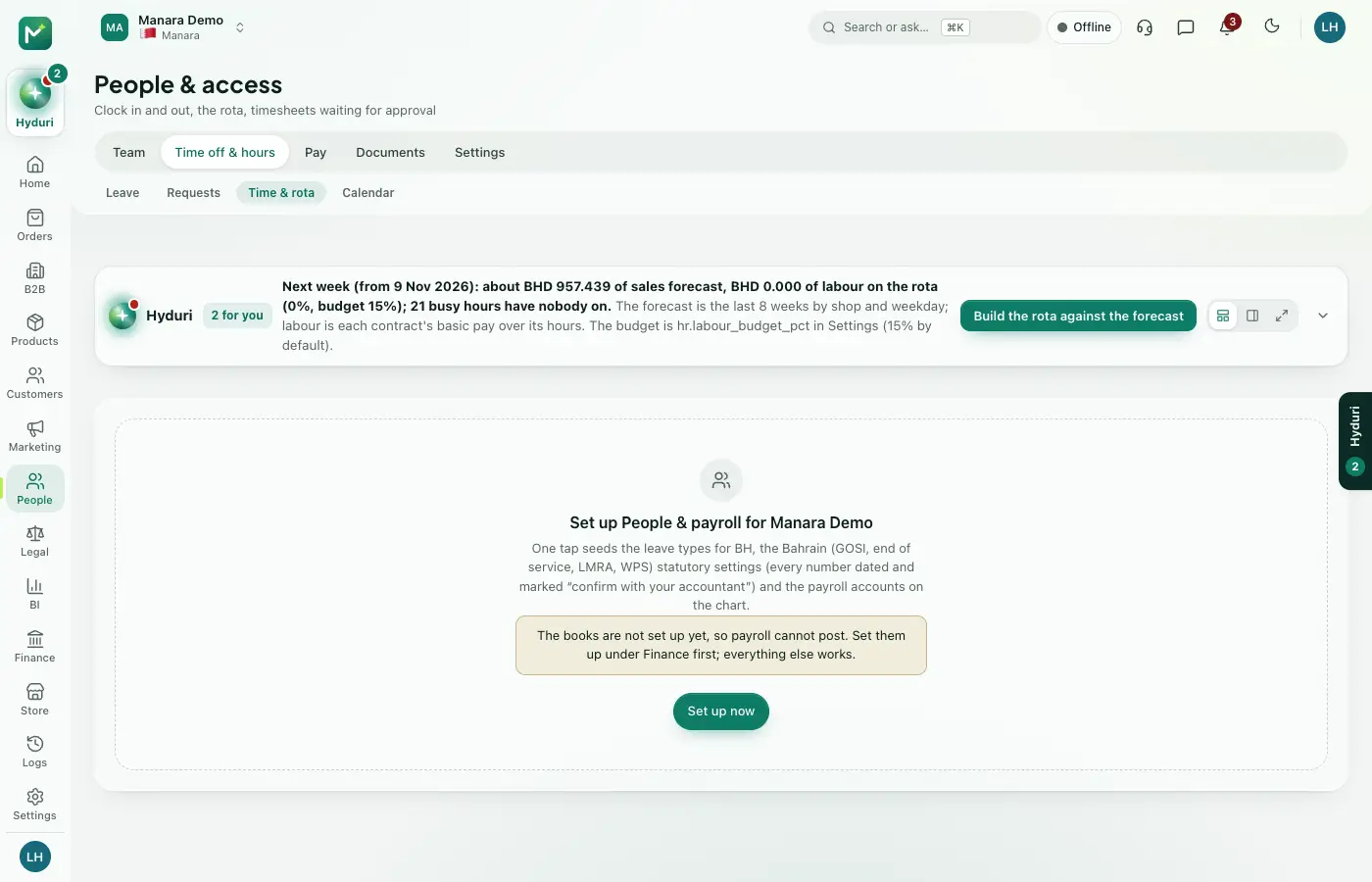 People & HR

Switch it on in minutes. Keep your data.
NextAll appsSwitch on only what your business runs on. Every app shares the same customers, products and orders, so nothing is typed twice.